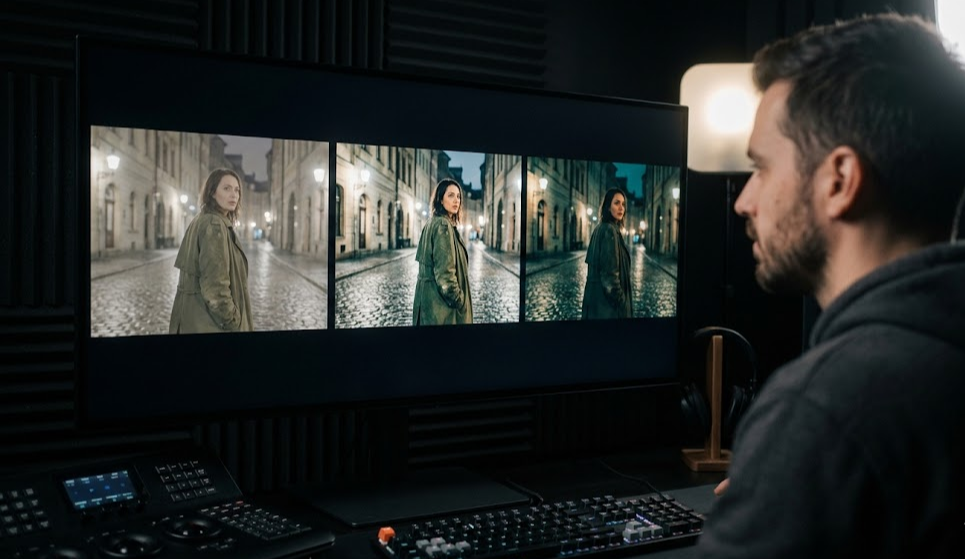
Best AI Video Editor Software in 2026: Complete Guide for Filmmakers
The film industry is changing fast. What used to require expensive gear, big crews, and months of post-production work can now be done by one person with the right AI video editor. Whether you're an indie filmmaker, a YouTube creator, or a small production shop, AI-powered video editing tools have gone from experimental to essential.
This guide covers the best AI video editor options in 2026, how they're reshaping filmmaking, and help you pick the right tool for your work.
What is an AI Video Editor?
AI video editor software uses machine learning to automate, speed up, and improve the editing process. Unlike traditional non-linear editors (NLEs) where you trim every frame yourself, AI editors can:
- Make editing decisions by analyzing footage and understanding story structure
- Generate transitions and effects based on context
- Create smooth cuts between scenes automatically
- Enhance footage with upscaling, color correction, and noise reduction
- Produce entire sequences from text prompts or rough scripts
The best AI video editors blend the creative control of traditional tools with AI speed—you get both worlds.
Why Filmmakers Need AI Video Editing Software in 2026
Here's why these tools have become necessary:
1. Production Time Cuts Dramatically
Traditional video production takes weeks or months. AI video editors shrink this timeline by handling:
- Footage organization and logging
- Rough cut assembly
- Color matching between shots
- Audio sync and cleanup
2. Lower Barrier to Entry
You don't need a film degree or expensive equipment anymore to make professional content. AI video editing software makes advanced techniques accessible to:
- Independent filmmakers
- Social media creators
- Marketing teams
- Small agencies
- Film students
3. New Creative Possibilities
AI enables things that were previously impossible or extremely time-consuming:
- Text-to-video: Create footage from written scripts
- Style transfer: Apply consistent visual styles across projects
- Automated storyboarding: Generate visual previews before shooting
- Intelligent compositing: Blend multiple AI elements seamlessly
Top AI Video Editor Options in 2026
1. MStudio.ai - Best for AI Filmmaking Orchestration
MStudio.ai is the standout platform for creators who want to produce full-length AI-generated films.
Key Features:
- Multi-model orchestration: Work with Runway ML, Pika, Kling, Sora, and other AI generators in one timeline
- Full-length project support: Create films beyond the typical 15-60 second limits of individual generators
- Integrated BGM and SFX: Add music and sound effects within the platform
- Multiple format export: Produce deliverables for any platform
Best For: Filmmakers creating feature-length AI-generated content without manually stitching tools together.
Pricing: Check MStudio.ai pricing for current plans.
2. Runway ML - Best for Creative Professionals
Runway ML is a leading platform for AI-powered video creation and editing.
Key Features:
- Advanced video generation models
- Real-time collaboration
- Extensive model library
- Green screen removal
- Motion tracking
Limitations:
- Clip length capped at 16 seconds (as of 2026)
- Need separate tools for full film assembly
- Subscription costs add up for heavy use
3. Adobe Premiere Pro with AI Features - Best for Industry Professionals
Adobe has packed powerful AI features into Premiere Pro.
Key Features:
- Auto reframe for social media
- Intelligent audio cleanup
- Scene edit detection
- Color matching AI
- Seamless After Effects integration
Limitations:
- Steeper learning curve
- Monthly subscription
- AI features are辅助rather than core to workflow
4. CapCut Pro - Best for Short-Form Content
CapCut grew from mobile app to capable AI-powered editor.
Key Features:
- AI-powered background removal
- Smart effects and filters
- Text-to-speech generation
- Extensive template library
- Free tier available
Limitations:
- Geared toward short-form content
- Not ideal for long-form filmmaking
- Limited professional color tools
5. Descript - Best for Video Podcasters
Descript combines video editing with transcription and AI.
Key Features:
- Edit video by editing text
- AI-powered transcription
- Studio Sound audio enhancement
- Automatic filler word removal
- Overdub for voice cloning
Limitations:
- Not designed for visual storytelling
- Limited advanced editing features
- Best for talking-head content
How to Choose the Right AI Video Editor
Pick based on your needs:
Project Type
- Short-form social content: CapCut Pro or Runway ML
- Feature-length AI films: MStudio.ai
- Professional commercial work: Adobe Premiere Pro
- Video podcasts: Descript
Budget
Prices range from free to hundreds monthly. Consider:
- Production volume
- Required features
- Team size
- Export quality needs
Workflow Integration
Best tool fits your existing workflow:
- Cloud-based for remote work
- Desktop apps for offline
- API access for automation
Learning Curve
Some tools take time to master:
- Adobe Premiere Pro: steep learning curve
- CapCut: beginner-friendly
- MStudio.ai: intuitive AI workflow
- Runway ML: moderate learning curve
The Future of AI Video Editing
The landscape keeps evolving:
Extended Clip Lengths
Most AI generators cap at 15-60 seconds. Platforms are moving toward full-length film support.
Better Consistency
Frame-by-frame consistency is still a challenge. Expect improvements here.
Improved Audio Integration
AI video with AI audio is becoming seamless—better lip-sync, background music, and sound design coming.
Collaborative Features
Real-time collaboration on AI content is improving, helping distributed teams work together.
Getting Started with AI Video Editing
Ready to change your workflow? Here's how:
- Define project scope: Short content or full films?
- Assess budget: Free options exist, but professional tools cost money
- Try multiple platforms: Most offer free trials
- Start small: Begin with a short project to learn the tool
- Scale up: As you master it, take on bigger projects
Conclusion
The best AI video editor depends on your creative needs, budget, and workflow. For filmmakers focused on full-length AI-generated films without traditional post-production headaches, MStudio.ai offers an all-in-one solution. For shorter content or those already using traditional workflows, Runway ML, Adobe Premiere Pro, or CapCut Pro provide solid AI features.
Start experimenting now—the technology is advancing fast, and early adopters will have real advantages.
Ready to try AI filmmaking? Explore MStudio.ai and see how AI can transform your creative process from script to screen.