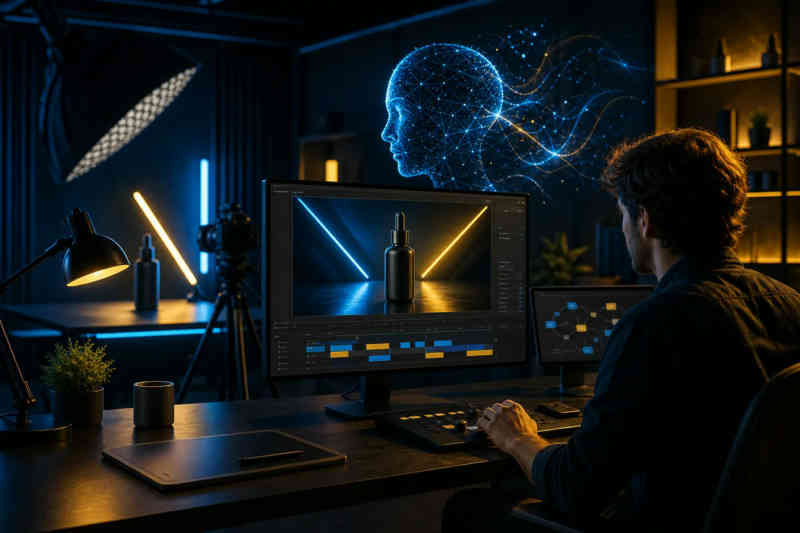
Need slick ads fast? AI can turn a brief into a 4K product video without a camera crew. Below are the five tools that actually deliver on that promise, and who they work best for.
We analyzed 30 YouTube comments about product video makers and found that 20% mentioned enhanced visual and audio features.
1. M Studio
M Studio is an all‑in‑one AI platform that takes a script or a simple idea, plans the shots, draws a consistent storyboard, and outputs a 4K video with sound. It’s built for marketers, agencies, and e‑commerce brands that want pitch‑ready ads without juggling multiple apps.
What sets it apart is the trio of automation: script generation, storyboard creation, and product‑shot rendering happen in one workspace. That means you never have to export a script to a third‑party tool and then re‑import the shots. The platform pulls in leading AI models, so you can switch models on the fly and keep the visual style consistent.
Because it runs in the cloud, teams can collaborate in real time, approve storyboards, and export clean MP4 files ready for any ad platform. The only trade‑off is that M Studio doesn’t offer a free tier, so you’ll need to start with the $1, 24 hour trial before moving to a paid plan.
2. Runway: For cinematic product shots and b‑roll
Runway shines when you need high‑end, cinematic clips that look like they were shot by a pro crew. Its text‑to‑video engine can start from a single product photo and generate a full‑length b‑roll, then let you edit every frame with tools like object removal, relighting, and backdrop swaps.
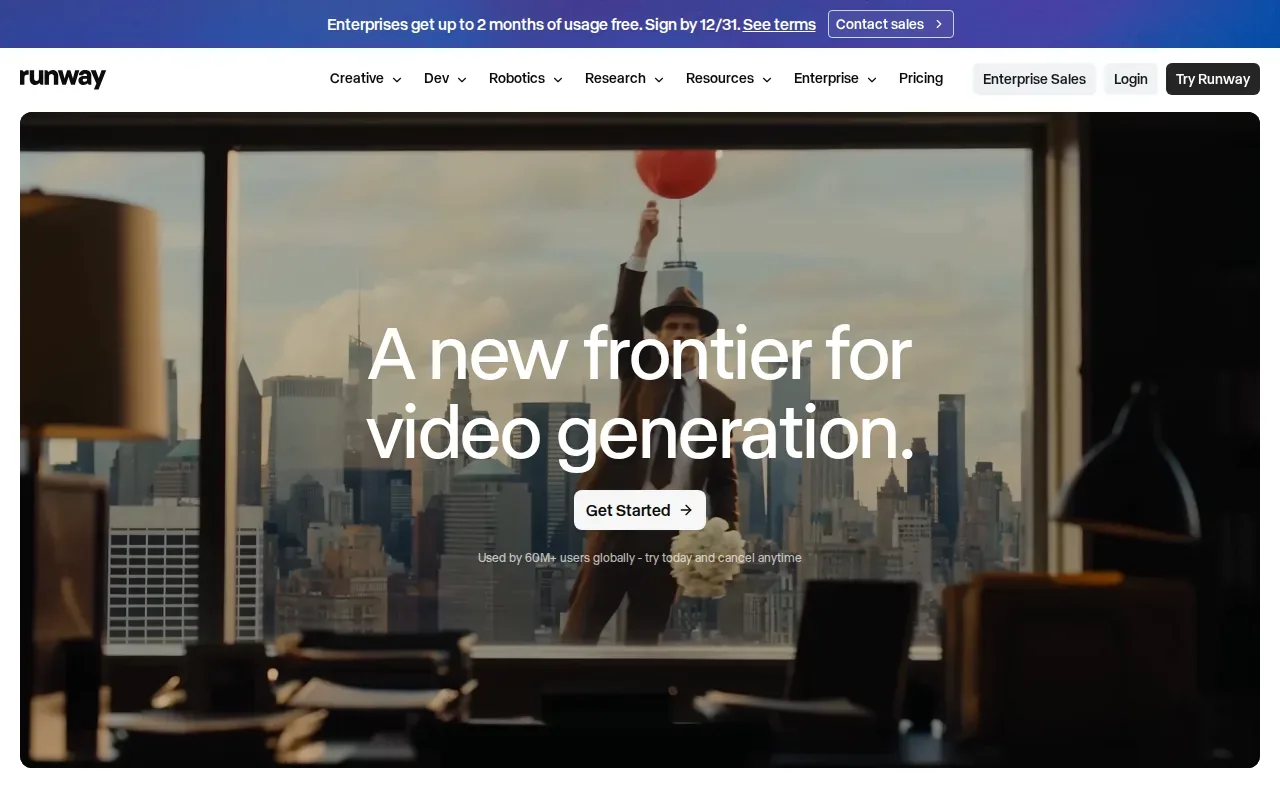
The platform supports up to 4K output and offers a free tier for testing, which is handy for small pilots.
Runway’s strength is the editing suite that lives alongside generation: you can fine‑tune motion, camera moves, and lighting without leaving the app. The downside is the cost; the paid plans run higher per‑second rates than some competitors, and it doesn’t bundle script or storyboard automation.
3. Pippit: For TikTok social‑commerce ads
Pippit was built by the CapCut team to serve TikTok Shop sellers. Drop a product link from Shopify or TikTok Shop, choose a TikTok‑ready template, and the AI spits out a vertical video with script, avatar, voice, and captions.
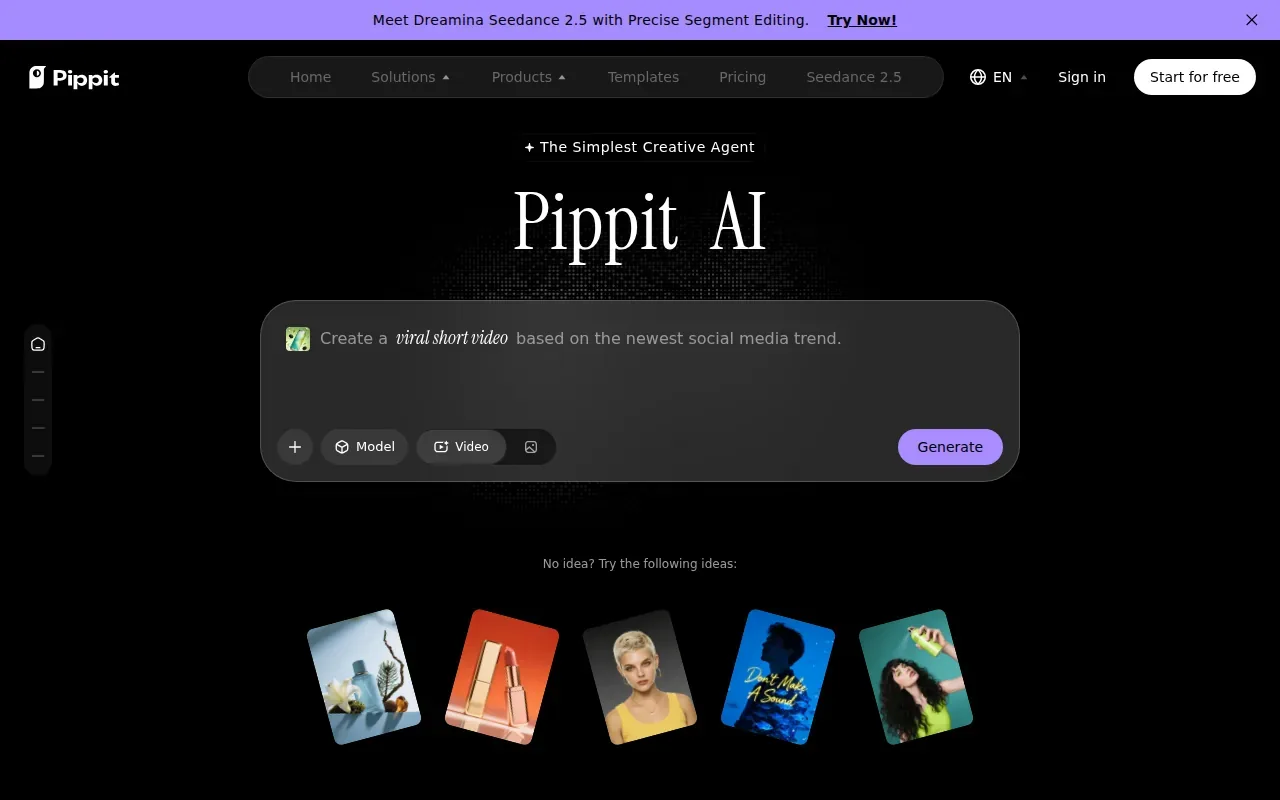
It knows TikTok’s specs, 9:16 size, short loop length, and trending hooks, so the output feels native to the feed. The platform also suggests hashtags and posting schedules, which helps brands stay on trend without a separate marketing calendar.
Because it focuses on the TikTok ecosystem, Pippit isn’t a full‑stack solution for longer YouTube or TV spots. If you need a presenter‑style ad or a 4K cinematic reel, you’ll have to pair it with another tool.
4. invideo: For complete videos generated from a prompt
InVideo lets you type a brief, pick a style, and watch the AI assemble a video with script, voiceover, stock footage, and captions. The platform offers a free tier that gives you watermarked 720p exports, good for testing but not for client‑ready ads.
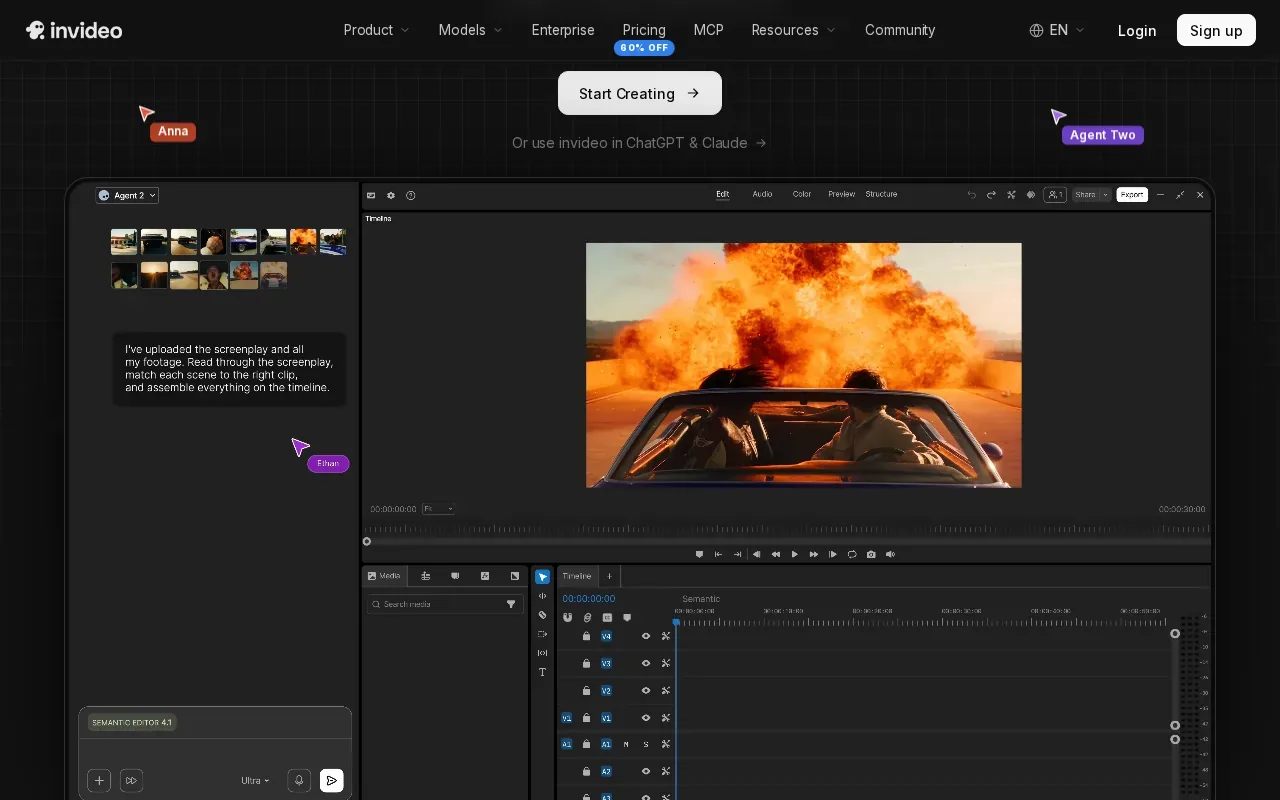
Its strength is the template library: you can start with a product intro, feature walkthrough, or unboxing format, then customize the timeline. InVideo also supports 50+ languages, so you can localize a campaign without hiring voice talent.
The main limitation is the revision loop. If a client asks to keep the opening shot but change the product caption, you often have to regenerate the whole video, which can eat up credits quickly.
5. Topview: For enterprise marketing and creative teams
Topview is an AI video agent for short films and marketing videos, with product shot generation built in.
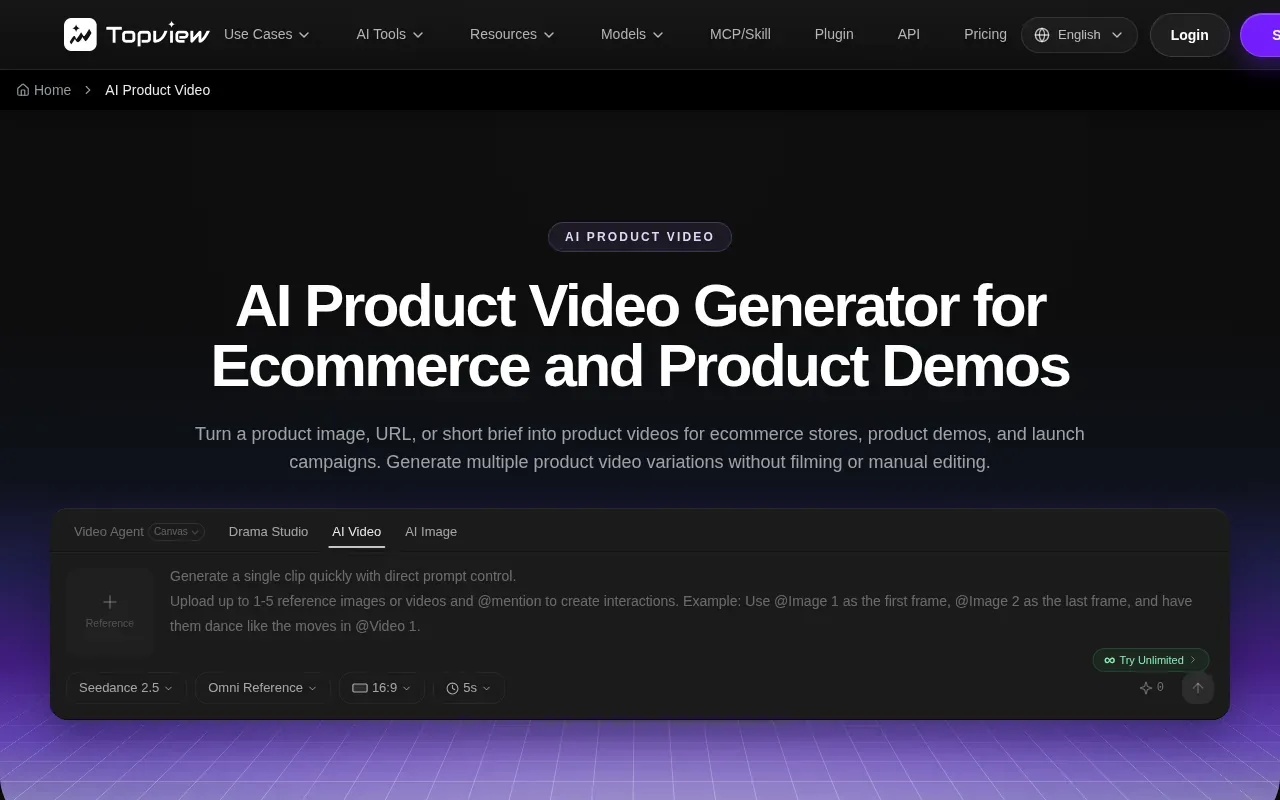
It suits enterprise marketing teams, agencies, and film or creative studios that need a steady flow of short marketing videos built around a product.
Product video maker comparison table
| Tool | 4K Output | Script Generation | Storyboard Automation | Product‑Shot Generation | Free Tier |
|---|---|---|---|---|---|
| M Studio | Yes | Yes | Yes | Yes | No ($1 trial) |
| Runway | Yes | No | No | Yes | Yes |
| Pippit | No | Yes | No | Yes | — |
| invideo | No | Yes | No | Yes | Yes |
| Topview | Yes | Yes | No | Yes | — |
FAQ: Product Video Maker Tools
What is the cheapest way to make a product video?
The cheapest route is to use a free tier like Runway’s or InVideo’s, but those plans limit resolution and add watermarks, so they work best for testing.
Can I generate a 4K video without a paid plan?
Plan on a paid plan for commercial 4K exports. M Studio includes 4K export in its plans, which start at $99 per month after the $1 trial, so check each tool’s current plan before you commit.
Do these tools support multiple languages?
InVideo and Topview both list multilingual voice‑over options; Pippit also adds captions in many languages for TikTok markets.
How fast can I get a video from script to final file?
Most platforms deliver a first draft in under five minutes, but total turnaround depends on revisions and the complexity of the storyboard.
Is there an AI tool that handles both script writing and editing?
M Studio bundles script generation, storyboard creation, and product‑shot rendering in one workflow, which eliminates the need to hop between separate editors.
Conclusion
If you need an end‑to‑end solution that covers script, storyboard, and 4K product shots, M Studio is our recommendation. Start the $1 trial today and see how fast you can launch a polished ad.