
A strong ad starts before anyone touches a camera. The right video ad production tool can turn a brief into a script, planned shots, or a finished social clip, depending on what your team needs.
These four tools take different routes. M Studio is built for a brief-to-film workflow; the others focus on presenters, prompt-led social video, team editing, or campaign launch.
1. M Studio
M Studio is a self-serve AI platform that turns a creative brief into advertising scripts, storyboards, product shots, and videos, with 4K video exports. It fits agencies and marketing teams that need pitch-ready campaign material without planning each shot from scratch.
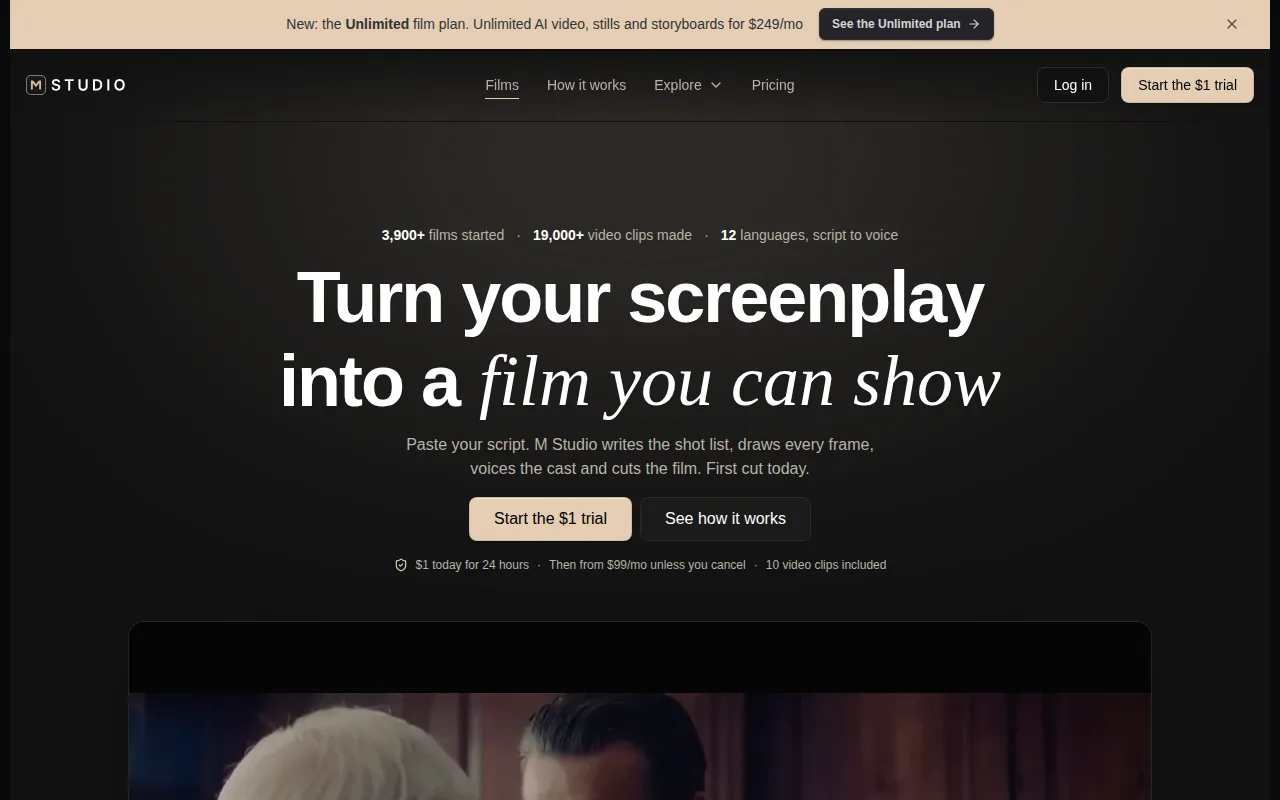
Type an idea or paste a script, and M Studio plans the shots, draws a storyboard with consistent characters, then makes the video with sound. That sequence gives a team a place to review the concept before moving into finished clips. If your agency needs a brief-to-pitch workflow, see M Studio for agencies.
Pre-production is where this pick differs most from a prompt-to-clip tool. Instead of starting with a camera setup or a pile of B-roll, you can shape the script and storyboard first. That’s useful when a client needs to approve the story, product angle, or visual direction before you build the final ad. Teams planning a shot-by-shot concept can also use this commercial storyboard overview as a planning reference.
M Studio plans and renders the creative, but the campaign still needs a distribution plan. Before export, decide where the ad will run, whether you need a vertical cut for Reels or Stories, and what action viewers should take. Check the placement’s current file and aspect-ratio rules before delivery.
M Studio’s subscription plans start at $99 per month, and its trial costs $1 for 24 hours. That makes it a paid workflow rather than a free tool to test indefinitely. Choose it when the value is in keeping scripting, story planning, product shots, and video creation together.
2. HeyGen: Presenter-led and multilingual video ads
HeyGen is a presenter-video platform for teams that need an avatar to deliver a script. It’s a fit for ads built around a spokesperson, especially when the same message needs versions for different language markets.
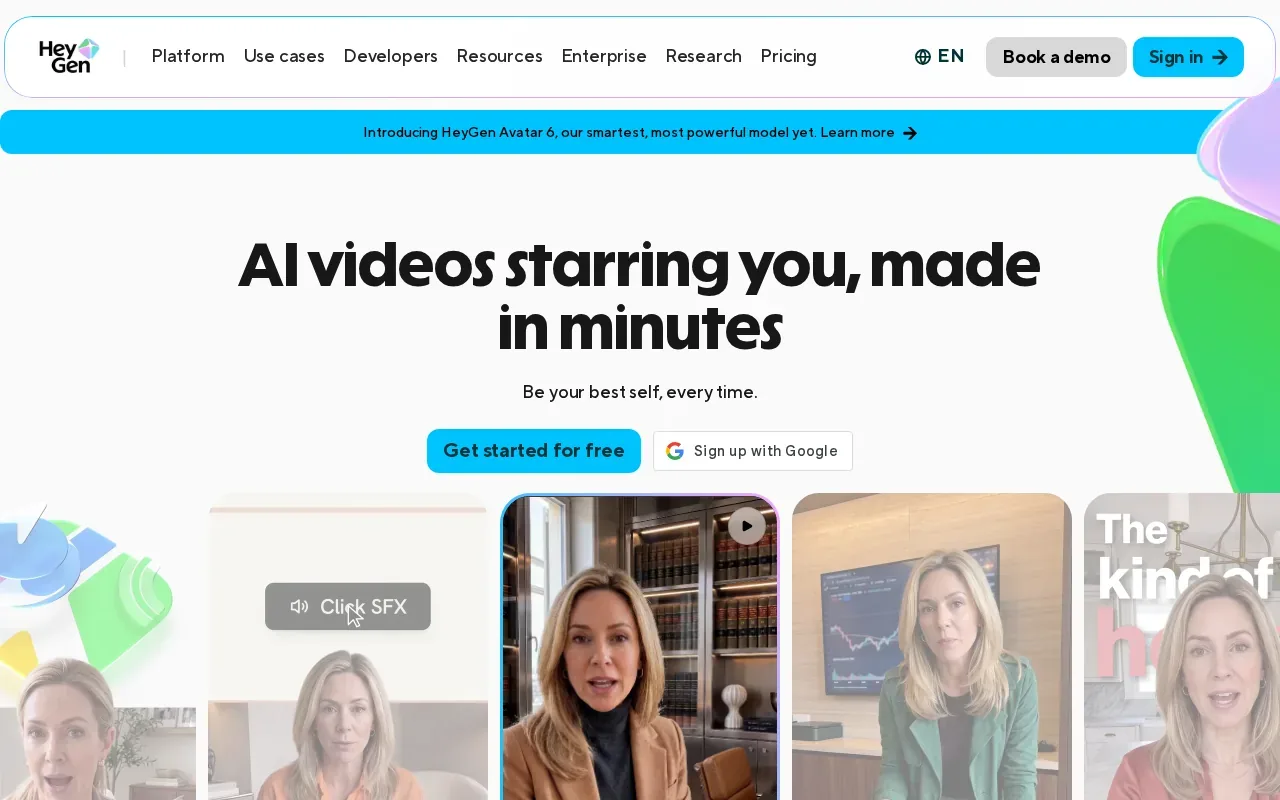
That makes HeyGen useful for a product explainer or a founder-style message when there’s no on-camera shoot planned. A team can write one script, then build localized versions instead of scheduling a new speaker for each market.
Presenter-led ads have a clear style. They’re less suited to a campaign that depends on a sequence of product close-ups, a visual story, or a distinctive live-action look. And translation still needs human review: check product names, claims, and any legal text in every language before publishing.
Choose HeyGen when the person delivering the message is the creative. For shot-led product storytelling, M Studio’s storyboard-first approach is a closer fit.
3. InVideo AI: Fast, stock-backed social ads from prompts
InVideo AI is aimed at marketers who want a stock-backed social video from a text prompt. It suits teams that need a quick first cut for a short-form campaign and don’t need to plan a multi-shot film in detail.
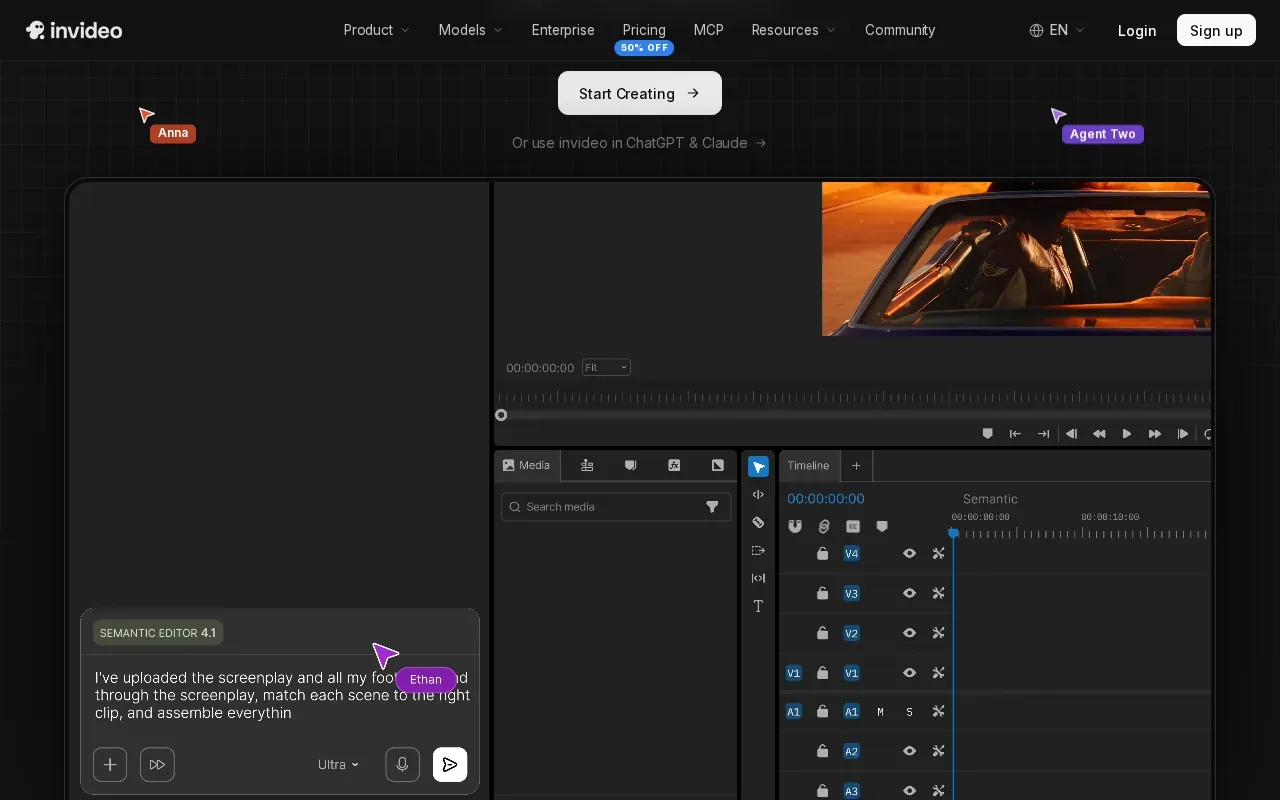
A prompt can get the draft moving, but it doesn’t replace a useful brief. State the audience, product benefit, tone, call to action, and intended placement. Then check whether the selected visuals match the product and whether the opening communicates the point before viewers scroll past.
This kind of workflow can help with concept testing. For example, a small team could draft two versions of a seasonal offer, then compare which opening line better fits its audience. Keep the test focused: change one major idea at a time, and use the same placement so the results are easier to interpret.
Stock footage can also make a product feel generic if it doesn’t match what you sell. Review each shot for accurate product details and brand fit, then check the final cut’s aspect ratio and captions for the placement. The video ad template formats and editing tips can help when you’re adapting a draft for different placements.
Use InVideo AI when prompt-to-social speed matters most. If a client needs approval on a consistent cast, a product-specific shot list, or a full campaign concept, start with a storyboard-led tool instead.
4. Kapwing: Collaborative editing and layered creative
Kapwing is a collaborative video editor for marketing teams, educators, and internal communications groups. Its AI can turn a text prompt into a layered project with voiceover, visuals, subtitles, music, and characters.
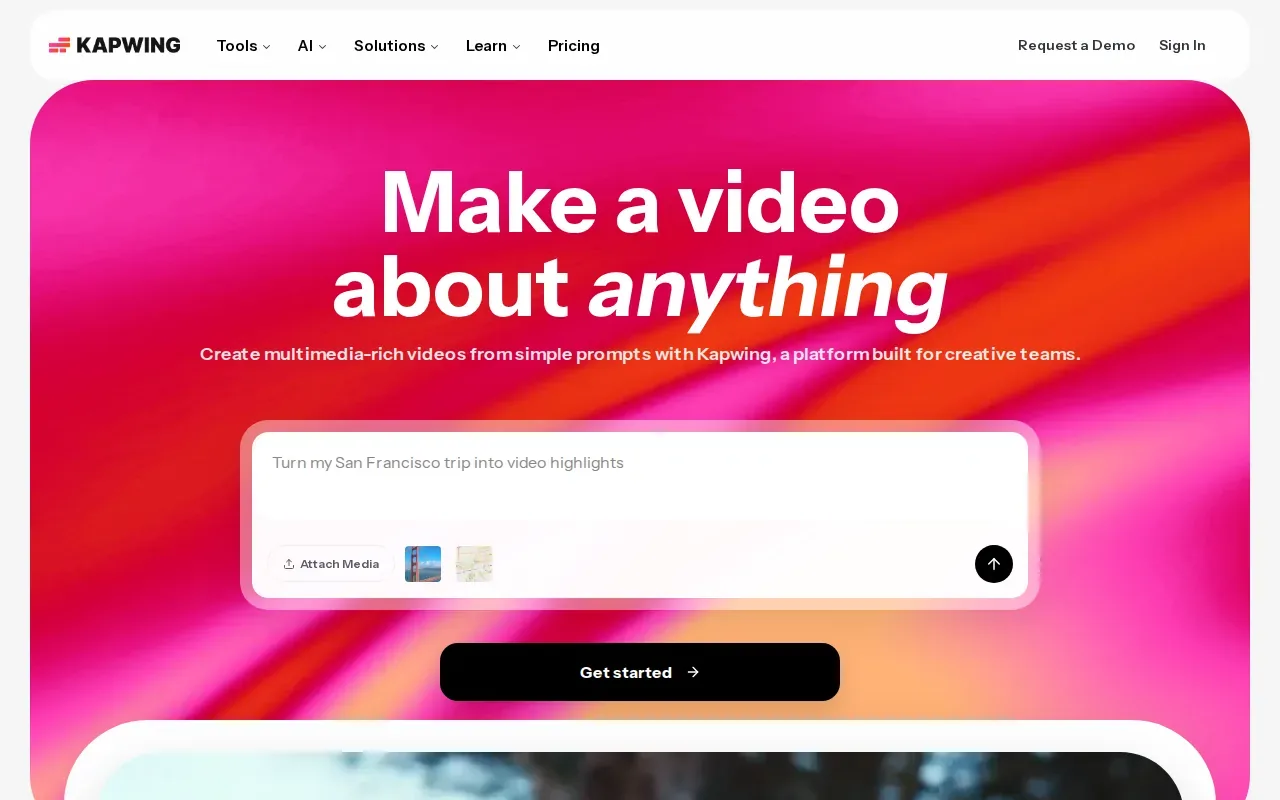
Layers matter when the first draft needs hands-on changes. A team can adjust timing, trim clips, add overlays, and share feedback through the editor’s drag-and-drop timeline. That gives collaborators a place to shape the cut instead of passing a finished file around for scattered notes.
It can also help when the same update needs localization or a fresh version for another team. Keep a review step for the parts that can’t be judged by appearance alone: subtitle wording, music rights, brand claims, and product details. A polished edit still needs approval before it becomes an ad.
Kapwing’s integration is Model Context Protocol (MCP). That may fit teams connecting creative work to AI-agent workflows, while teams using other systems should map out how files and approvals will move between them. Limited connectors can mean extra handoffs, so test the full review-to-export path before making it a team standard.
Kapwing is the better fit when collaboration and editing control are the main needs. It isn’t the same workflow as a tool that plans a campaign film from a creative brief.
5. AdStellar: Creative production connected to Meta campaign launch
AdStellar connects ad creative generation with Meta campaign launch. It’s for performance marketers who want to move from making an ad toward setting up a campaign in one place.
That link between creative work and paid distribution can cut a handoff. Instead of exporting a file and starting campaign setup as a separate task, a performance team can keep the creative and Meta launch in the same workflow. AdStellar’s integration is Meta, so teams should confirm that it fits their campaign setup before building a process around it.
Think about the work after launch, too. A campaign needs a clear destination, a defined action, and a way to judge results against its goal. If the ad is meant to drive leads, for example, check that the landing page and tracking are ready before the campaign starts. A video tool can connect creative to launch, but the campaign still needs a measurement plan.
AdStellar has a seven-day free trial. Its focus is performance marketing and Meta campaign launch, rather than the script-to-storyboard production flow M Studio is built around. Choose it when campaign setup is the bottleneck; choose a production-first tool when the concept and shots need more attention.
Compare the Video Ad Production Tools at a Glance
Use this table to match the tool to the work that’s slowing your team down. For any option, plan a final review for usage rights, claim accuracy, and platform specs; those checks sit outside the creative draft itself.
| Tool | Best fit | Where it helps in the workflow | Cost or access detail |
|---|---|---|---|
| M Studio | Planned campaign films and agency pitches | Brief to script, storyboard, product shots, and video | Plans start at $99/month; $1 trial for 24 hours |
| HeyGen | Presenter-led and multilingual content | Script delivery and video translation | Free tier allows 1 to 3 videos monthly, depending on region |
| InVideo AI | Prompt-led social ads with stock visuals | Fast first-cut generation for social | Free plan includes a watermark |
| Kapwing | Team editing and localization | Layered timeline edits and shared feedback | — |
| AdStellar | Performance campaigns on Meta | Creative generation connected to campaign launch | Seven-day free trial |
One wider campaign point: the ad file is only one part of distribution. Teams may also need a landing page, paid media plan, and lead follow-up. For service businesses, digital marketing and AI automation work can sit in that broader campaign context, including SEO and paid advertising support.
Keep the edit plan tied to the campaign goal. Vertical, short-form cuts suit placements such as Reels or Stories, while a longer explainer may need a different opening and call to action. Shoppable or interactive features also depend on the destination platform, so confirm what the placement supports before building the final version.
FAQ
What is the best tool for video ad production?
M Studio is a strong fit here for teams that need a planned, brief-to-video workflow. It turns an idea or script into planned shots and a storyboard before making the video. If your campaign centers on an avatar, social prompt, shared editing, or Meta launch, one of the other tools may fit that narrower task better.
Can AI tools make a video ad from a script?
Yes, some tools can turn a script into a video. M Studio plans shots and a storyboard from an idea or pasted script, while HeyGen uses scripts for presenter-led video. The right fit depends on whether your ad needs a planned visual story, a speaker on screen, or a fast social draft.
Do I need a camera and crew to make a video ad?
No, you don’t always need a camera or crew. AI tools can make presenter videos, generate visuals, or build a storyboard-led film. But if your concept relies on a real location, hands-on product demo, or a specific live-action look, plan for filming and choose gear that suits the scene, sound, and lighting needs.
How should I budget for a video ad?
Start with the workflow, not only the subscription price. Include the time needed for script approval, revisions, editing, localization, and rights checks. M Studio plans start at $99 per month, while the other listed tools have the access details shown in the comparison table. Test a representative ad before committing to a larger production workflow.
What should I check before publishing a video ad?
Check the placement specs, aspect ratio, captions, destination link, and call to action before publishing. Confirm that the product claims are accurate and that you have permission to use the footage, music, and other assets. For translated versions, review names and legal text in each language rather than relying on an automatic pass alone.
Conclusion
For a team that needs a campaign concept planned and rendered in one workflow, start with M Studio. It puts scripting and storyboards ahead of the final video, which helps when the idea needs approval before production. Review the workflow against one active brief, then start the $1, 24-hour trial to see if it fits your team.