
A good AI commercial generator should do more than turn a prompt into a clip. It should fit the work you need to finish, whether that means planning an ad from a brief or making product videos for paid social. Here are six tools, starting with M Studio, and the work each one fits best.
We analyzed 24 YouTube comments about AI commercial generators and found that 33% mentioned inconsistent character appearances.
1. M Studio — brief-to-campaign creation with 4K exports
M Studio is a self-serve AI platform that turns a creative brief or script into advertising scripts, storyboards, product shots, and video, with 4K exports. It suits marketers and agencies who need a campaign concept they can show, review, and carry into production.
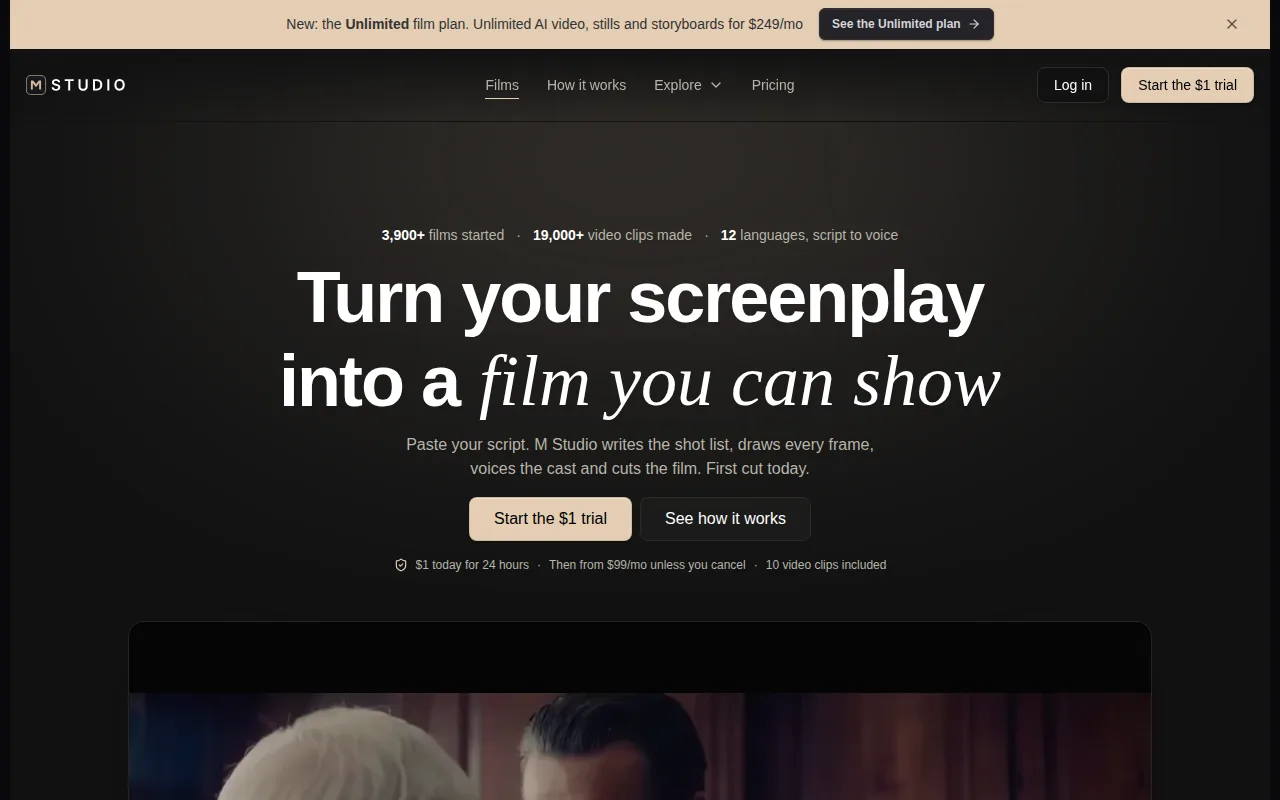
Its defining choice is to plan the shots before making the video. Type an idea or paste a script, and M Studio plans shots, creates a storyboard with consistent characters across frames, then makes video with sound. That gives a team more to discuss than a single generated clip: reviewers can react to the sequence and the visual direction before treating it as a finished ad.
If you work with a team or client, M Studio’s agency workflow is a relevant place to see how the product fits campaign work. The storyboard stage can also help when a script needs a shot-by-shot plan before anyone signs off on the edit.
M Studio plans start at $99 per month, and the site describes a $1 trial for 24 hours. The trial then moves to a paid plan unless you cancel. Check the terms before starting, especially if you only need to test one brief.
Choose M Studio when a campaign needs a connected path from idea to planned shots and video, rather than a standalone clip generator.
2. VidAU: ecommerce product videos and paid-social creative
VidAU is built for ecommerce product videos and paid-social ad creative. It fits online shops, sellers on Shopify or Amazon, and performance teams making ads for TikTok or Meta.
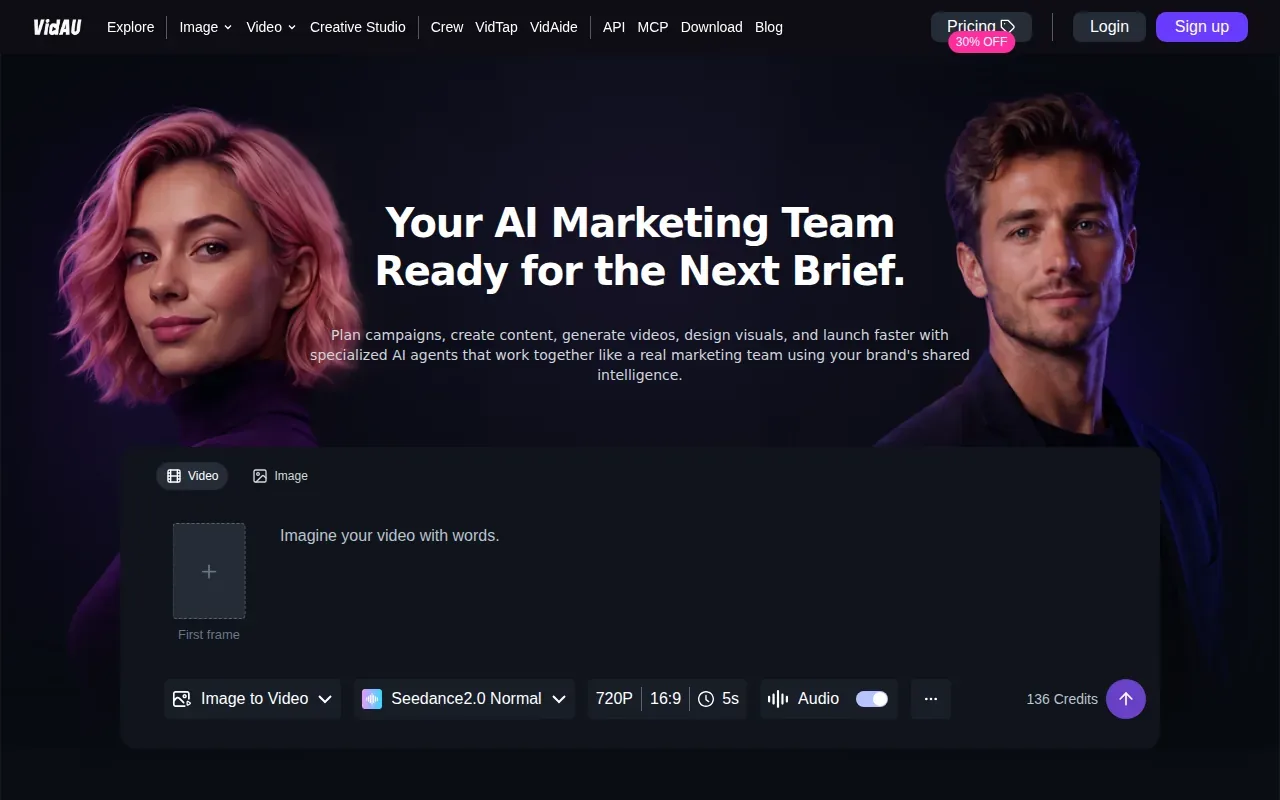
The listed workflow starts with a product URL and can generate a video with an AI avatar presenter, synthesized voice-over, captions, and product shots. Multi-format export helps when the same campaign idea needs versions for different placements. For a team with a product page ready but no filmed footage, URL-to-video is a direct way to start an ad draft.
VidAU also describes a wider marketing workflow built around specialized AI agents. Its site presents campaign planning and content creation as connected tasks. That may suit a team producing a steady flow of creative, though the details of a particular campaign still need human review before publishing.
VidAU does not offer a free tier. That makes it a better fit when product-ad production is a recurring task, rather than a one-off experiment. Before you commit to a template-led workflow, check that the product details, offer, and captions in each draft match the current campaign brief.
If your main need is product-focused creative, compare this workflow with the broader AI product video generator options and decide whether URL-based ad creation or a shot-planned campaign is closer to your process.
3. Runway: shot control for video editors and agencies
Runway is an AI video and image tool for editors and agencies that want control over individual shots. It is a fit when AI needs to join an existing editing process instead of handling the whole ad workflow.
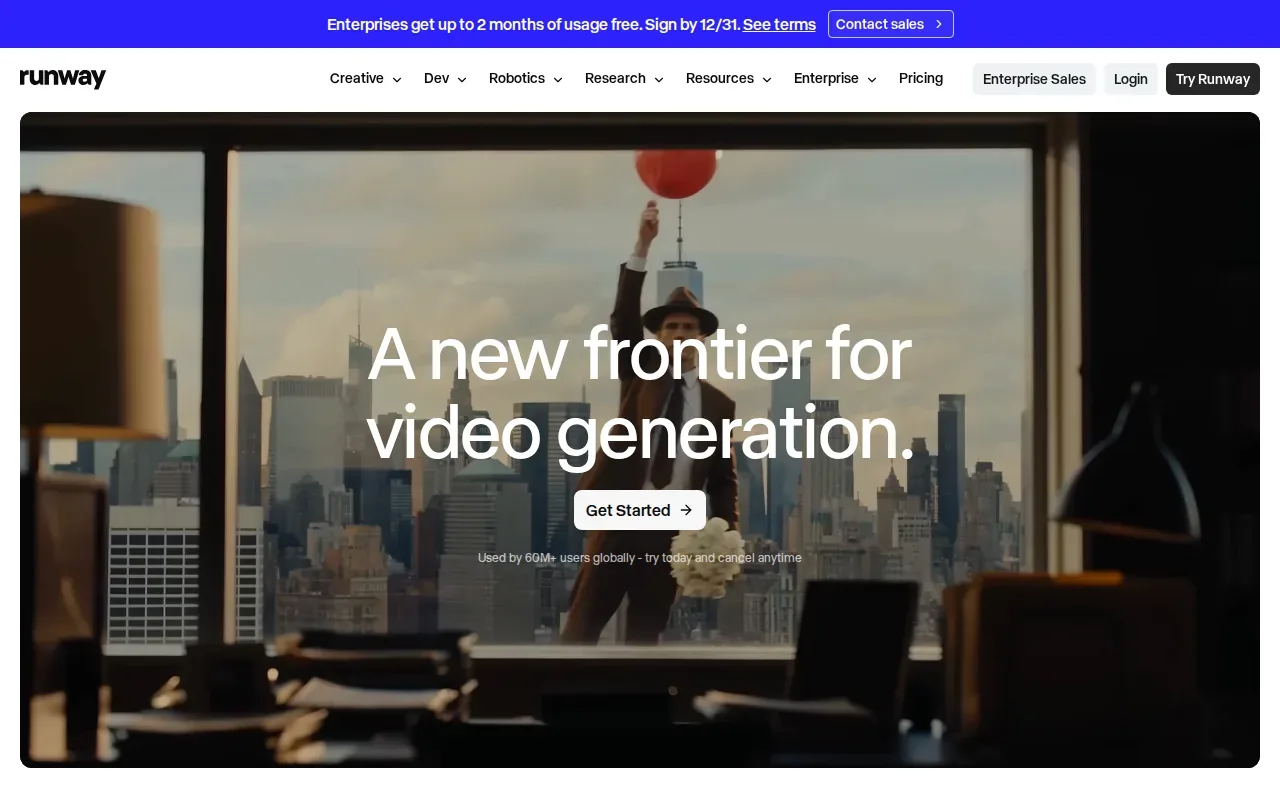
Its capabilities include video-to-video workflows, polished editing tools, parallel generations, and 4K upscaling. It also lists voice clones, brand kits, HDR output, and ProRes output. Those options point to a production workflow where a team generates or adjusts material, then brings it into an edit and checks the output against project needs.
Runway does not offer a free tier. Its range of shot and output controls can make sense for an editor who already knows what a scene needs. But a tool with shot-level control still depends on someone making creative decisions. If your brief needs a full campaign plan before shots are generated, that is a different job from refining footage inside an existing edit.
For example, an agency might use a generated shot to explore a visual direction, then judge whether it belongs in the client’s cut. Keep the shot request specific, and review each result for continuity and brand fit before it moves into a final timeline.
Runway is the better match when your team wants generative footage and editing control, not a guided brief-to-campaign process.
4. HeyGen: avatar-led ads and multilingual production
HeyGen is an avatar-led video tool with a focus on realistic presenters and multilingual production. It suits agencies, global brands, localization teams, and executives who need spokesperson-style video.
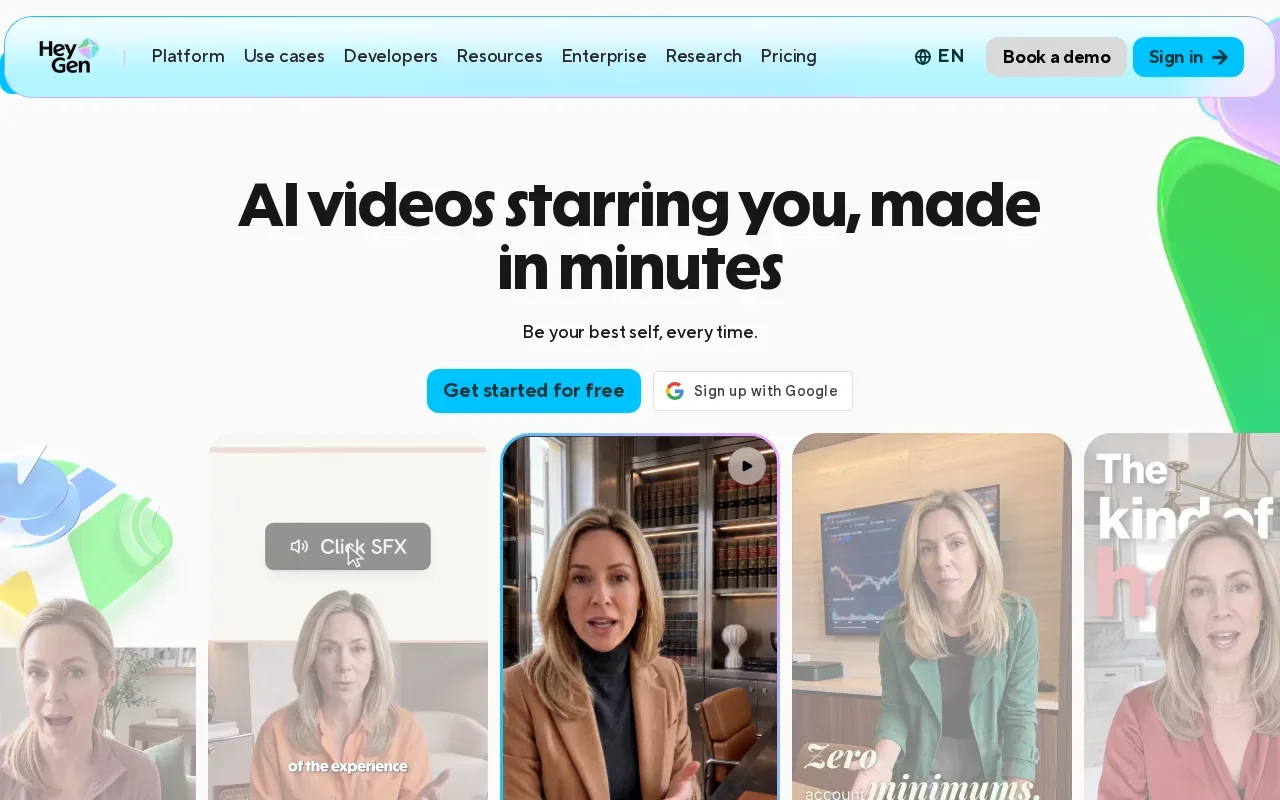
A presenter can be useful when the ad depends on a person delivering a clear message to camera. HeyGen’s supplied strengths are avatar realism and video production across languages. That makes it a distinct choice from tools centered on product shots or shot-by-shot cinematic work.
HeyGen has a free tier of one minute per month. HeyGen integrates with SSO and LMS, which matter to teams placing video within sign-in or learning systems. These are more useful signals for a larger communications workflow than for a creator who only needs a short social ad.
Before using an avatar in a campaign, make sure the script sounds natural when spoken aloud. Then review the final message in each language for tone and accuracy. A translated line can be technically clear yet still miss the way your brand talks to customers.
Pick HeyGen when a visible speaker and language versions are central to the assignment. If the commercial depends more on product motion or scene design, an avatar may not be the right creative center.
5. Topview: short films and marketing videos for creative teams
Topview is an AI Video Agent for short films and marketing videos. It is aimed at enterprise marketing teams, agencies, and film or creative studios.
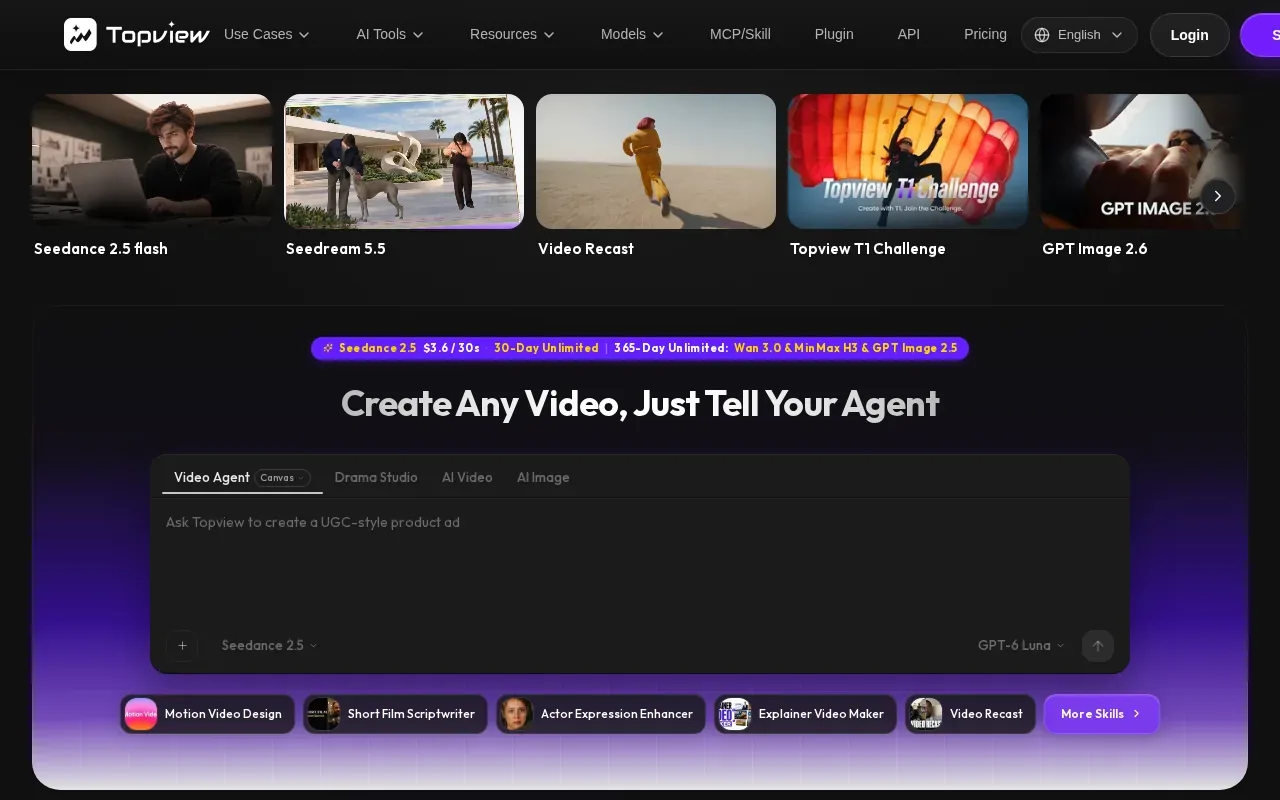
Topview can make short films, marketing videos, and ads from scripts, references, or product URLs. Its AI Video Agent plans and creates scenes on one canvas. For a creative team, the single-canvas approach gives the project a place to build out a scene plan instead of treating each clip as an isolated result.
That script and reference input can suit work that has a clear story or visual direction. A team might bring a script when the message is settled, or use reference material to guide the intended look. Product URLs provide another starting point for marketing content. These inputs are useful only if the source material is clear enough to guide the campaign.
Topview does not offer a free tier. Teams should weigh that against how often they expect to make short films or marketing videos. For a one-off ad, a larger creative workflow may be more than the job needs. For a studio building several scene-led projects, planning scenes on one canvas may fit the way the work is organized.
Choose Topview when your brief calls for a short film or scene-based marketing video, rather than a presenter-led message or a simple product clip.
6. InVideo: accessible entry pricing for budget-conscious creators
InVideo serves solo creators, YouTubers, and small businesses starting AI video work on a tight budget. It has a free tier, which makes it an accessible place to try text-to-video before moving into a paid workflow.
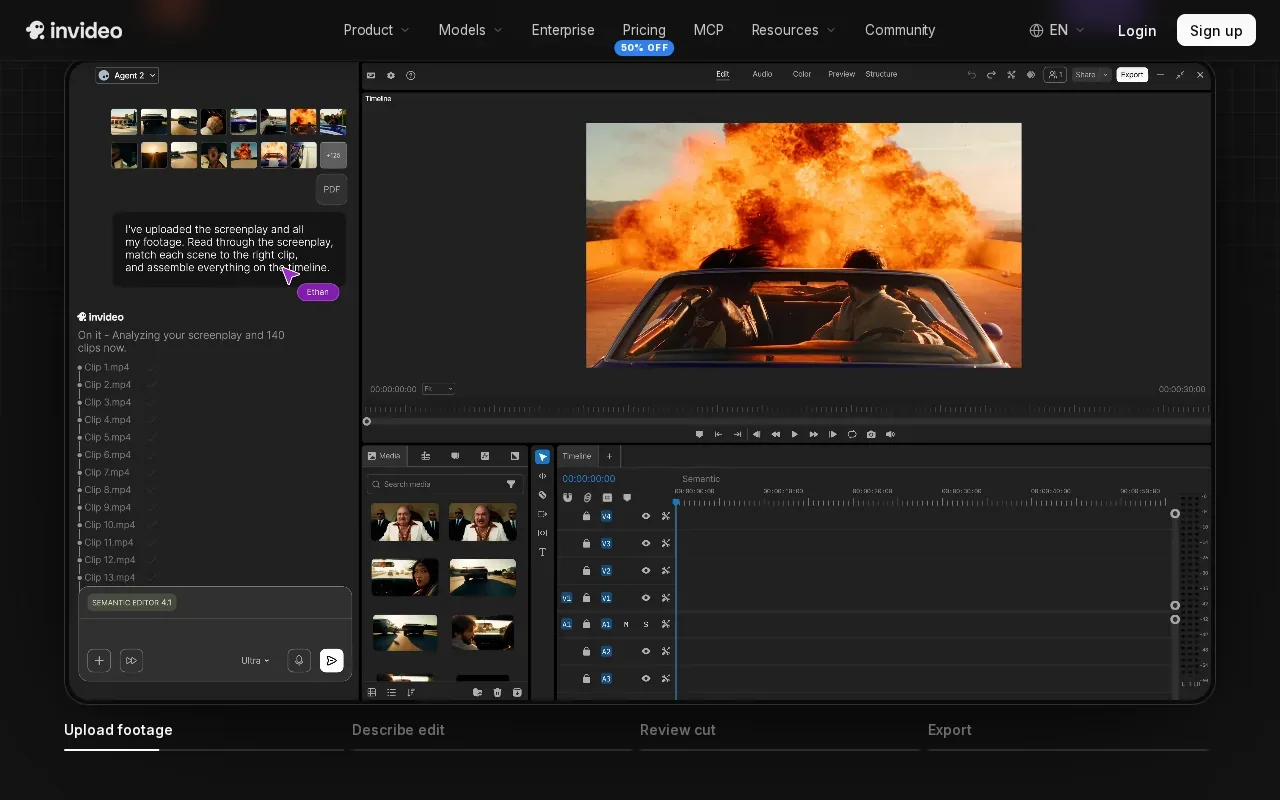
Its capabilities include AI text-to-video, a large template library, stock footage integration, and voice-over synthesis. Templates and stock footage can help a creator assemble a first draft without building every scene from scratch. That can be enough for a simple explainer or social video, especially when the message matters more than a distinct cinematic look.
Use it with a short, clear script. Check that the chosen footage supports the claim being made, then listen to the voice-over and make sure the timing feels right. A fast draft is still a draft. The details of the offer, the brand’s tone, and the final format need a human check.
This quick decision table focuses on the production need each tool fits, not on a feature count:
| Tool | Best fit | Free tier | Starting point |
|---|---|---|---|
| M Studio | Brief-to-campaign ads with planned shots | No, $1 trial for 24 hours | Creative brief or script |
| VidAU | Ecommerce and paid-social product ads | No | Product URL |
| Runway | Shot-level work in an editing workflow | No | Video or image generation |
| HeyGen | Avatar-led, multilingual video | Yes, 1 minute per month | Presenter-style video |
| Topview | Short films and scene-based marketing videos | No | Script, references, or product URL |
| InVideo | Budget-conscious text-to-video creation | Yes | Text prompt or script |
For a quick ad draft on a small budget, InVideo is a sensible starting point. If you need a planned campaign with a storyboard and 4K exports, M Studio is built around that broader production path.
Teams comparing social-ad workflows can also review AI video ad generators for marketers to see which kind of production process best matches their campaign.
Frequently Asked Questions
What is an AI commercial generator?
An AI commercial generator uses artificial intelligence to help make video ads from inputs such as a prompt, script, product page, or reference. The workflow varies by tool. Some focus on presenters or templates, while others plan scenes or generate individual shots. You’ll still need to check the message, brand details, and final edit before publishing.
Which AI commercial generator is best for a full ad campaign?
M Studio is the clearest fit in this shortlist for a brief-to-campaign workflow. It can turn an idea or script into planned shots, a storyboard, product shots, and video with sound, with 4K exports. Choose it when planning the sequence is part of the work. For a single presenter clip or product URL ad, another tool may fit better.
Which tool has a free tier?
HeyGen and InVideo have free tiers. HeyGen’s free tier includes one minute per month. InVideo also offers a free tier. M Studio has a $1 trial for 24 hours, not a free tier, and the trial moves to a paid plan unless you cancel.
Do you need editing skills to use AI video ad tools?
Not always, but the amount of editing depends on the tool and the result you need. Templates or avatar-led workflows can help you make a first draft with less timeline work. Editors using shot-generation tools may want more control over the cut. In every case, review the script, visuals, captions, and export before the ad goes live.
Can these tools make multilingual ads?
HeyGen is the option in this shortlist whose supplied facts call out multilingual video production. It is a strong match when you need presenter-led versions for different audiences. Check each language version for meaning and tone before publishing. The right review process matters because a direct translation may not sound like your brand.
Conclusion
For a campaign that needs a brief, storyboard, product shots, and 4K video in one self-serve workflow, start with M Studio. Review its plans and the $1 trial terms, then test it with a real campaign brief.