
A good video creator for business can turn a rough brief into a pitch-ready ad without a full film crew. But tools take very different paths: M Studio plans a film from a brief, while others focus on generated shots, presenter videos, or ad variations. Here are seven tools and the work each fits.
1. M Studio
M Studio is a self-serve AI platform that turns creative briefs into scripts, storyboards, product shots, and videos. It’s best for marketers and agencies that need a campaign concept they can show to a client or team, not just a folder of loose clips.
Type an idea or paste a script. M Studio plans the shots, draws a storyboard with the same characters in each frame, then makes a video with sound. The workflow joins planning and production in one place, which cuts down on the manual stitching that often comes with separate tools. Exports are available in 4K.
A storyboard gives the team a chance to check the scene plan before investing in final shots. It’s a familiar film-planning format, described in Wikipedia’s overview of storyboards. M Studio plans start at $99 per month, and the site lists a $1, 24-hour trial with 10 video clips included. See its video creation features to check how the brief-to-export flow fits your pipeline.
M Studio is the clearest fit when the brief, shot plan, product visuals, and finished video need to stay connected. If you only need a few independent clips, its end-to-end workflow may be more than the job calls for.
2. Runway: for cinematic ads with shot-level control
Runway is a generative video tool for teams that want careful control over individual shots. It’s best for agencies making cinematic ads, especially when the visual idea calls for a particular frame or camera feel.
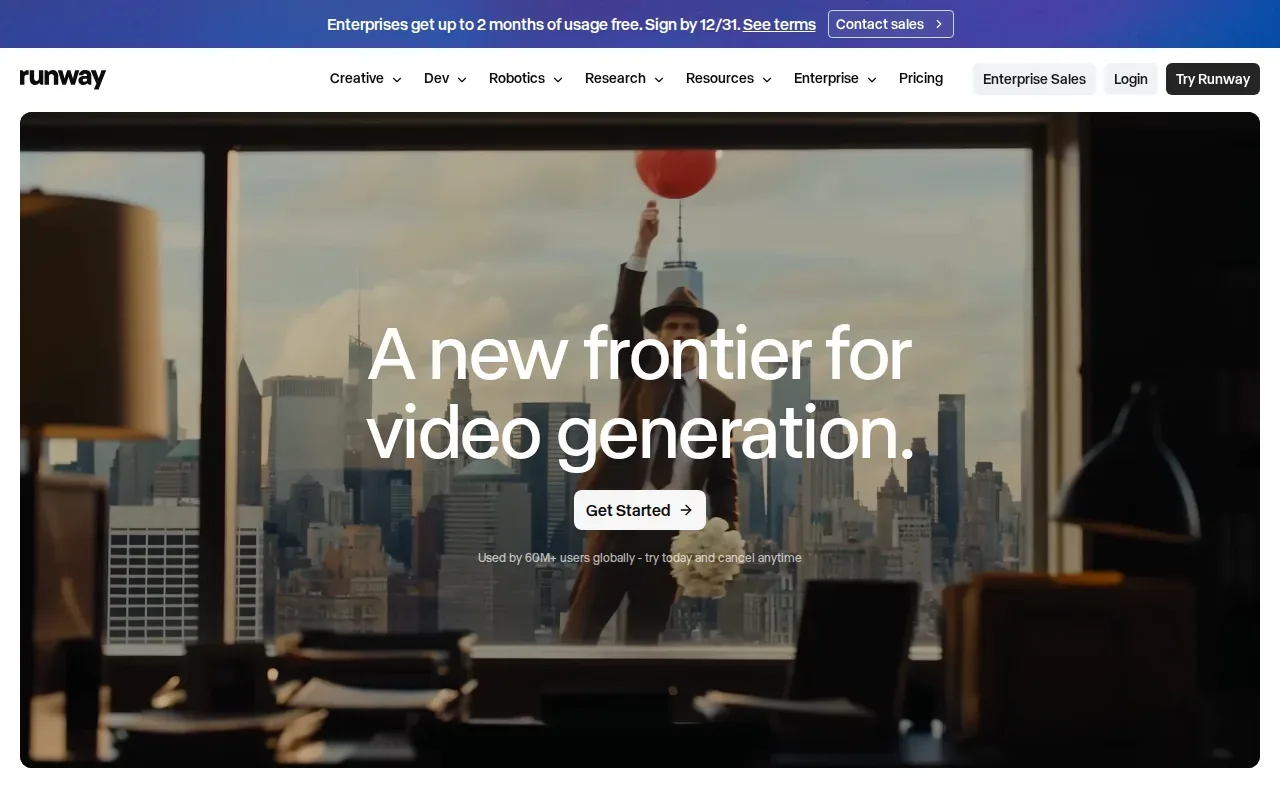
A free tier includes 125 one-time credits, which are enough to test the workflow but not to plan a full campaign around. Treat it as a shot-making tool: create the footage you need, then assemble and finish the full ad in your editing workflow.
That split matters. A team can use Runway to make a single hero image move, then cut that shot beside live-action footage or other campaign assets. But if you want a brief to become a complete script, storyboard, and finished video in one run, M Studio covers more of that production path. The marketing video software comparison can help you sort tools by workflow before settling on a setup.
Choose Runway when shot control is the main need. Its credits are a test budget, not a promise of a steady volume of finished campaign videos.
3. Synthesia: for presenter-led business videos
Synthesia puts a synthetic presenter on screen to read your script. It’s best for corporate training, compliance videos, and product explainers where the same clear host needs to deliver repeatable messages.
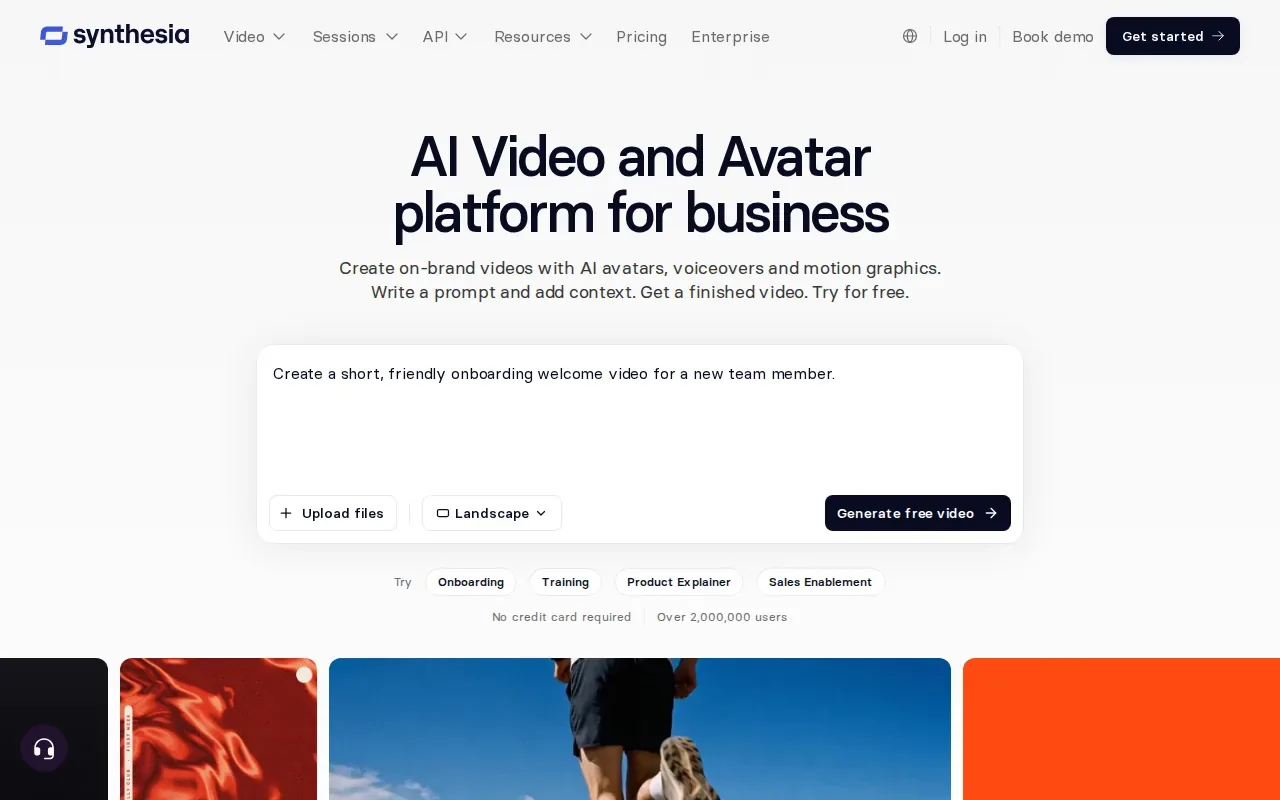
The service supports 140-plus languages and voices. Its free tier includes up to 10 minutes of watermarked video per month and nine stock avatars, so a team can test a short lesson or explainer before deciding whether it fits. The API integration may also suit teams that need to connect video generation to a larger workflow.
Think of a product team updating a short feature explainer after a release. A presenter-led format lets the team revise the script without arranging another on-camera recording. For a story-driven ad with distinct product shots, a synthetic host may not be the right visual center. In that case, compare it with a storyboard-led workflow instead.
Use Synthesia when the message needs a consistent presenter. Check the language and voice choices against the content your audience will actually hear.
4. HeyGen: for multilingual avatar video at scale
HeyGen focuses on avatar videos, with a strong fit for teams that need to localize explainers or personalize videos for large contact lists. Its language reach includes more than 175 languages and dialects, with voice cloning.
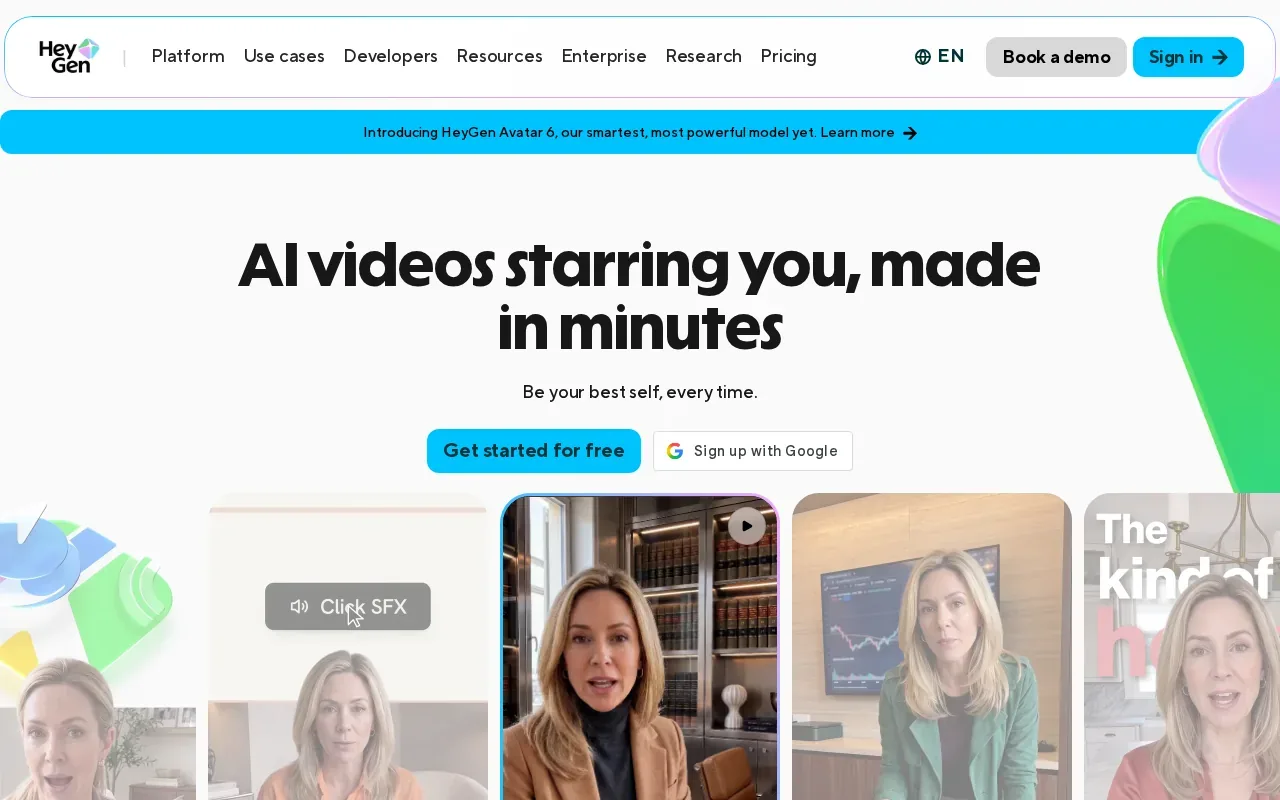
The free tier allows three videos of up to one minute each per month and includes one custom twin. That gives a small team room to test a presenter format. SSO and LMS integrations may also help when video needs to fit an established company or training setup.
For localization, the workflow can start with an existing video or a script for a new avatar video. The key decision is whether the message depends on a recognizable speaker. A translated avatar can carry a product explanation into more markets, while a product-focused ad may need stronger visual direction than a talking presenter can provide.
HeyGen is worth a look when one message needs many language versions. Before publishing, have a fluent reviewer check names and key terms in each version.
5. Topview: for editable, AI-generated marketing campaigns
Topview uses an AI agent to plan scenes, select models, generate assets, and keep each shot editable on Canvas. It’s best for enterprise marketing teams, agencies, and creative studios that need AI-generated campaign videos with room to revise individual scenes.
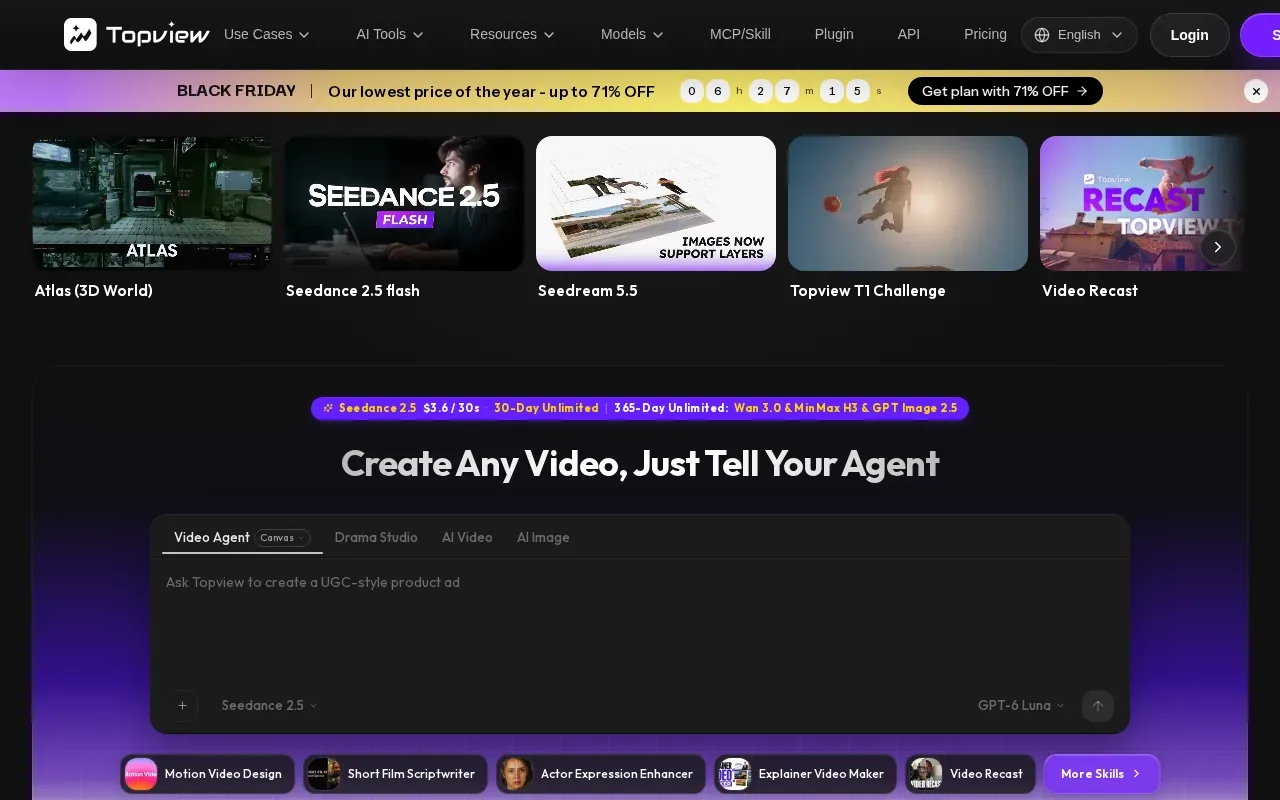
You can start with an idea, a script, a reference video, or a product URL. Topview then proposes scenes and creates assets, with the shots kept editable for review and changes. That can help when a campaign needs a few rounds of creative feedback: a team can focus comments on a shot rather than rebuild the whole video from scratch.
Topview’s approach suits teams that want the generation process to plan and organize the work, not simply return a finished clip. The workflow still depends on human review. Check whether the proposed scene order tells the story your campaign needs, and whether the generated assets match the brand direction.
If you’re comparing tools by how much of the ad pipeline they cover, this AI video generator comparison for marketing adds another way to assess fit.
6. Creatify: for producing advertising variations
Creatify is built around making AI image and video ads, with unlimited advertising variations generated in minutes. It’s best for teams that need multiple versions of an ad for creative testing.
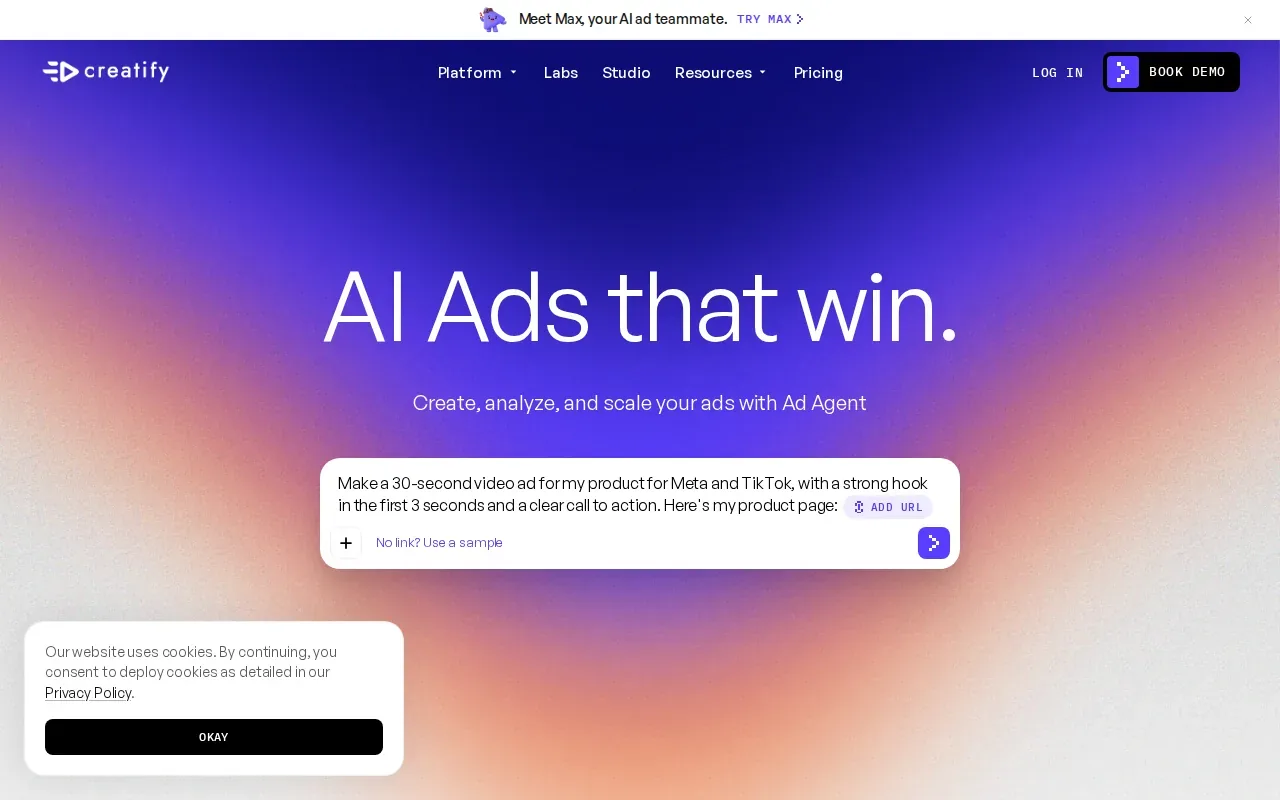
The value of variations depends on the review process around them. A marketer might test different visual directions for one offer, then keep the versions that best match the campaign brief. Creatify describes its workflow as AI handling the rest after you set the ad task.
That makes Creatify a fit to consider when ad volume is the main need. It’s a different job from planning a complete film from a brief. If stakeholders need a storyboard or a pitch-ready sequence before production, first check that the tool’s output gives them enough control over the story and individual shots.
Use it for variation work when the team already knows what message it wants to test. Keep a person in the loop to check that each version stays on brief.
7. Higgsfield AI: for prompt- and reference-led creative
Higgsfield AI creates images, videos, and voice content from text prompts or references. It’s best for creative teams that want to start with a visual direction, then edit or upscale the resulting media.
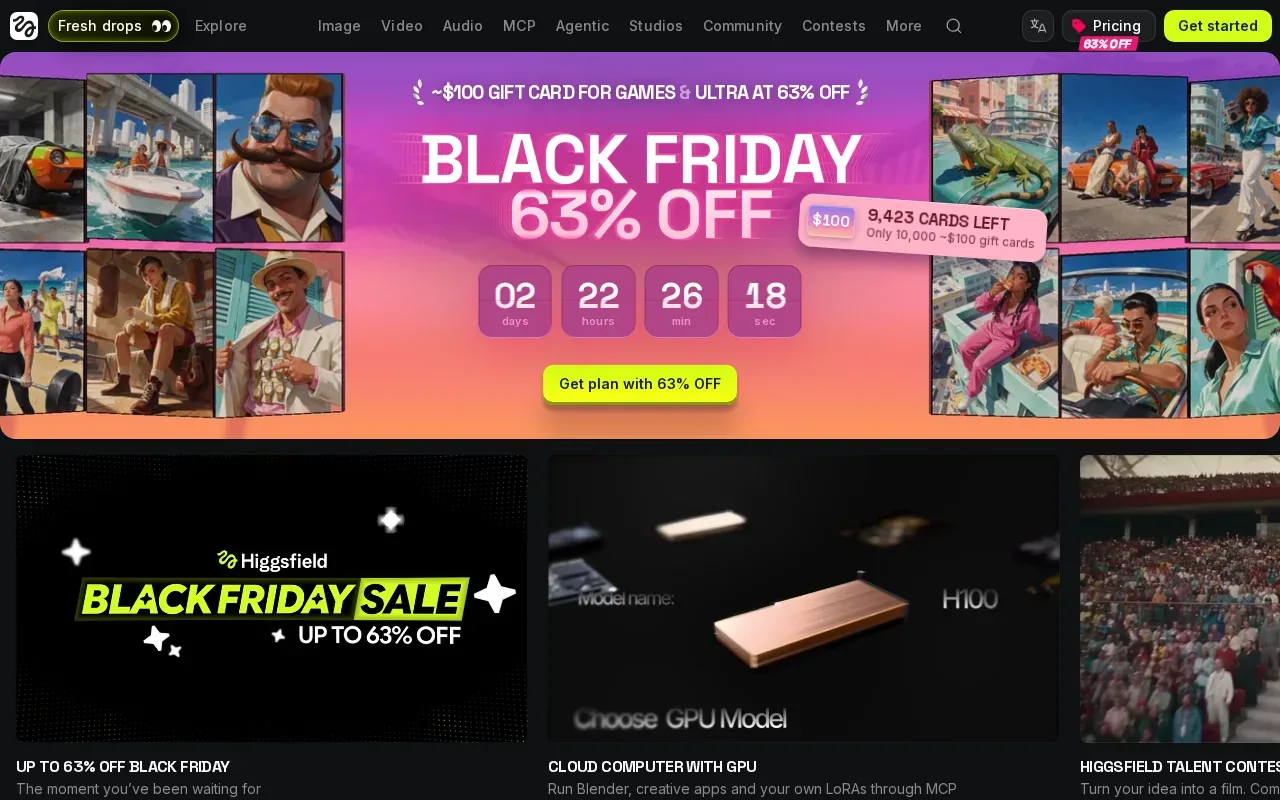
The platform also has an AI agent for automating creative workflows, and users can make content on web or mobile. That mobile option can suit a creator who wants to start or review work away from a desktop, though the brief here doesn’t specify which editing tasks are available on each device.
Higgsfield AI is useful when a prompt or visual reference is the natural starting point. M Studio takes a more structured route: brief to script and storyboard, then product shots and video. For a team choosing between them, the main question is whether the project starts with a visual experiment or a campaign plan that needs to become a sequence.
| Tool | Strongest starting point | Best match |
|---|---|---|
| M Studio | Creative brief or script | Pitch-ready campaign production |
| Runway | Shot-level creative direction | Cinematic ad footage |
| Synthesia | Written script | Presenter-led training or explainers |
| HeyGen | Avatar video or existing video | Multilingual presenter content |
| Topview | Idea, script, reference, or product URL | Editable marketing campaigns |
| Creatify | Advertising task | Generating ad variations |
| Higgsfield AI | Text prompt or visual reference | Prompt-led creative work |
Frequently asked questions
What is the best video creator for business?
The best tool depends on the video you need to make. M Studio is a strong fit when a team wants to turn a brief or script into a storyboard and finished video. Runway focuses on shot-level control, while Synthesia and HeyGen suit presenter-led content. Match the tool to the job before weighing plan costs or trial limits.
Which business video tool has a free plan?
Runway has 125 one-time credits, while Synthesia and HeyGen have free tiers with set monthly limits. M Studio instead lists a $1, 24-hour trial with 10 video clips included, followed by paid plans. Check the current offer and its limits before you build a test around it.
What should I compare before choosing a video tool?
Start with the workflow: does the tool begin with a brief, a script, a prompt, a reference, or an avatar? Then check the limits that affect your project, such as language support, credits, export needs, and integrations. If your team needs captions, include them in the review and check applicable requirements for prerecorded video.
Can AI video tools make a complete ad from a brief?
M Studio is designed to turn a creative brief into scripts, storyboards, product shots, and video. Other tools in this shortlist focus on narrower tasks, such as generating individual shots or producing presenter-led videos. Review a sample project from your own brief to see how much planning and editing your team will still need to do.
Conclusion
If you need one tool to carry a business video from brief to storyboard and 4K export, start with M Studio. Try its $1, 24-hour trial with 10 clips, then see whether the workflow fits your next campaign before moving to a subscription.