Film and video production glossary
Production glossary.
Learn the language of film.
Essential concepts from storyboarding and shot types to color grading and visual storytelling. Each entry is written to be practical, educational, and connected to modern production workflows.
Minutes
Script → board
Top-tier
AI video models
End-to-end
One timeline
Included
Image + voice + SFX
Models from these AI providers
Made in M Studio
Every term has a visual counterpart
Samples made in M Studio that show glossary ideas (composition, motion, mood) as finished shots.
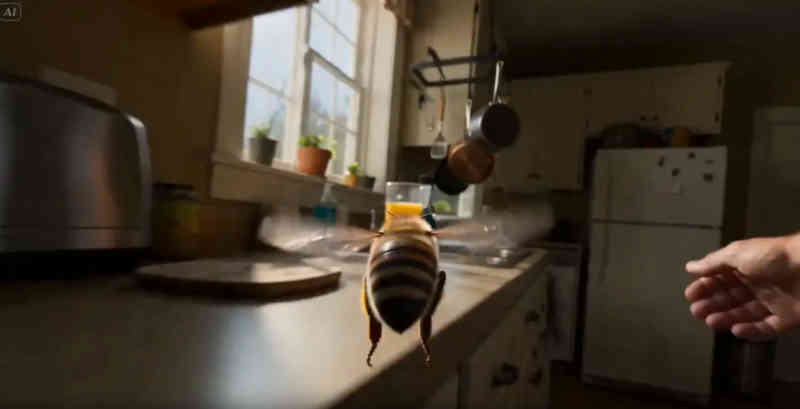
Cinematic motion
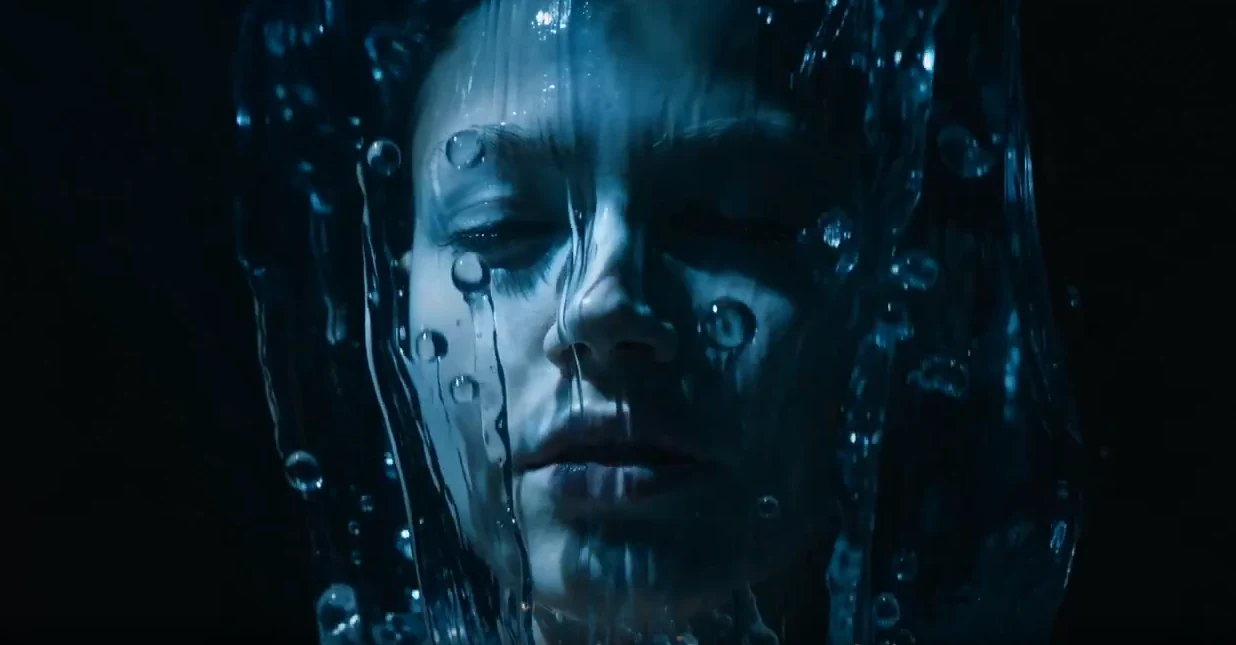
Character continuity

Action staging
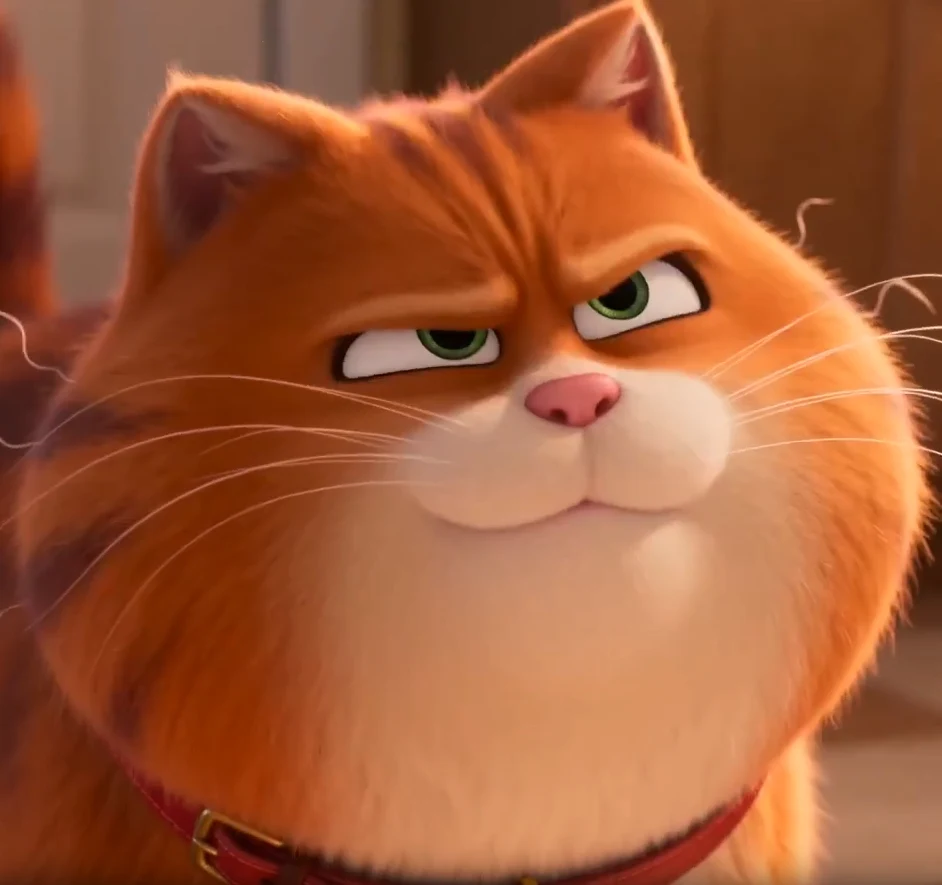
Mood lighting

Product look
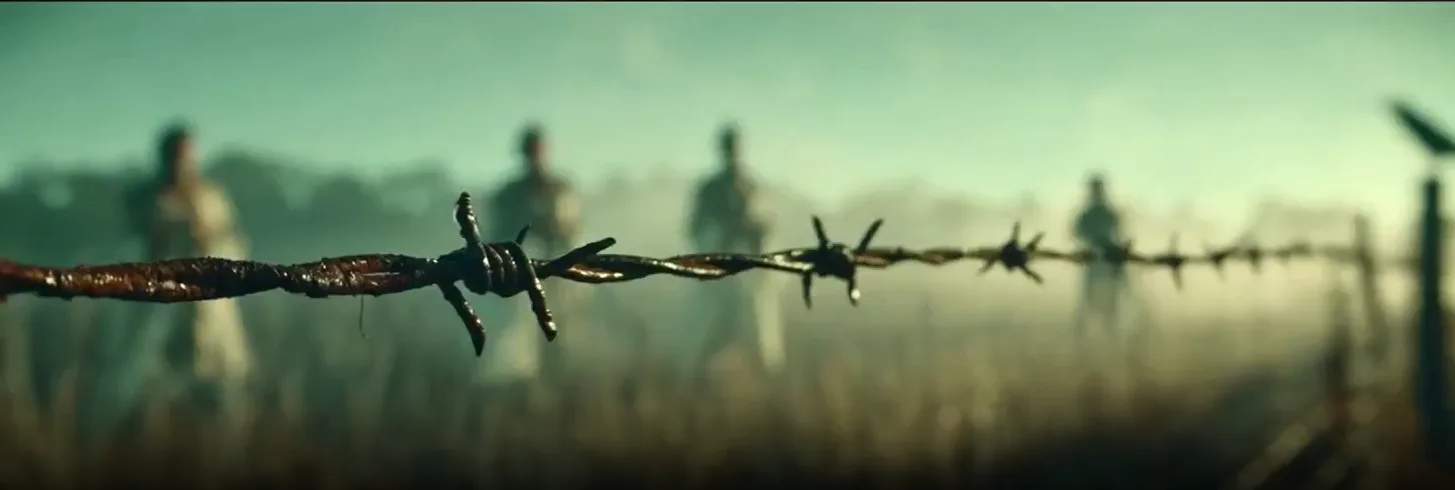
Narrative beat
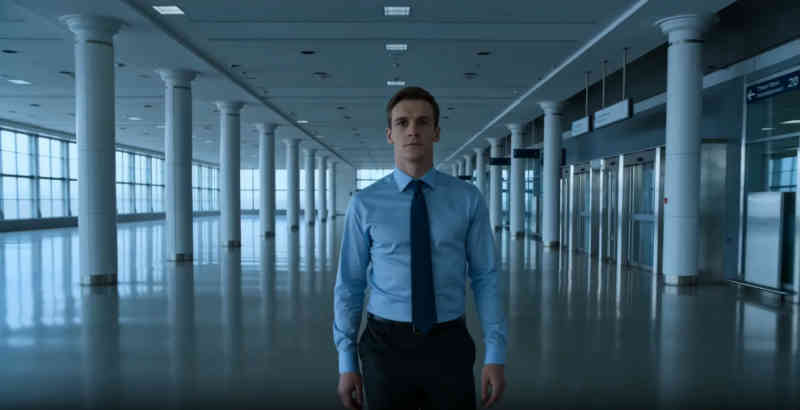
Animatic energy
Showing 19 terms
Storyboarding & planning
4 concepts
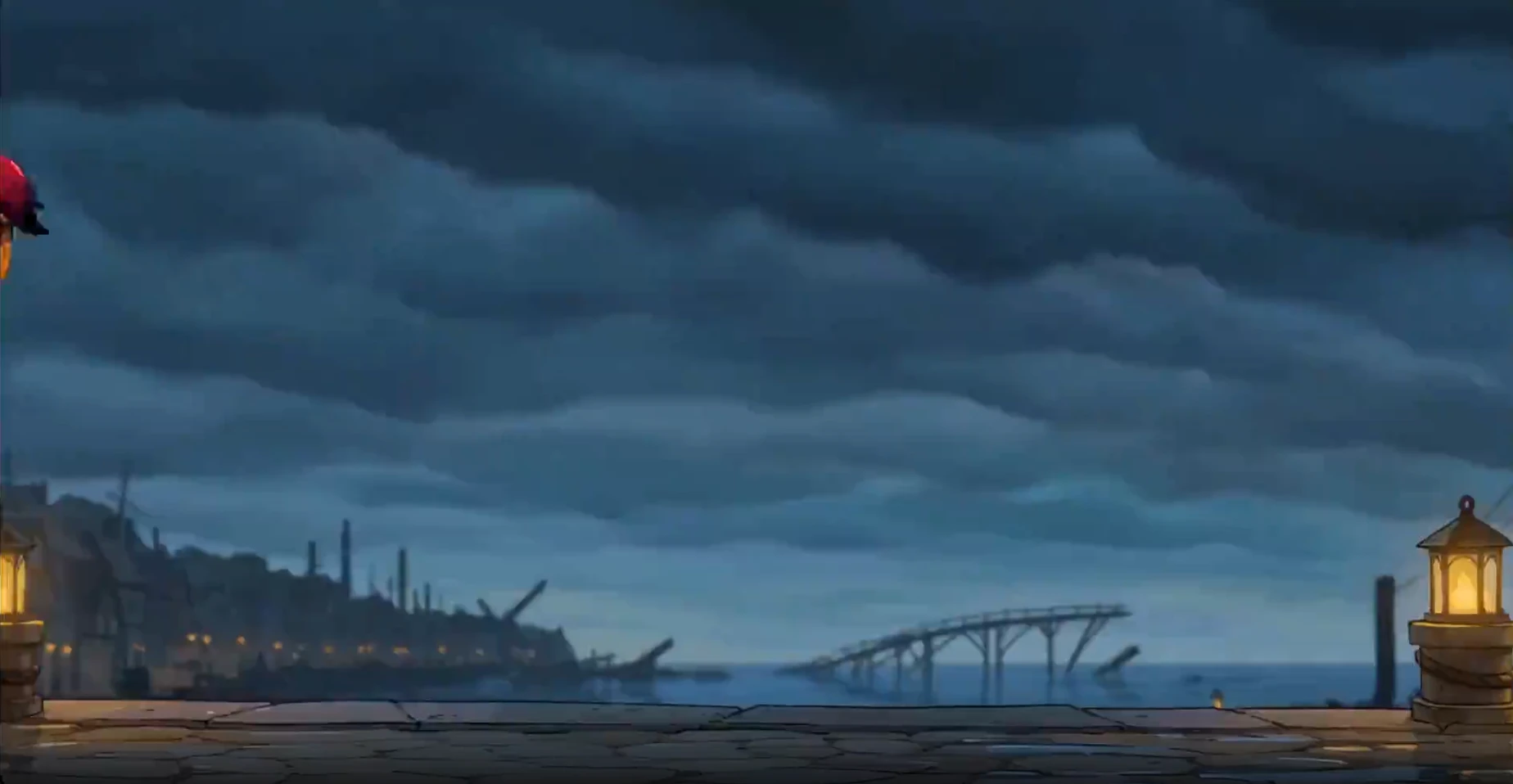
Camera & composition
4 concepts
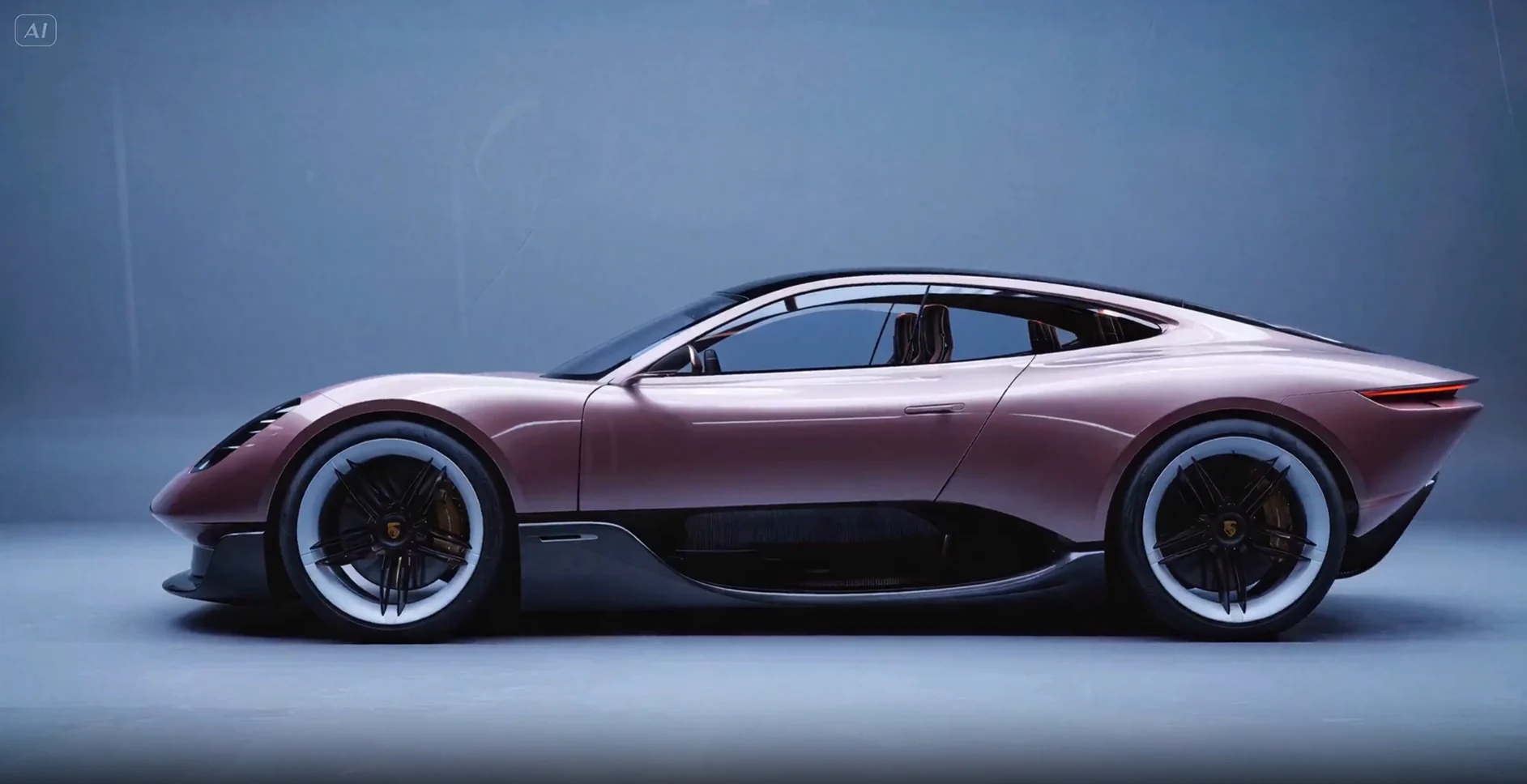
Genres & styles
3 concepts
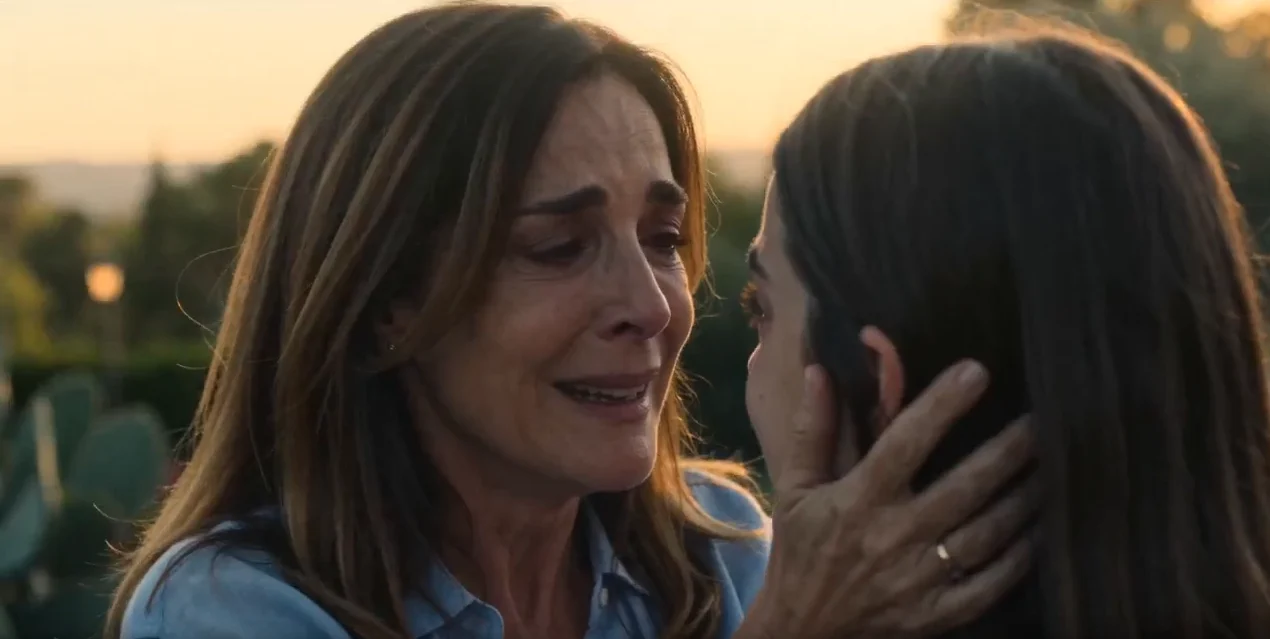
Storytelling & direction
4 concepts
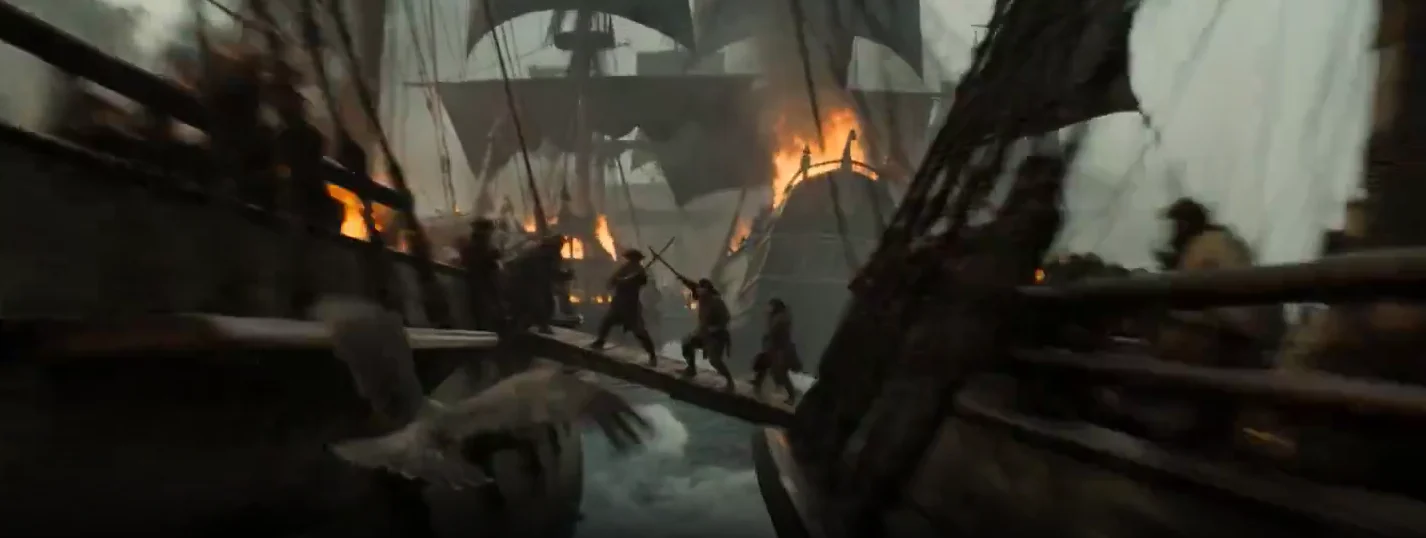
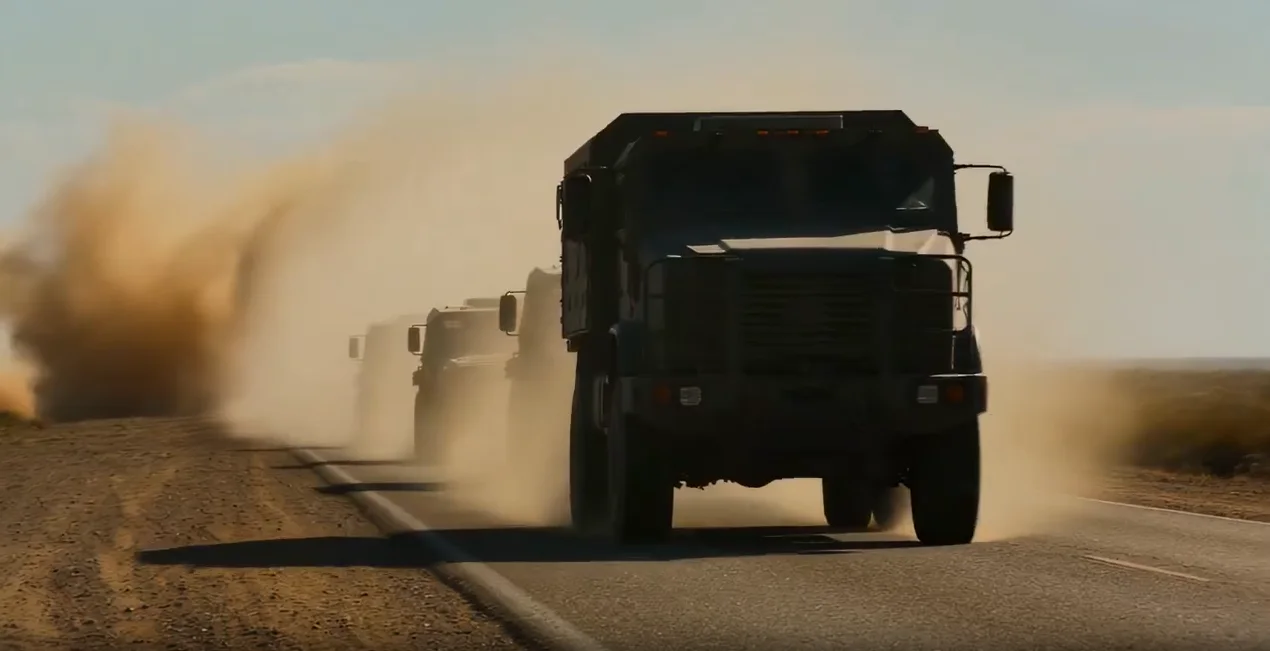
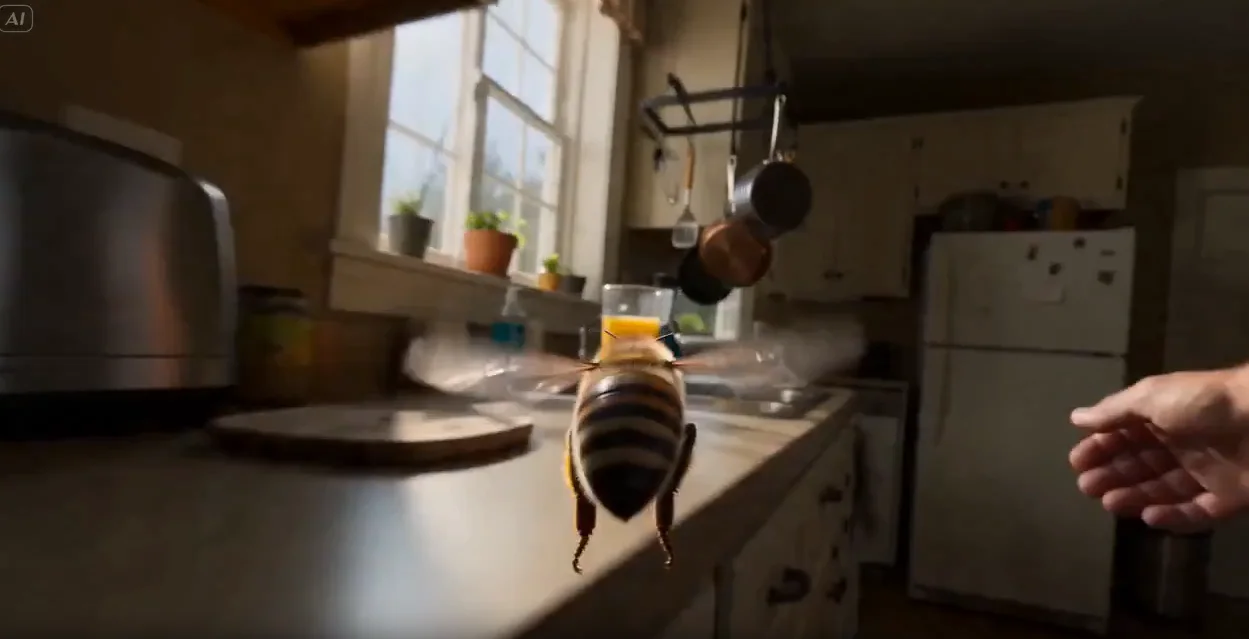
Post-production & technique
4 concepts
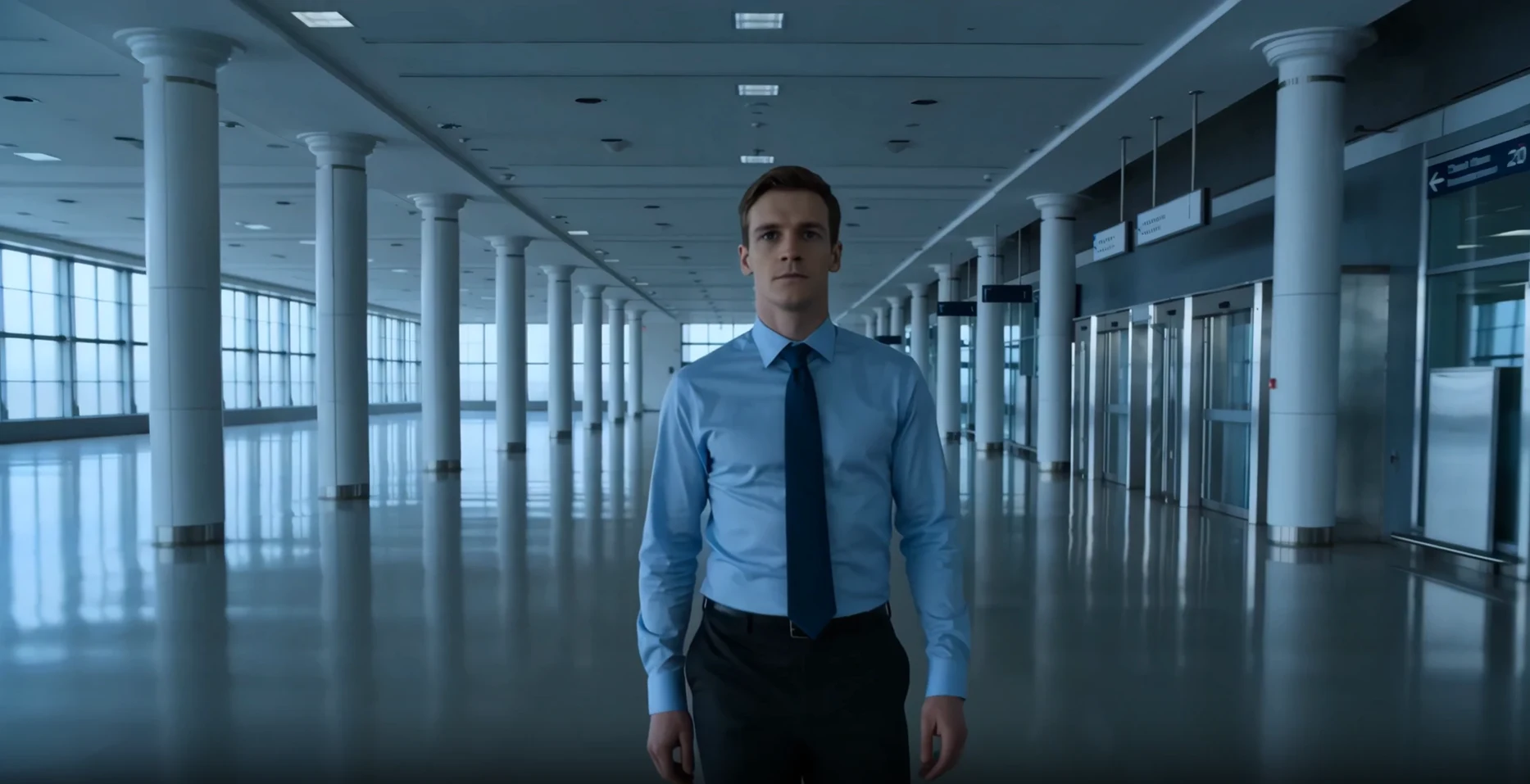
Vocabulary that holds across shots
Definitions matter more when you can see composition, continuity, and character lock on a real board.

Shot 1 — Establishing wide
INT. warehouse, dawn. Hero framed small against the space.
Why M Studio
Learn the craft. Ship the board.
Each entry stays practical and connects film language to the way films are made with AI today.
One session
Script, storyboard, video, voice, and sound in a single workflow — no tool switching.
4K export
Export the finished film in 4K on Professional and up (1080p on Starter).
12 languages
Write, direct, and narrate films end to end — scripts, dialogue, and voiceover in your language.
Yours to use
You own what you make — use it commercially, on YouTube or for clients.
From learning to making
Put these ideas into practice on your own storyboard
M Studio combines AI image generation, script writing, video generation, and timeline editing in a single workspace. Turn your knowledge into visual stories.

How it works
From script to screen in six steps
M Studio builds a film shot by shot, and you direct every shot — this is the whole path, start to finish.
- 01
Start a film
Start from a one-line brief, or import a screenplay PDF and build straight from the pages you already wrote.
- 02
Add your script
Scenes, action and dialogue laid out shot by shot — editable line by line before anything renders.
- 03
Add your characters
Add each character once with a reference image so the same face carries across every shot in the film.
- 04
Build the storyboard
Your script breaks into shots on a canvas. Reorder, reframe and re-prompt any shot until the board reads right.
- 05
Make the video clips
Turn approved storyboard pictures into video clips one shot at a time, then layer voiceover, music and sound effects.
- 06
Export the cut
Take the finished cut out as an MP4, MOV or WebM, up to 4K on Professional and up, ready for the edit or the pitch.
There is no length cap in the editor. Because films are made shot by shot, how long a film can run comes down to how many video clips your plan includes — not a limit in the tool.
FAQ
Questions about the glossary
The glossary covers essential film and video production concepts, from foundational techniques like storyboarding, shot types, and camera angles to creative frameworks like three-act structure, mise en scène, and visual storytelling. Each entry is written to be useful for both students learning the craft and professionals looking for a quick reference.
Each entry is concise, practical, and focused on how the concept applies to modern production workflows. Where relevant, entries explain how AI-powered tools like M Studio connect to the concept, helping you bridge theory and practice without leaving the planning stage.
Yes. The glossary is a living resource that will expand as new topics become relevant. If there is a film or video production concept you would like to see covered, reach out and let us know.
Speak the craft
Turn film language into a storyboard
Use M Studio to go from an idea to storyboard pictures, video clips, voice, and export without switching tools.
$1 today for 24 hoursThen from $27/mo unless you cancelReminder email ~6h before it ends