
A video ad can start with a short brief and end as a finished cut, but the steps between can mean a lot of tool switching. These AI creative studio tools take different routes: M Studio plans a campaign from a brief, while other picks focus on video generation, avatars, or branded templates.
1. M Studio
M Studio is a self-serve AI platform that turns a creative brief or script into advertising scripts, storyboards, product shots, and video. It’s the strongest fit here when you want the planning and visual work in one place, rather than beginning with a prompt for a single clip.
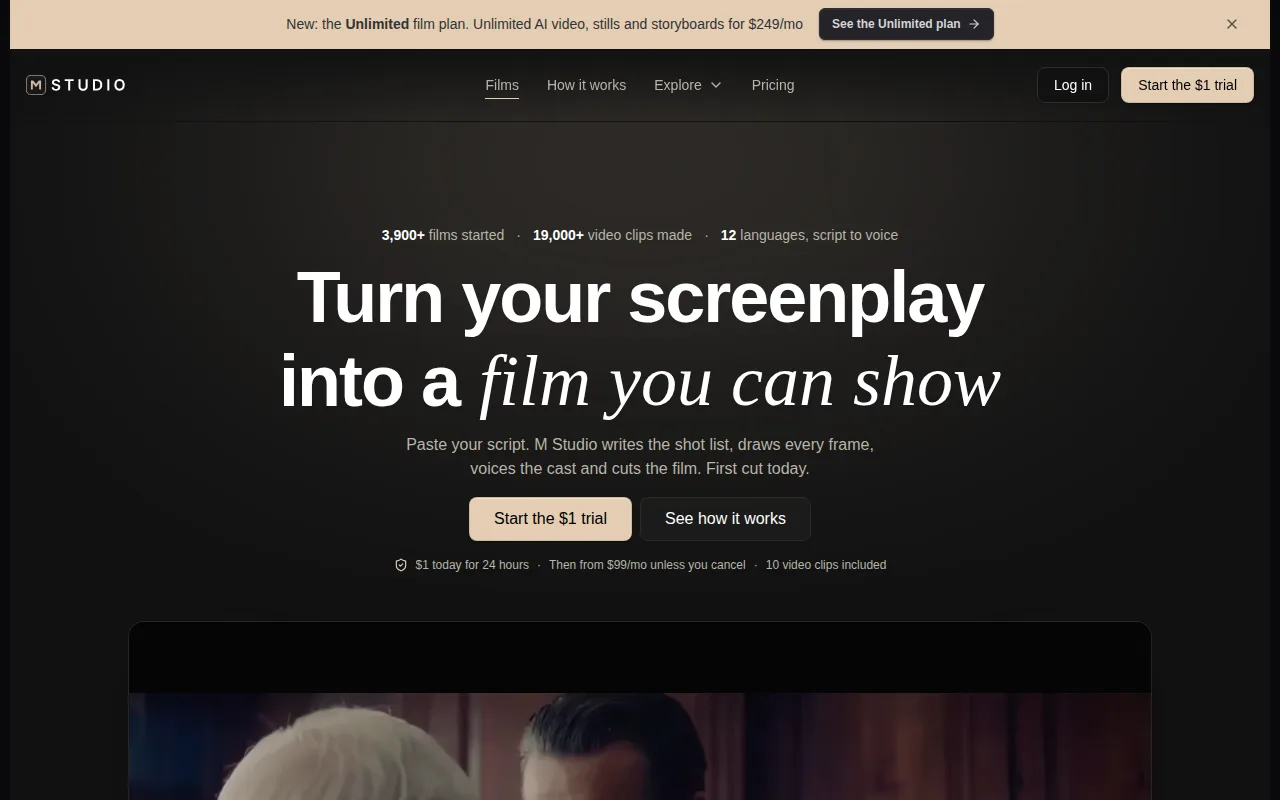
Type an idea or paste a script, and M Studio plans shots, draws a storyboard with the same characters in each frame, then makes video with sound. That sequence gives a marketing team something to review before it commits to a finished edit. It also gives an agency a pitch-ready campaign concept to share with a client.
For an ad, start with the goal, audience, product details, placement, and brand direction. Review the script and boards as a proposal: flag scenes that don’t fit the brief, then refine the direction before moving further into production. The M Studio creative features cover the work available across its platform.
Keep feedback tied to a specific frame or shot. For example, a reviewer can ask for a tighter product close-up or a clearer opening beat. Once the team approves its direction, check product accuracy and pacing during post-production, then prepare the final asset for its intended placement. M Studio supports 4K video exports.
Subscriptions start at $99 per month. Its trial costs $1 for 24 hours, then the selected plan starts unless you cancel. If your team needs to assess whether the brief-to-export workflow fits its work, check the trial terms before starting.
2. Runway
Runway is a generative AI video tool with a free plan that includes one-time credits for testing. It’s a good fit when your immediate need is a visual shot, cinematic b-roll, or an effect, rather than a complete campaign planned from a brief.
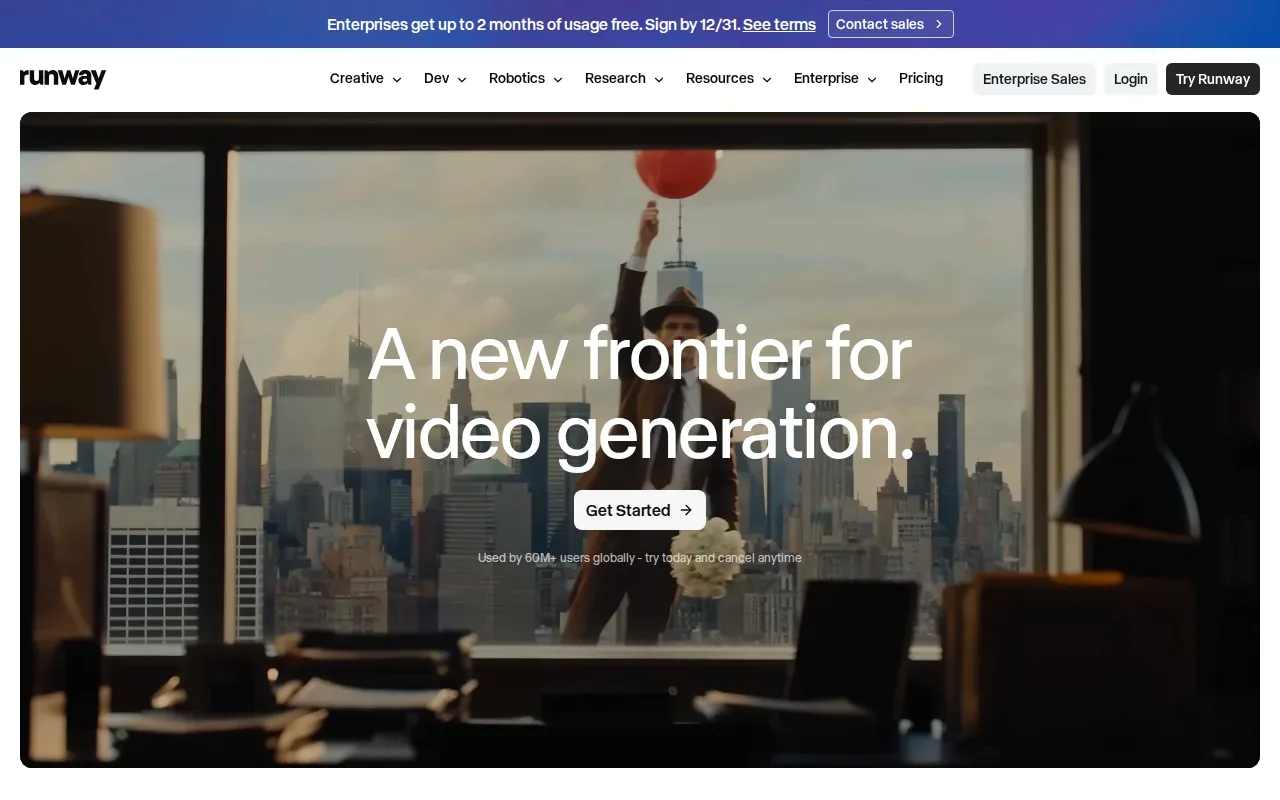
You can generate video from text prompts and images, then use the output as a shot within a larger ad edit. That can help when a campaign needs a visual that’s hard to film or when a team wants to test a look before committing to production. For example, generate a few visual directions for a product reveal, then pick one to develop.
Runway’s Standard plan is $15 per month. The free credits let you test the workflow, but they’re one-time credits, so they’re better suited to an initial trial than a steady production schedule.
For an ad with several planned shots, decide how the generated clips will connect before you prompt. A tool that makes a strong single image-to-video shot won’t automatically solve the order, timing, or story of the whole campaign.
If you want to compare tools built around full ad production, see these AI video ad generator options alongside clip-first tools.
3. Higgsfield AI
Higgsfield AI brings image, video, and voice generation into one workflow. It’s worth considering when your creative team wants to build visual material from prompts or reference images, then edit or upscale the results.
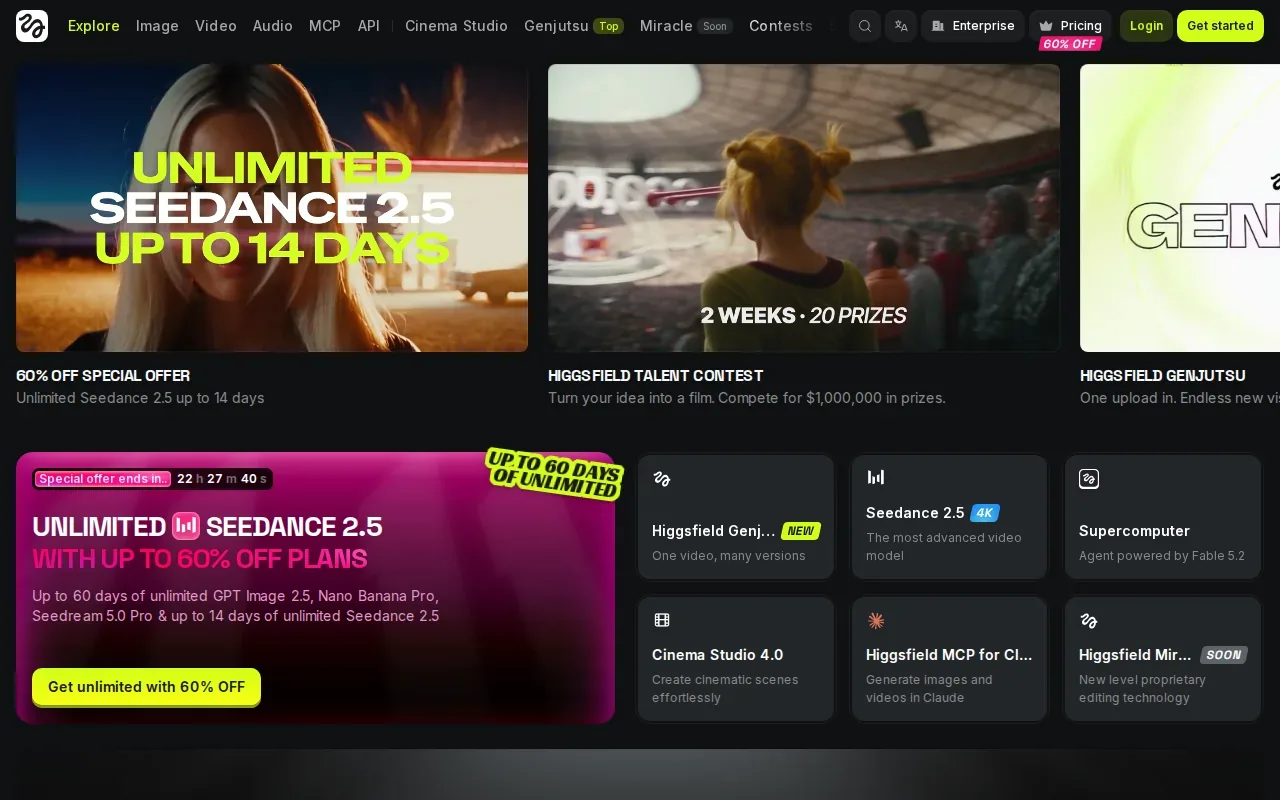
The platform can generate images, videos, and voice content. It also has an AI agent for automating creative workflows, with access on web and mobile. That mix may suit a campaign that needs several kinds of assets, especially when the team wants to start from a reference rather than describe every detail from scratch.
For a product ad, a useful test is to create one reference image that sets the look, then see whether the video and voice work support the same concept. Keep the brief close at hand as the team iterates. A good-looking asset can still miss the campaign if the product, message, or audience has drifted.
Higgsfield AI’s capabilities cover a wide set of media tasks. The information here doesn’t establish a specific ad-planning sequence or export resolution, so teams with strict delivery specs should confirm those points during evaluation.
4. HeyGen
HeyGen is an avatar-led video platform with a free plan that resets monthly and includes limited video generations. It’s a fit for ads where a person needs to speak directly to the viewer, such as an explainer or a short product message.
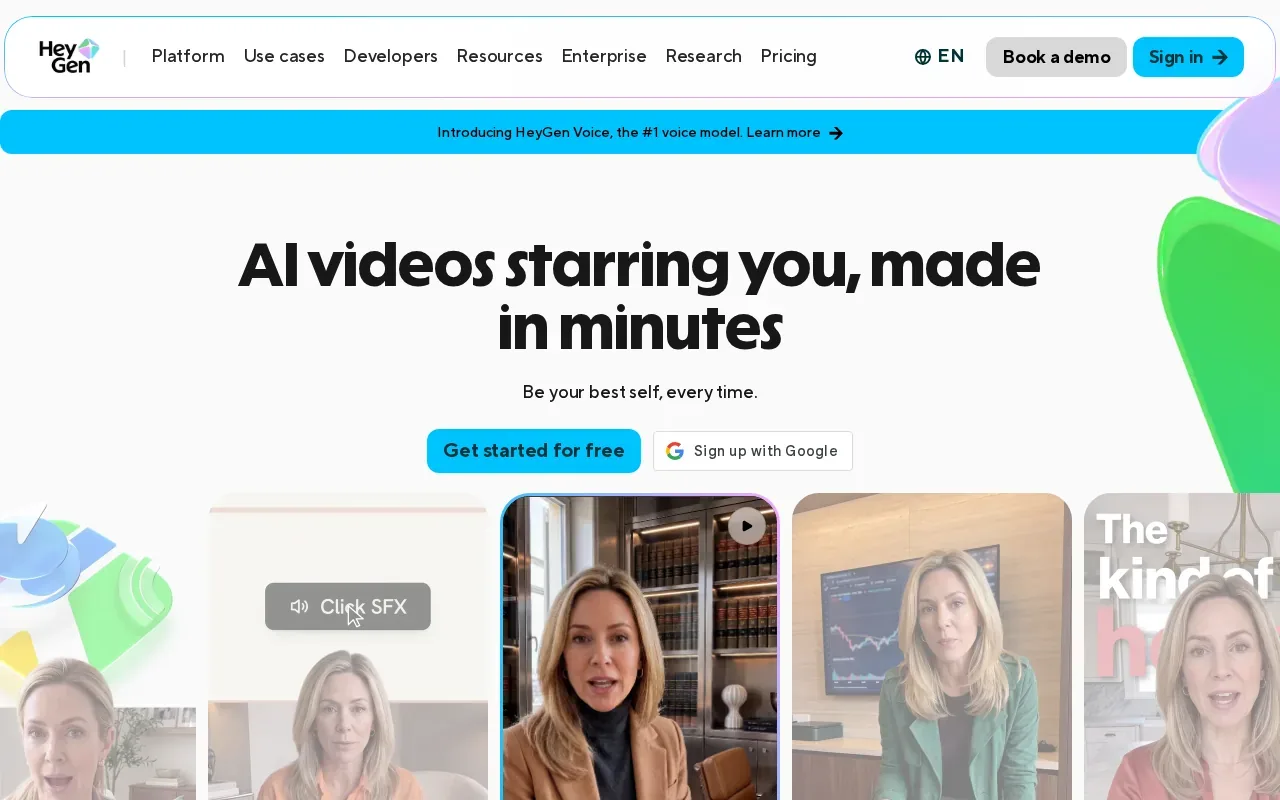
Its features include photorealistic AI avatars, custom avatar creation from video, and voice cloning. The Translate feature supports more than 175 languages with lip-sync, and HeyGen also has a real-time streaming avatar. That makes it particularly relevant when the same message needs to be adapted for different audiences.
HeyGen’s free plan includes one minute per month. Paid options include Creator at $29 per month and Team at $89 per month. Those plan details make it easier to estimate the cost of a small test or recurring avatar content.
Before producing a full set of ads, settle the script and delivery style. A translated version still needs to sound right for the audience, and an avatar can’t fix a vague offer. HeyGen is less suited to teams whose first need is a storyboarded sequence of product shots rather than a presenter-led message.
5. invideo AI
invideo AI assembles a publish-ready video from a script within one workflow. It’s a fit when you have a script and want the system to carry more of the production process through to an assembled video.
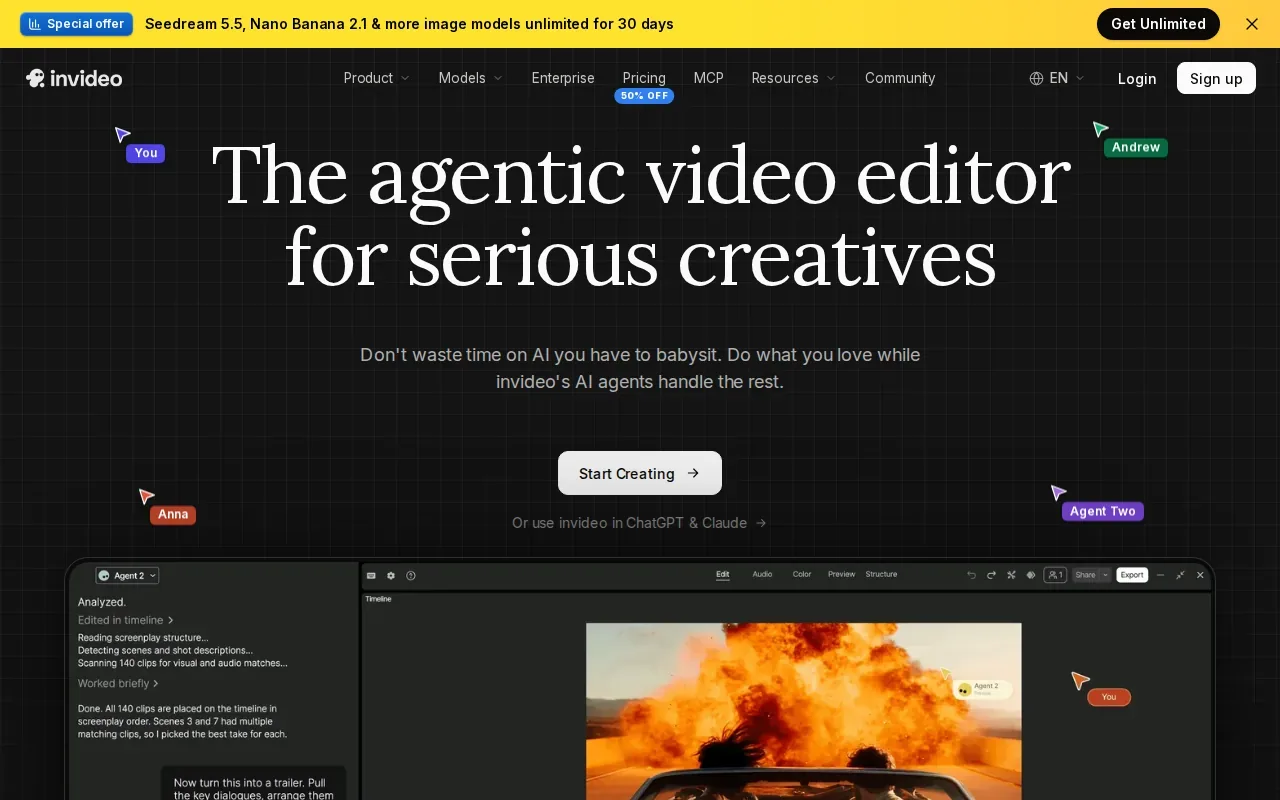
Its automation scope runs from script to publish-ready video, and the product context describes creating and editing AI videos with Agent Two. That can reduce handoffs for teams that need a quick first cut to review. For a short ad, start with the approved message and let the workflow assemble a version your team can assess.
Then check the parts that need human judgment: does the opening show the right product benefit, does each visual support the line being spoken, and does the ending make the next step clear? An assembled video is a draft to inspect, not a reason to skip review.
Use invideo AI when speed from script to assembled output matters most. If your process depends on reviewing a storyboard before video production, compare that workflow with a tool that plans the shots earlier.
6. Canva
Canva helps non-designers make branded video with templates and AI assistance. It’s a useful fit when the team already knows the campaign’s message and needs to adapt a visual layout for an ad or social post.
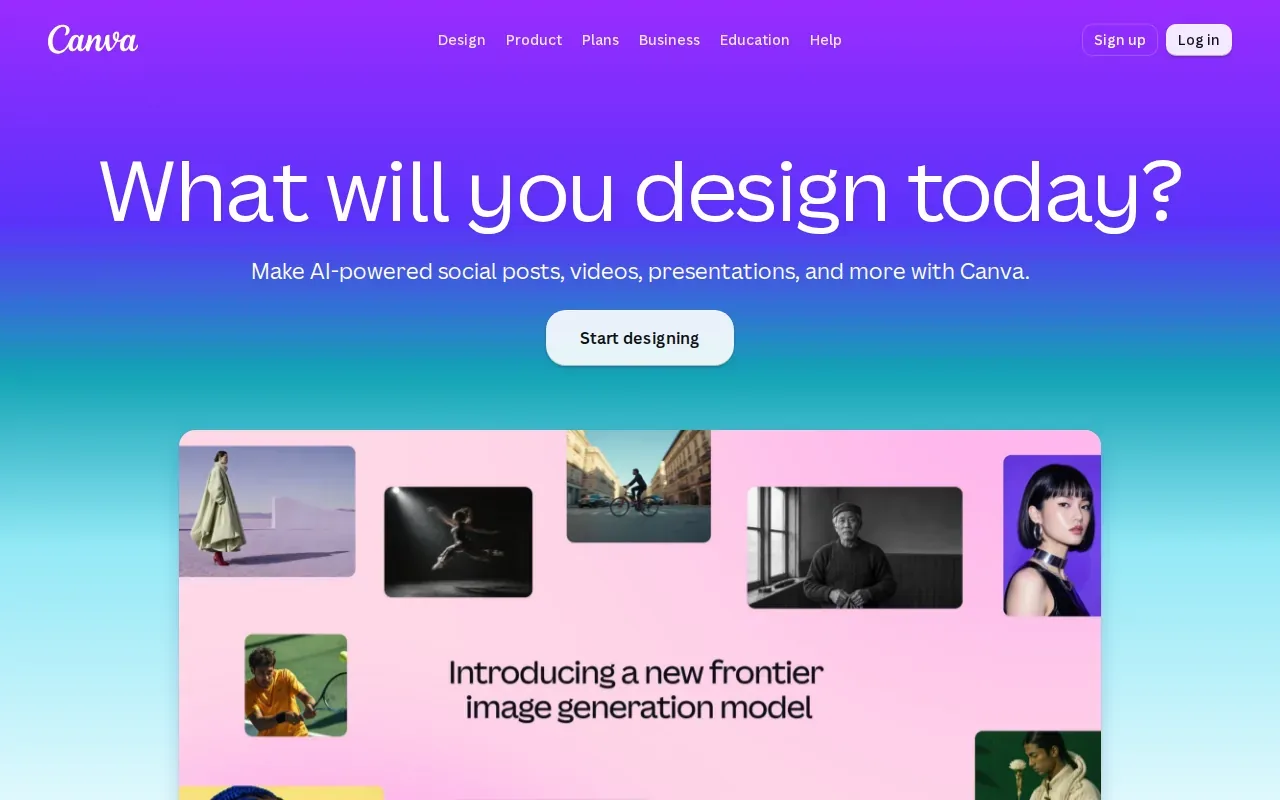
Canva AI lets people describe what they want, then refine the design through conversation or direct edits. Its tools can use a Brand Kit’s fonts, colors, and rules to keep designs on-brand. That’s helpful when several people need to make campaign assets without building every layout from scratch.
The workflow is template-led rather than full-cycle ad planning. You’ll still need to shape the brief, decide what the video should say, and review the final cut. Think of Canva as a place to turn an approved direction into branded content, not as a substitute for a shot plan.
For teams using AI output commercially, review assets before delivery.
Compare the AI creative studio options
The right tool depends on where your team needs help most. Use this comparison to separate brief-led campaign work from clip generation, presenter videos, and template-based design.
| Tool | Best fit | Workflow focus | Cost detail provided |
|---|---|---|---|
| M Studio | Brief-to-ad planning | Script, storyboard, product shots, and video | Plans start at $99/month; $1 trial for 24 hours |
| Runway | Generative video shots | Text or image to video | Free plan; Standard $15/month |
| Higgsfield AI | Image, video, and voice assets | Generation, editing, and upscaling | — |
| HeyGen | Avatar-led messages | Presenter video and translation | Free plan; Creator $29/month; Team $89/month |
| invideo AI | Script-to-video assembly | Script through publish-ready video | — |
| Canva | Branded template-led content | AI-assisted design and editing | Free plan includes AI tools; paid plans add usage and features |
If review and iteration are the sticking points, agree on the brief and who approves each stage before choosing a tool. Keep comments close to the actual frame or script line, then check the final format and product details before delivery. For more perspective on how teams use video tools across campaigns, see our marketing video software comparison.
FAQ
What is an AI creative studio?
An AI creative studio uses AI to help make creative assets or move parts of production along. Some tools focus on one task, such as generating video from a prompt or making an avatar-led message. M Studio takes a brief-led route: it can plan shots, build a storyboard, create product shots, and make video with sound.
Which AI tool is best for making video ads?
M Studio is a strong fit in this shortlist when you want to move from a brief through scripts, storyboards, product shots, and video. Runway fits generated shots; HeyGen fits avatar-led messages. Start with the part of production that slows your team down, then test whether the tool supports the review and delivery steps you need.
Can AI tools make a complete video ad from a script?
Yes. M Studio turns an idea or script into planned shots, a storyboard, and video with sound. invideo AI assembles a publish-ready video from a script within one workflow. The difference is the described workflow: M Studio includes storyboard planning, while invideo AI focuses on script-to-video assembly.
How much does M Studio cost?
M Studio subscriptions start at $99 per month. The trial costs $1 for 24 hours, after which the selected plan starts unless you cancel. Check the current plan terms before starting so you know which subscription follows the trial. The other tools in this shortlist have their own pricing and trial terms.
Conclusion
For a campaign that needs planning before production, start with M Studio. Review its first-project walkthrough, then try the $1, 24-hour trial to see how your brief moves into a storyboard and video.