Buyer guides
Buyer guides.
Pick the right tool the first time.
Side-by-side guides to storyboard software, storyboard apps, AI movie makers, and AI video tools: what each one does well, what it costs, and who it suits.
Minutes
Script → board
Top-tier
AI video models
End-to-end
One timeline
Included
Image + voice + SFX
Models from these AI providers
Made in M Studio
See the output before you choose
Shots made in M Studio, so you can judge the pictures and motion yourself, not only a feature list.
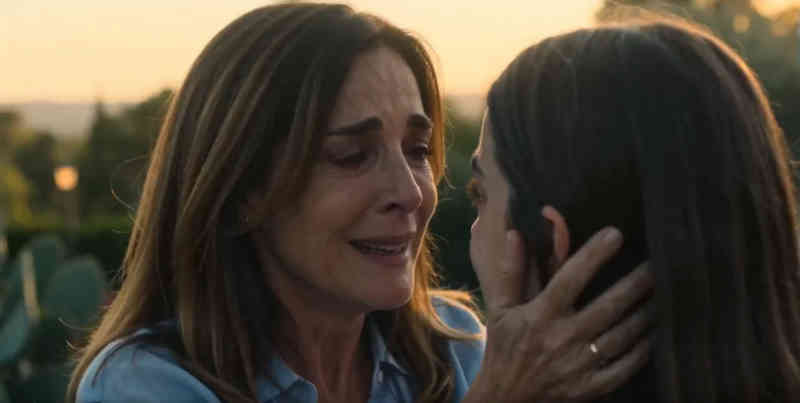
Cinematic motion
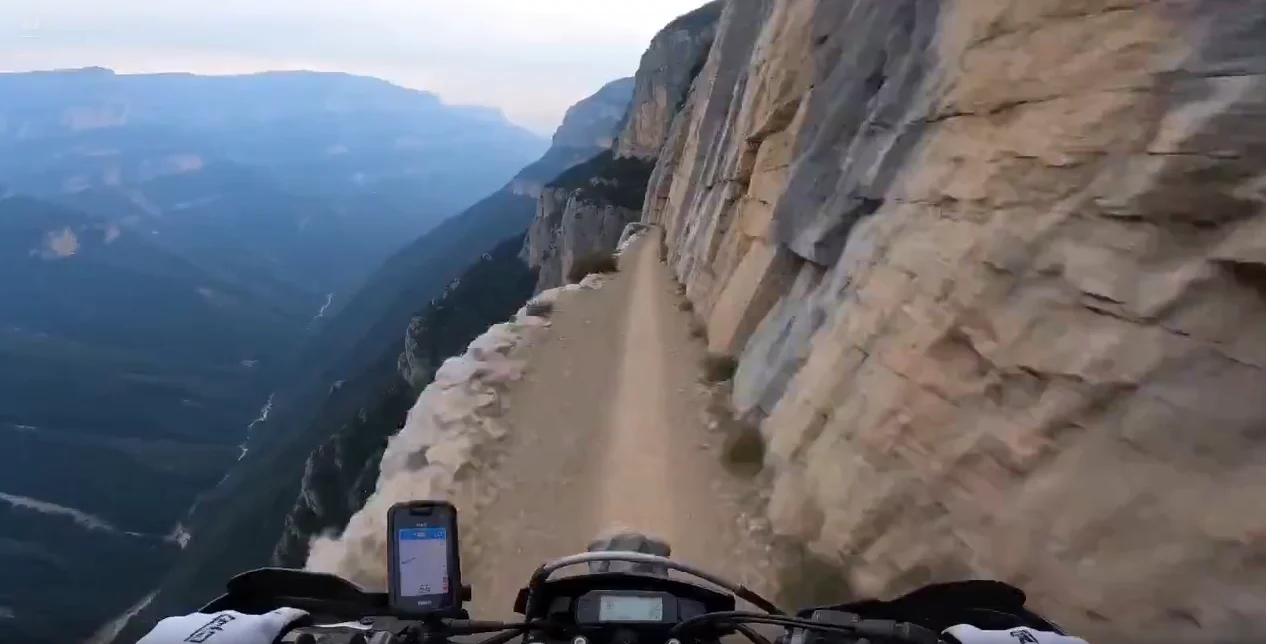
Character continuity

Action staging

Mood lighting

Product look
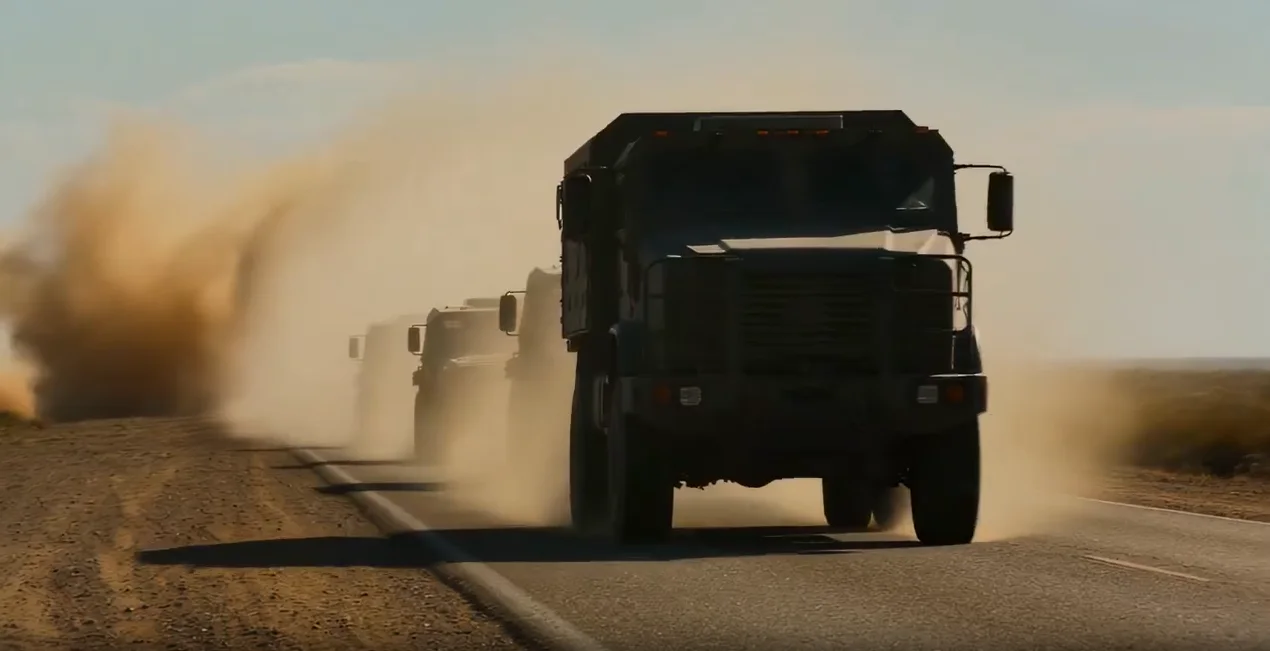
Narrative beat
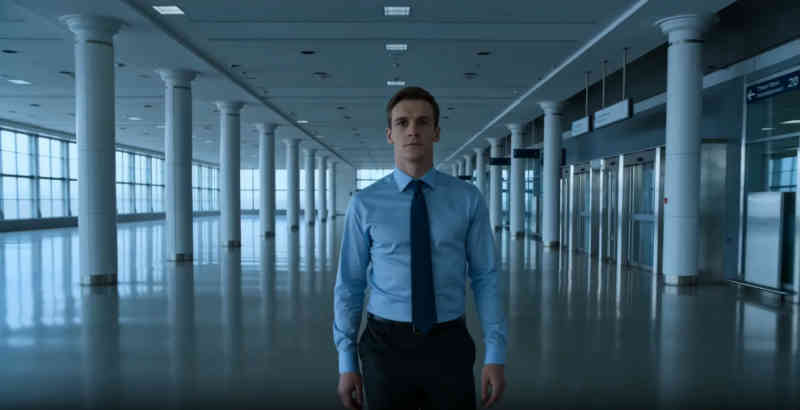
Animatic energy
All guides
15 buyer guides

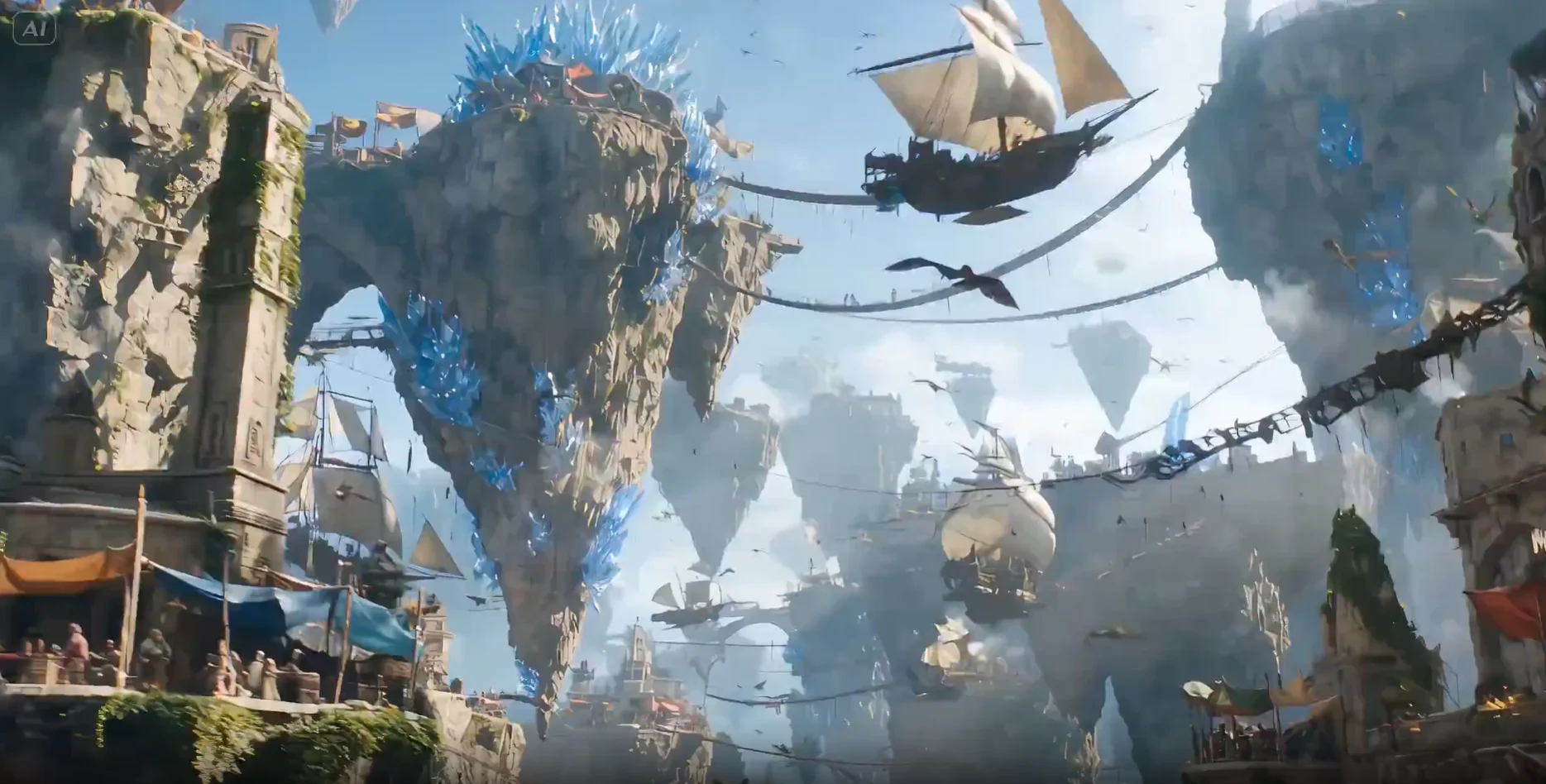
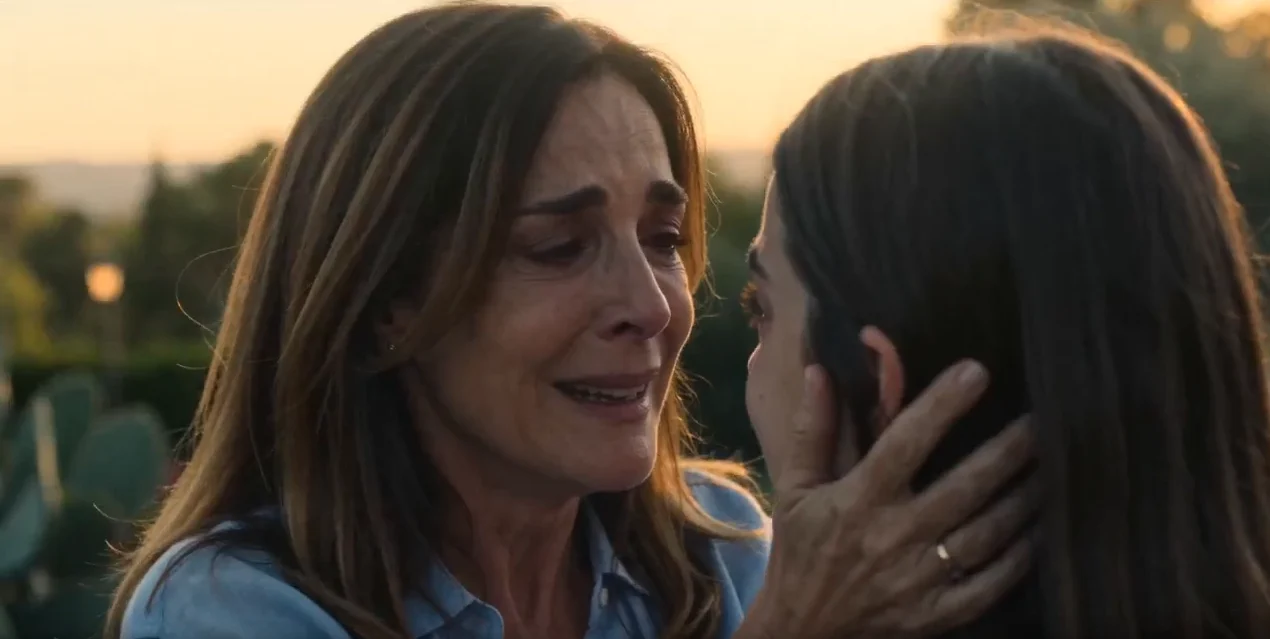
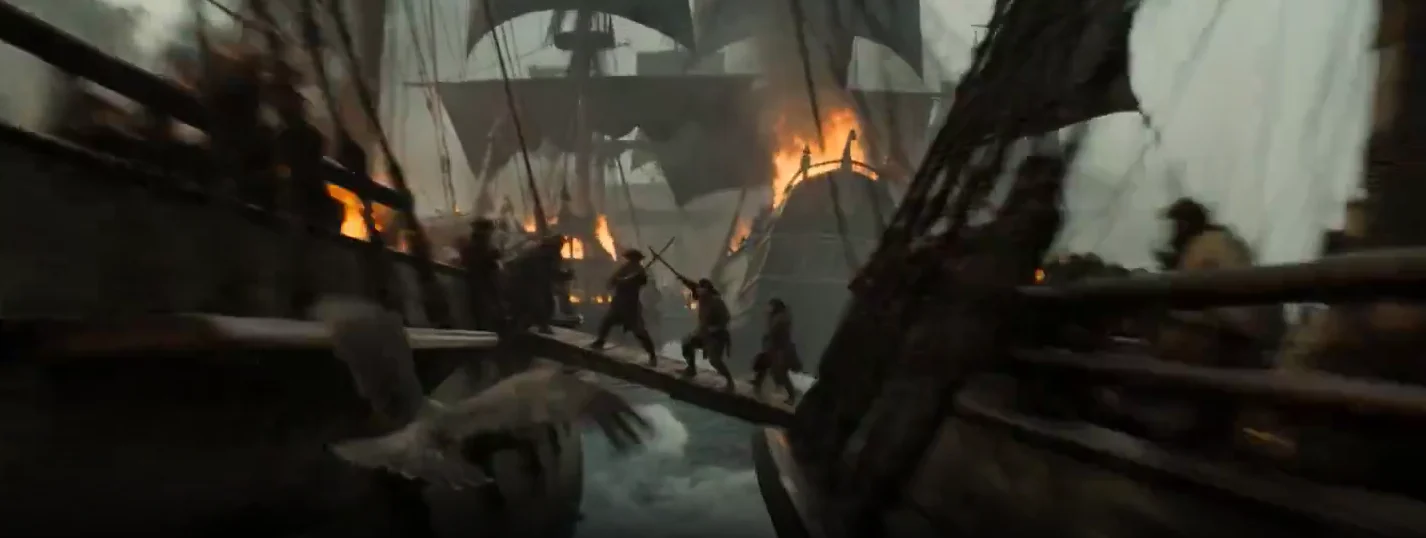
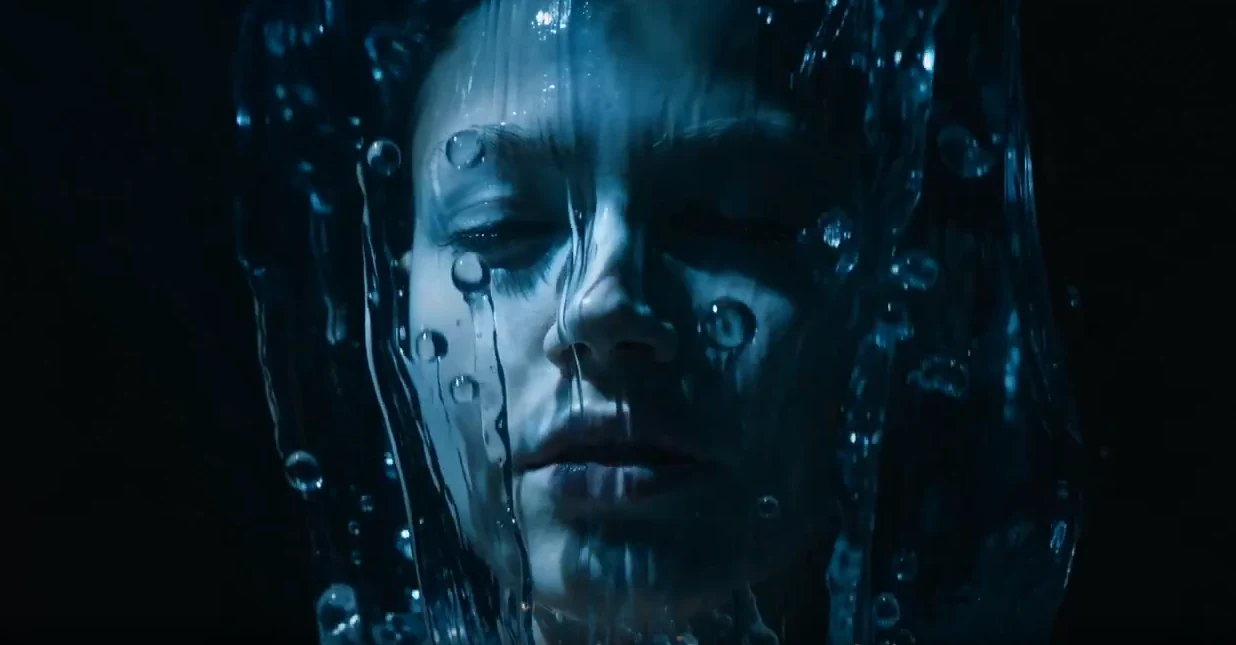
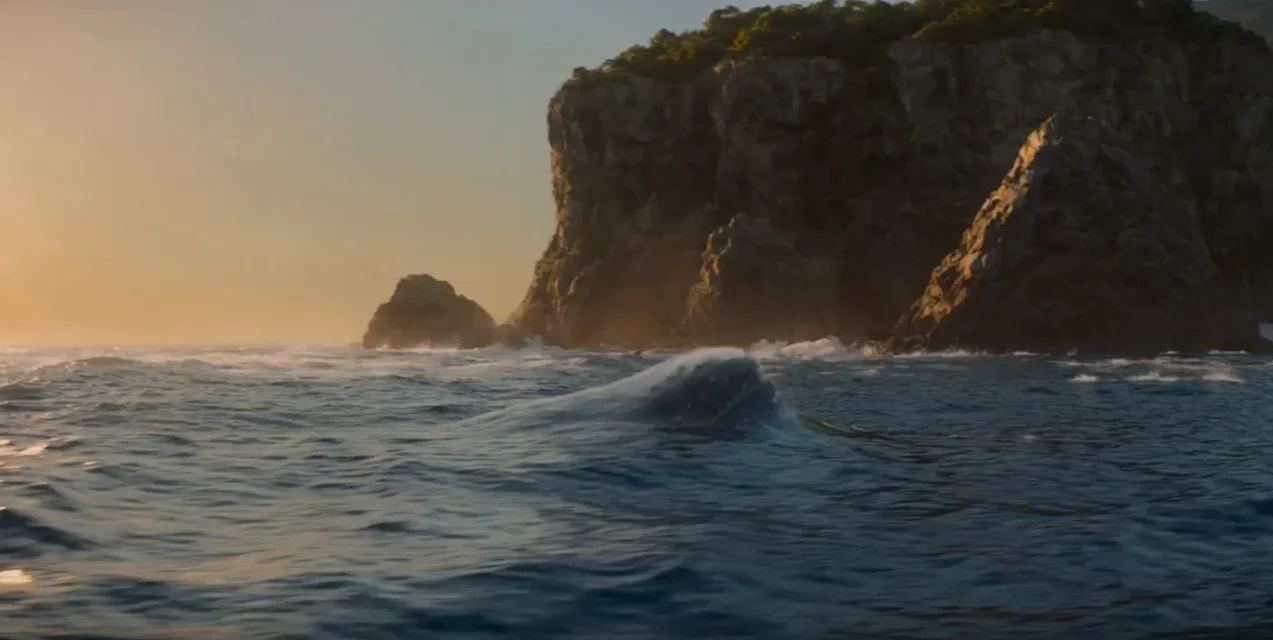
Judge tools by visual continuity, not templates
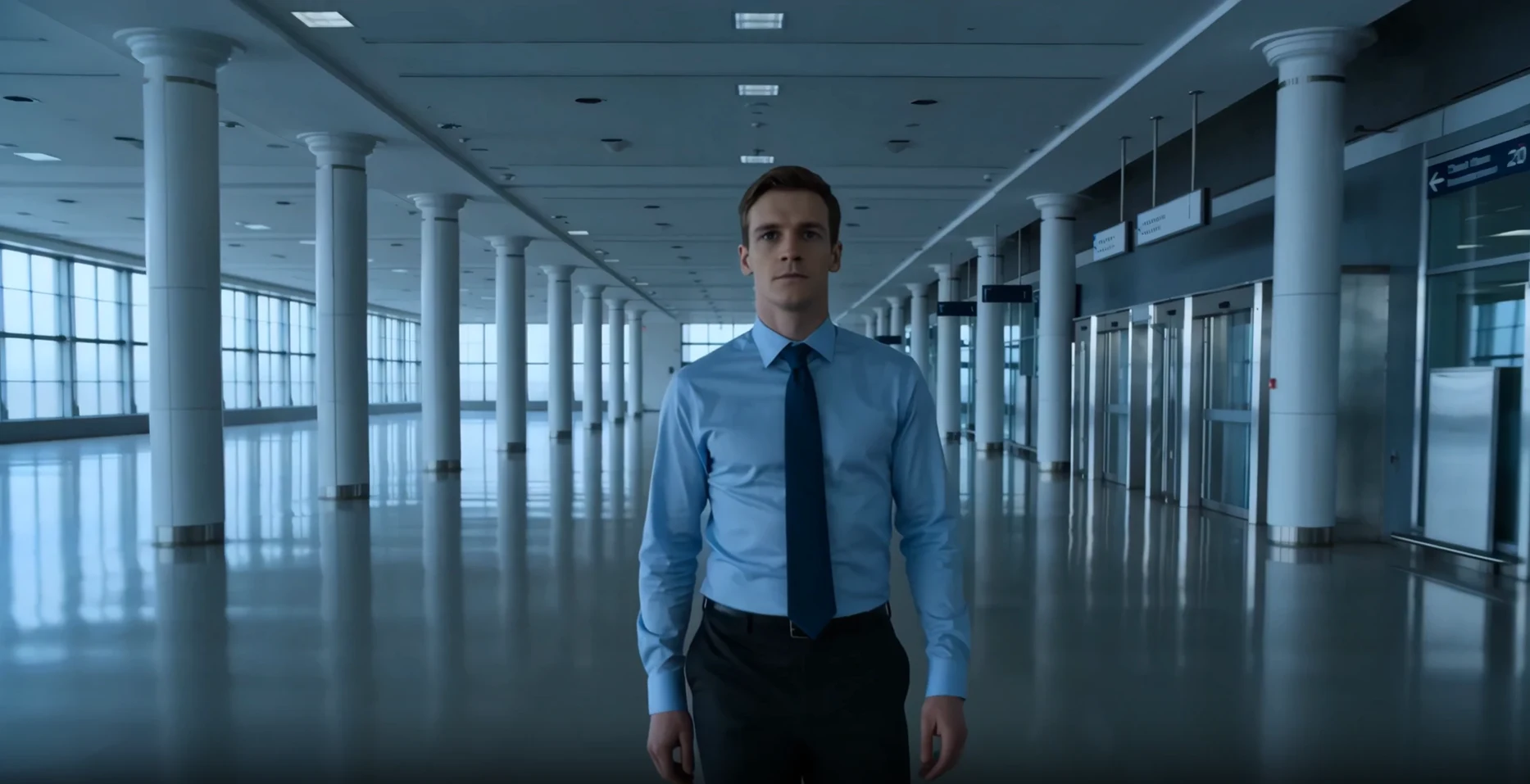
Check whether a tool holds the same character, look, and shot grammar from one shot to the next. These boards show what to look for.

Shot 1 — Establishing wide
INT. warehouse, dawn. Hero framed small against the space.
Why M Studio
Read the guides. Then test it on your own script.
Take one script through storyboard, video clips, and sound in M Studio and judge the result yourself.
One session
Script, storyboard, video, voice, and sound in a single workflow — no tool switching.
4K export
Export the finished film in 4K on Professional and up (1080p on Starter).
12 languages
Write, direct, and narrate films end to end — scripts, dialogue, and voiceover in your language.
Yours to use
You own what you make — use it commercially, on YouTube or for clients.
Already using a tool?
Compare M Studio with the tool you use today
Head-to-head pages for Boords, Runway, Kling, CapCut, and more: prices, features, and when the other tool is the better pick.
How it works
From script to screen in six steps
M Studio builds a film shot by shot, and you direct every shot — this is the whole path, start to finish.
- 01
Start a film
Start from a one-line brief, or import a screenplay PDF and build straight from the pages you already wrote.
- 02
Add your script
Scenes, action and dialogue laid out shot by shot — editable line by line before anything renders.
- 03
Add your characters
Add each character once with a reference image so the same face carries across every shot in the film.
- 04
Build the storyboard
Your script breaks into shots on a canvas. Reorder, reframe and re-prompt any shot until the board reads right.
- 05
Make the video clips
Turn approved storyboard pictures into video clips one shot at a time, then layer voiceover, music and sound effects.
- 06
Export the cut
Take the finished cut out as an MP4, MOV or WebM, up to 4K on Professional and up, ready for the edit or the pitch.
There is no length cap in the editor. Because films are made shot by shot, how long a film can run comes down to how many video clips your plan includes — not a limit in the tool.
FAQ
Questions about these guides
Storyboard software and apps, AI movie makers, AI video generators, previs and animatic tools, and script-to-video workflows. Each guide ranks tools on the same criteria and says who each one suits.
We make M Studio, so read our ranking with that in mind. We compare every tool on the same criteria, say where another tool is the better pick, and link to each vendor's own pricing page so you can check the facts yourself.
We recheck prices and features when a vendor ships a major change, and each guide shows the date it was last updated. Check the vendor's own page before you buy.

Ready when you are
Done comparing? Make the storyboard.
Turn your script into shots, storyboard pictures, an animatic, and an export in one place.
$1 today for 24 hoursThen from $27/mo unless you cancelReminder email ~6h before it ends