
An AI video generator for marketing can turn a brief into an ad without starting with a blank timeline. The catch is that tools take very different paths: M Studio plans shots and storyboards, while others focus on product ads, avatars, assembled videos, or motion control. Here are five options and the work each is built to handle.
1. M Studio
M Studio is a self-serve platform that turns an idea or script into advertising scripts, storyboards, product shots, and video, with 4K exports. It’s best for marketers and creative teams who want to plan a campaign before generating its shots, rather than assemble a finished ad from loose clips.
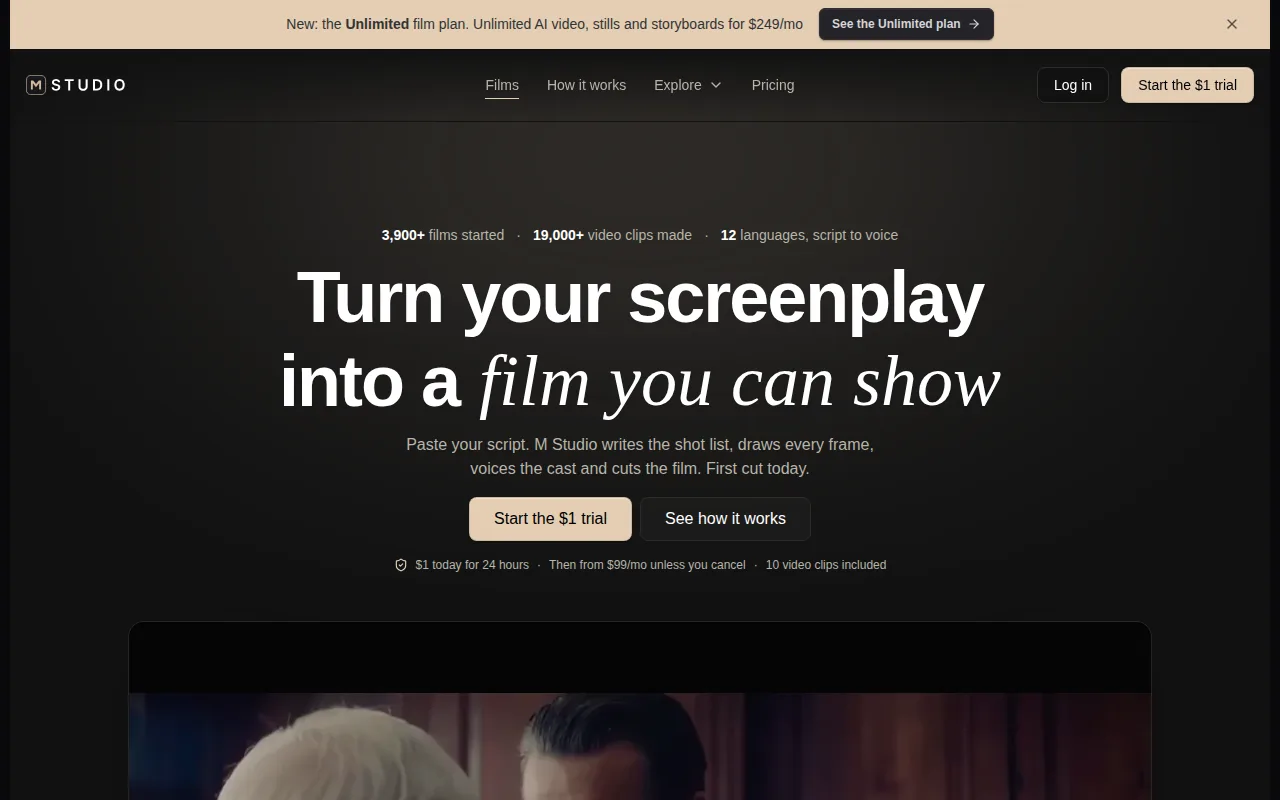
Type an idea or paste a script. M Studio plans the shots, draws a storyboard with the same characters in every frame, then makes the video with sound. That gives a team a visible plan to review before it moves into motion. For an agency pitch, for example, the board can help the team settle the sequence and visual direction before building out the finished shots.
The combined workflow matters when the brief changes. A new product claim or offer can affect the script, shots, and edit, so keeping those stages connected can cut down on manual handoffs. You can see the workflow and available tools on the M Studio features page.
Subscription plans start at $99 per month. M Studio also has a $1 trial for 24 hours, after which the selected plan starts unless you cancel. It isn’t a free plan, so check the trial terms before you start. M Studio is a strong fit here when the job calls for a planned campaign film rather than a quick one-off clip.
2. Creatify: For high-volume ecommerce ad creative
Creatify is an AI ad tool for ecommerce brands, performance marketers, and agencies that need many ad variations. Its workflow can turn a product URL into video ads, with script generation, product demo visuals, an AI presenter, a call to action, and Aurora model avatars.
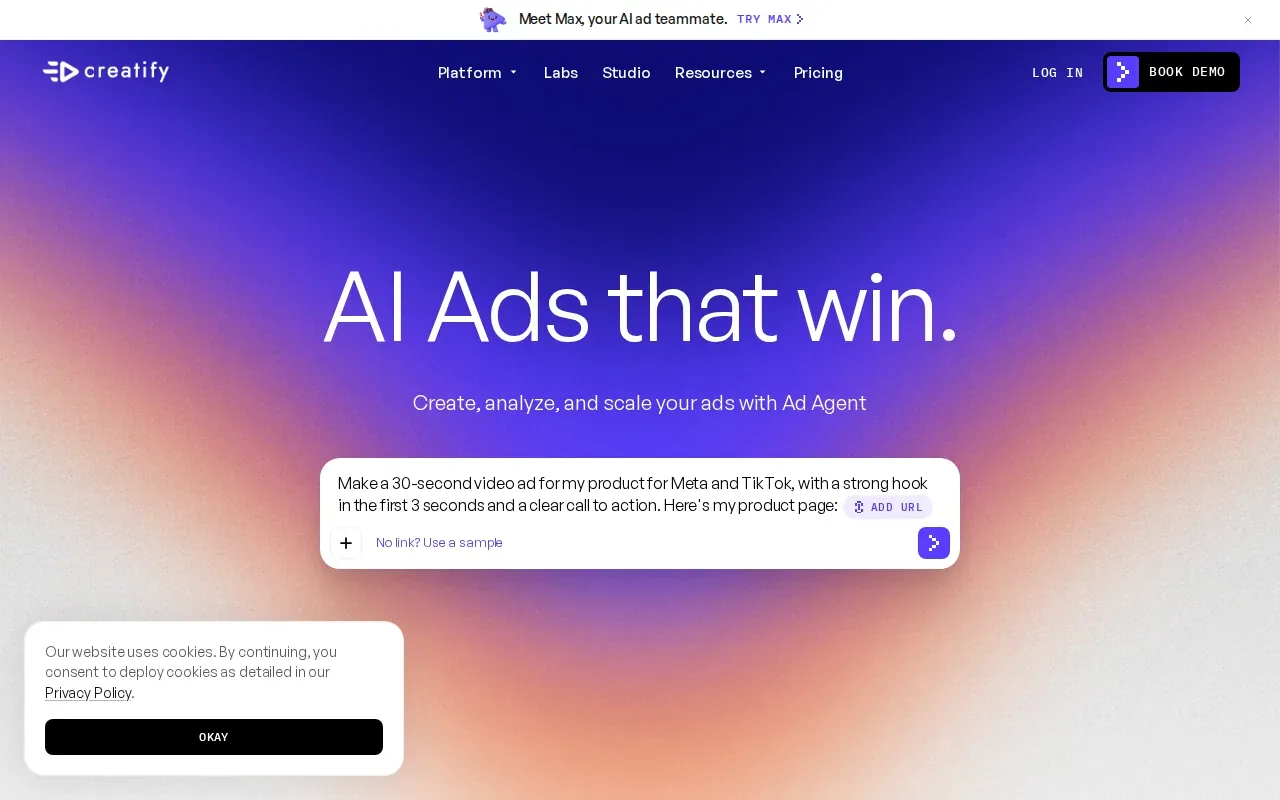
That product-first approach suits a campaign where the item needs to stay at the center of the ad. A marketer can start with a product page, shape the script around its offer, then build an ad with a presenter and a clear next action. It’s a different kind of starting point from a film planned shot by shot from a creative brief.
Creatify has a free plan with 10 credits per month, which is about two videos, and the free output has watermarks. That makes it useful for a small trial of the workflow, but a team planning frequent campaign testing should account for the limited monthly credits. For a broader look at tools built around product clips, see our AI product video generator shortlist.
Choose Creatify when ad volume and product-page inputs shape the job. If your campaign needs a consistent story across many planned shots, M Studio’s brief-to-storyboard workflow may fit better. If the core need is a quick set of ecommerce ad concepts, Creatify’s URL-to-ad path is more direct.
3. HeyGen: For avatar-led and multilingual marketing videos
HeyGen is a fit for teams that need avatar-led videos, generated scenes, multilingual content, or workflow automation in one platform. It starts with a free plan that includes one to three videos per month, depending on region.
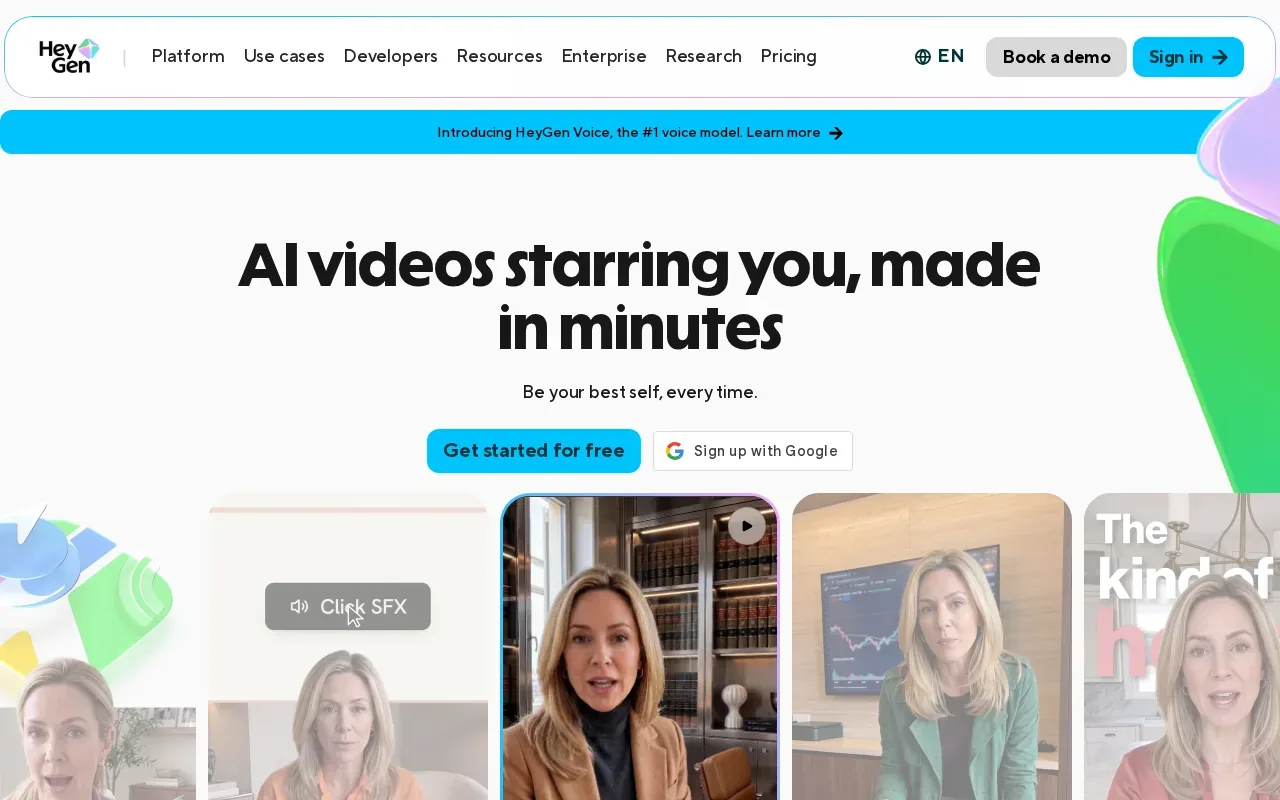
This makes it a natural choice for presenter-style marketing. A team can use an avatar to deliver a product message, then adapt the video for audiences in different languages.
For a campaign with regional versions, the key task is review. Check how the chosen voice handles product names and key claims, then review translated wording and subtitles before publishing. A fluent-sounding read isn’t a substitute for a brand or legal check, especially when the video includes specific promises.
HeyGen also has a SCORM integration, which may matter to teams that use learning systems alongside marketing content. But its clearest fit in this shortlist is still repeatable, avatar-led communication. Choose it when a person on screen is central to the message; choose a shot-planning workflow when the product, setting, and visual sequence need more attention than a presenter.
4. InVideo AI: For turning scripts and ideas into assembled videos
InVideo AI takes a script or idea and assembles a full video with stock footage, voiceover, and subtitles. It’s best for teams that want to turn written material into published videos at scale, including long-form YouTube content.
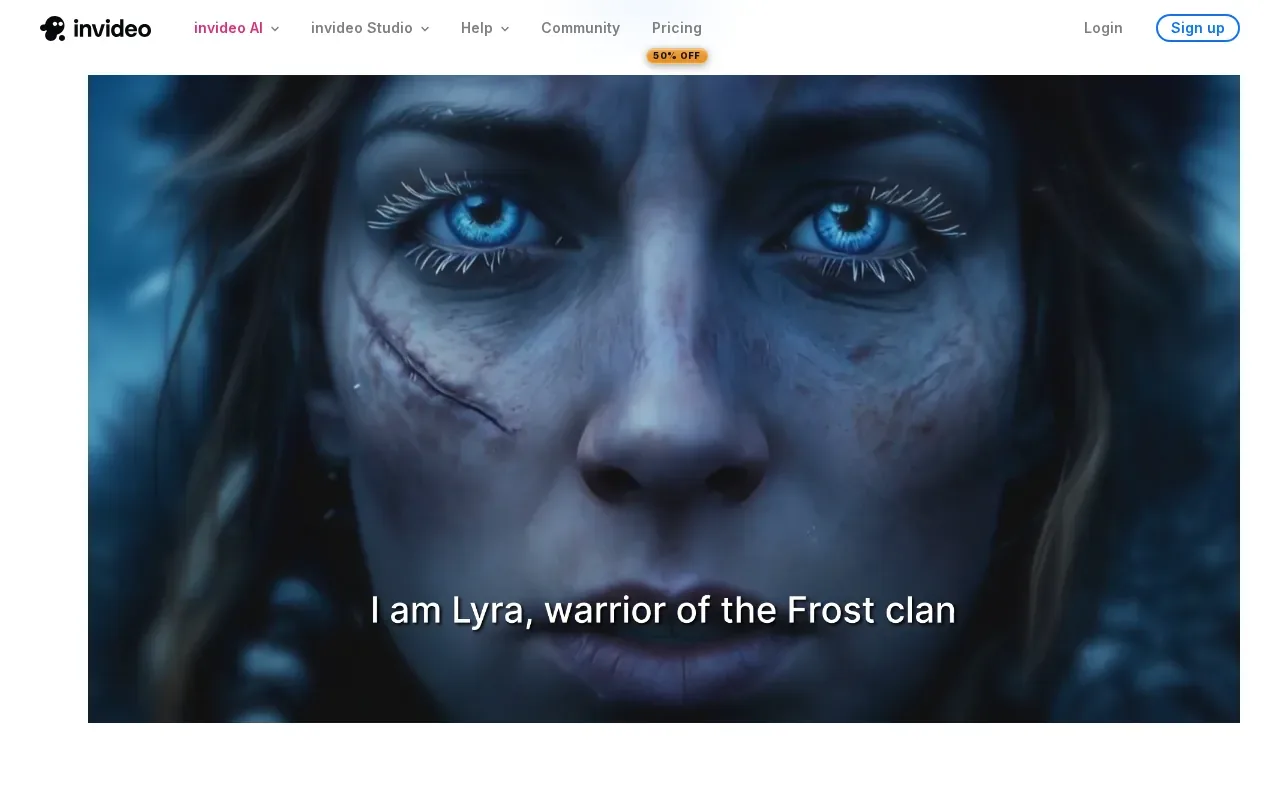
The distinction is in what the tool does with your starting material. You provide the idea or script, and it builds an edit around that text. This can suit a team that already has a clear message and needs a narrated video without planning every shot as a separate production choice.
That assembly-first approach also makes review important. Check that the footage matches the line it supports, the narration sounds right for the brand, and subtitles track the words. A fast first cut still needs a human to catch a visual that implies something the script never says.
InVideo AI has a free tier. It’s worth testing with a real script, not a vague prompt, so you can judge whether the assembled video suits your channel and intended tone. If the script itself needs work before it becomes an edit, our guide to writing a commercial script can help shape the message first.
Pick InVideo AI when the main goal is a complete narrated video from text. For a campaign built around planned shots, story continuity, or product imagery, compare that workflow with M Studio before you commit to a process.
5. Runway: For creative control and motion-focused work
Runway is aimed at filmmakers, VFX artists, and brand teams that need fine-grained creative control. Its tools include Multi-Motion Brush, camera controls, and custom AI model training. The Standard plan starts at $15 per month and includes 625 credits.
Those controls make Runway a better fit when the team wants to shape motion and camera behavior rather than hand off a whole ad to an automatic assembly workflow. That’s useful for a brand shot where movement matters to the idea. It also means the maker stays involved in creative decisions instead of treating the first generated result as the final cut.
Runway and M Studio solve different workflow problems. M Studio connects a brief to scripts, storyboards, product shots, and video exports. Runway focuses on control over generated motion and visuals. A team can choose based on whether the campaign needs a plan for the whole piece or tighter control over individual shots.
| Project need | M Studio | Runway |
|---|---|---|
| Plan a campaign from an idea or script | Shot planning and storyboard | Creative control over generated visuals |
| Keep characters consistent across storyboard frames | Same characters in every frame | — |
| Shape motion and camera behavior | Brief-to-video workflow | Multi-Motion Brush and camera controls |
| Starting plan detail | Plans start at $99/month | $15/month for 625 credits |
Runway’s listed starting plan is lower than M Studio’s, but those prices cover different workflows. Compare the work you need to finish, not just the monthly amount: an individual motion-led shot and a planned campaign film are different jobs.
A video ad also needs a useful destination. If the goal is to bring viewers to a service page, the page should make the next step clear; a clear service-business website can help visitors find the next step.
FAQ
What is an AI video generator for marketing?
An AI video generator for marketing uses written input or other creative material to help make a video for a campaign. Depending on the tool, it may plan shots, assemble stock footage, generate a presenter-led video, or give you control over motion. The right fit depends on whether you need a whole ad workflow or one part of production.
Which AI video tool is best for ecommerce ads?
Creatify is designed for ecommerce ad creative, including a workflow that starts with a product URL. It can generate ad scripts and product demo visuals, and it includes an AI presenter, a call to action, and Aurora model avatars. Its free plan has 10 credits per month, about two videos, with watermarks.
Can AI video generators make multilingual marketing videos?
Yes. HeyGen is designed for teams that need avatar-driven video and multilingual content. Before publishing a localized ad, review pronunciation, translated claims, and subtitles. That check helps catch wording or product-name issues that a quick generation pass may miss.
What should I check before publishing an AI-generated video ad?
Check that the video matches the brief and that each shot supports the claim beside it. Review voiceover and subtitles, then confirm the final edit has a clear next action. If the ad is localized, have someone review the translated wording before it goes live.
Conclusion
If you need a campaign planned from brief to storyboard and video, start with M Studio. Review its workflow, then try the $1, 24-hour trial and check the plan terms before it begins.