
Good marketing video software should fit the work you need done, not just make a clip. M Studio puts the brief, storyboard, product shots, and video in one workflow; these nine options suit different creative and marketing jobs.
1. M Studio
M Studio is a self-serve AI platform that turns a creative brief into advertising scripts, storyboards, product shots, and videos. It’s built for marketers, agencies, ecommerce brands, and creative teams that need campaign material with 4K video exports.
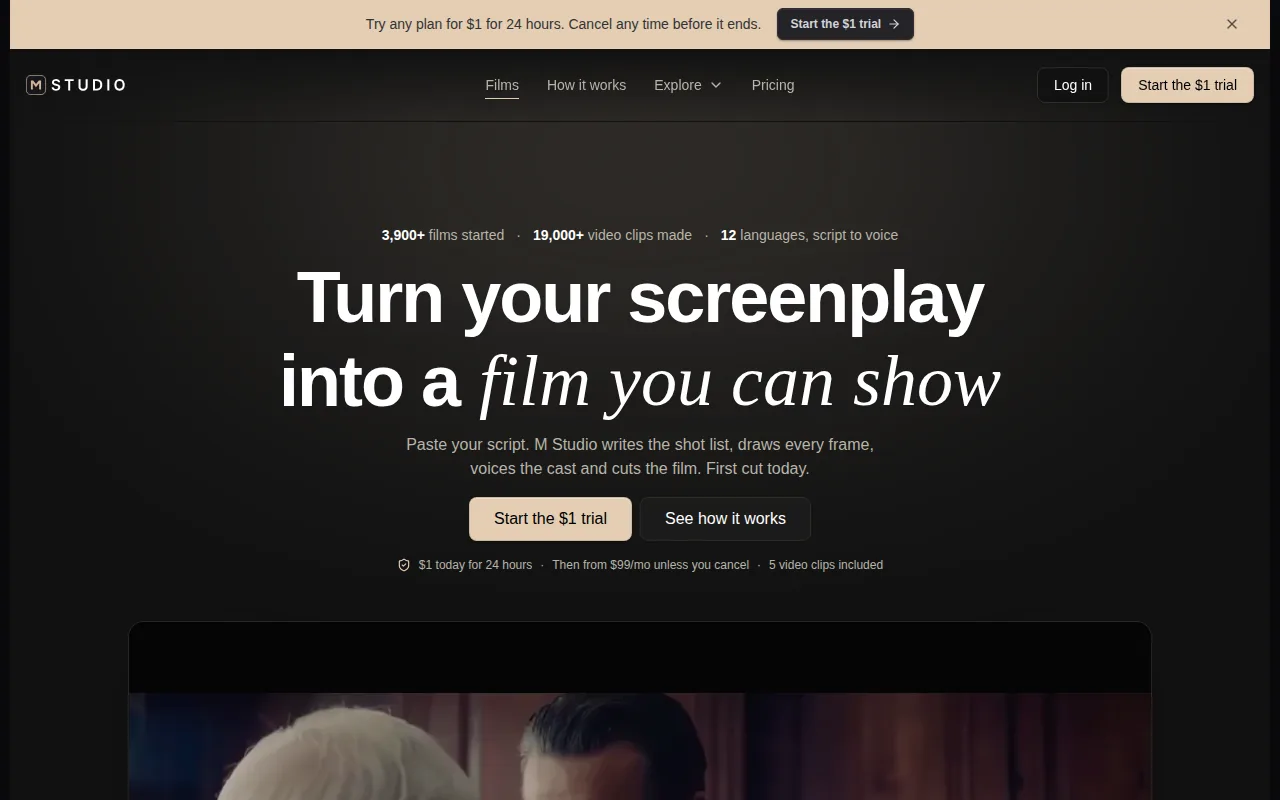
Start with an idea or paste in a script. M Studio plans the shots, draws a storyboard with the same characters in every frame, then makes the video with sound. That sequence gives a team a visual plan before it commits to generating the finished shots. It also ties product visuals to the campaign, rather than leaving a writer, storyboard artist, and editor to stitch separate outputs together.
This setup suits a team pitching an ad concept or building a product campaign. A shot-by-shot board gives reviewers something specific to discuss: the order of the scenes, the framing, and whether the idea works before the final video is made. For a closer look at that planning stage, see M Studio’s storyboard generator and previs comparison.
M Studio’s subscription plans start at $99 per month. Its listed trial costs $1 for 24 hours, then continues at the chosen plan rate unless you cancel. The site says five video clips are included with the trial. Check the current terms before you start, especially if you’re testing the workflow with a live campaign.
When a brief needs to become a planned, consistent campaign rather than a set of loose clips, M Studio is the clearest fit in this shortlist.
2. invideo Editor: AI-assisted video creation
invideo Editor combines Agent Two, an AI agent for planning and making videos, with a workspace for arranging and refining the edit. It fits a team that wants AI help with the first cut but still expects a person to shape the final sequence.
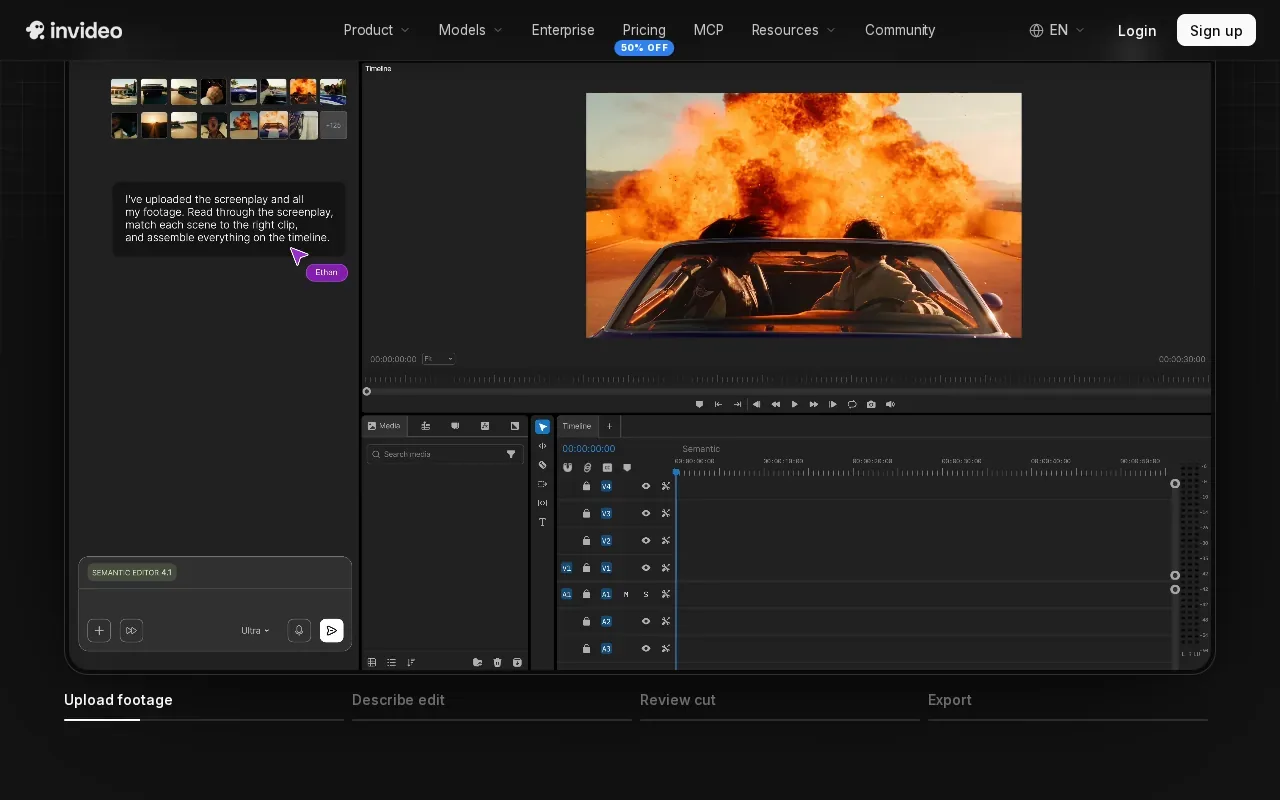
Give Agent Two an idea, audience, story, and useful references. For a campaign, include the brand and character details that need to stay consistent. The agent can help with scripting, storyboarding, media generation, and assembly. Then use the editor’s timeline to inspect the sequence, adjust clips, mix audio, or grade the picture.
That handoff is useful when the AI draft is a starting point, not the approved cut. A marketer can ask the agent for a change, review the result, and continue with manual edits in the same project. It puts direction and hands-on refinement in one workflow, instead of treating the generated output as final by default.
Generation and media use credits, so teams should account for that when planning repeated variations. The useful question isn’t only how fast the first draft appears. It’s how many rounds of generation and editing a campaign needs before the team can approve it.
Choose invideo Editor when you want an AI-assisted production pass and a timeline for the human edit that follows.
3. Descript: Text-based editing for talking-head video
Descript is a text-based editor for talking-head video. It’s a strong fit when the main job is trimming interviews, explainers, or a recorded presentation by changing its transcript.
Instead of hunting for every pause on a timeline, you can cut video by deleting words from the transcript. That makes it easier to tighten a long answer or remove a verbal stumble. For a marketing team repurposing a recorded interview, the transcript gives the editor a readable map of what was said.
Descript can also suggest clips from long-form video. That helps when you need to identify short moments for social posts without starting from a blank timeline. The editor can review those suggestions, decide which moments serve the message, and shape each clip around its intended use.
This is a more focused job than producing a campaign from a brief. Descript’s key strength here is the text-led edit, not a full script-to-storyboard-to-video workflow. If you need a dedicated AI editing workflow for planned video, M Studio’s AI video editor describes how storyboard shots can move toward video.
Pick Descript when spoken content is the raw material and transcript edits are the quickest route to a cleaner cut.
4. Kapwing: Prompt-led creation for distributed teams
Kapwing uses text prompts to start video projects and has tools for marketing teams that make and review content together. It’s a fit for distributed teams, internal communications, educators, and HR groups that need a shared way to work on video.
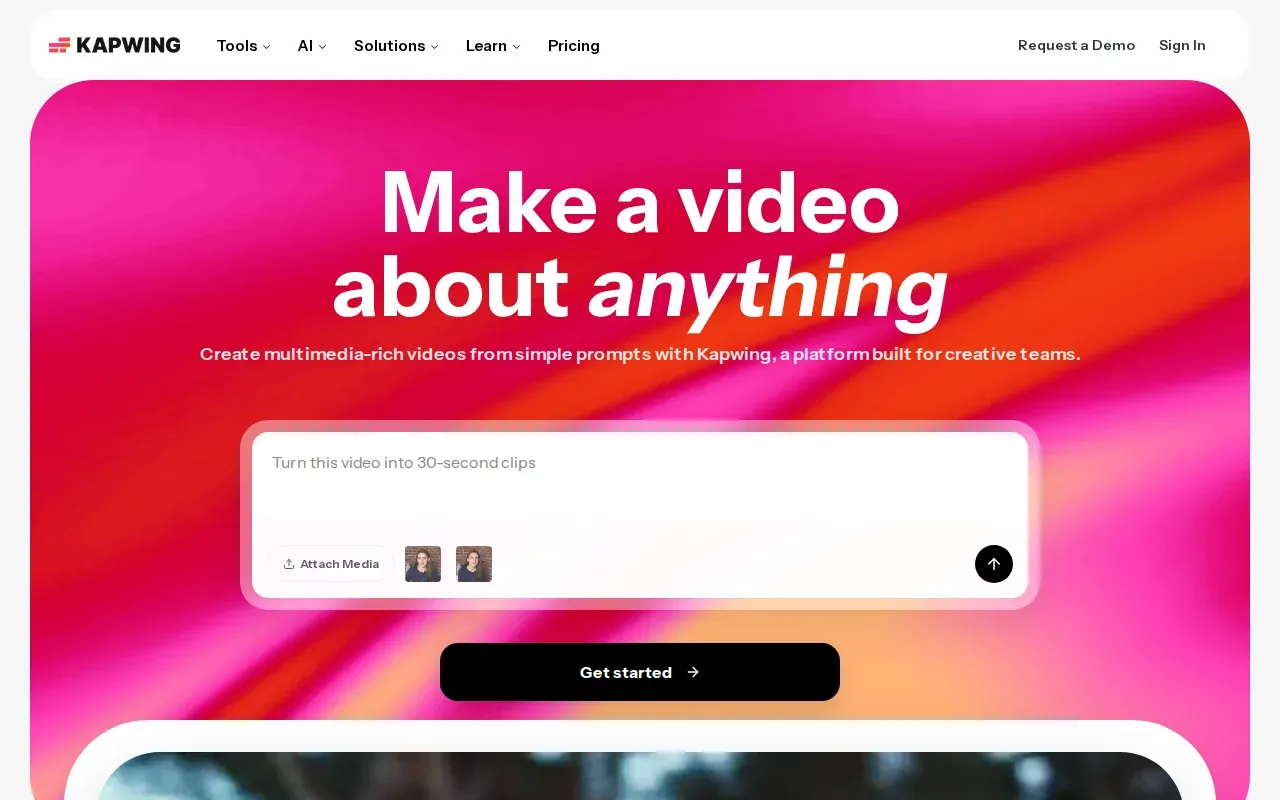
A prompt can generate a layered project with voiceover, visuals, subtitles, music, and characters. The team can then edit the result before it goes out. That can help when a campaign starts as a rough idea and needs a usable first draft before a person checks the message and visuals.
Kapwing’s marketing workflow also supports repurposing longer material into short clips. Teams can share projects for review and leave timestamp-specific comments. Brand colors, fonts, logos, and subtitle styles can be saved for repeated use, which helps keep content aligned as more than one person works on it.
For international campaigns, Kapwing describes translation and subtitling in more than 70 languages. Those tools can help a team prepare localized versions, though the wording and cultural fit still deserve a human review. And if a video will be used across multiple channels, the team should check each format before publishing.
Kapwing makes the most sense when prompt-led drafts, shared review, and reuse of existing videos are central to the work.
5. Higgsfield AI: Generate and edit creative assets across web and mobile
Higgsfield AI creates images, videos, and voice content from text prompts or references. It’s a fit for creative teams that need to generate and revise several kinds of campaign assets across web and mobile.
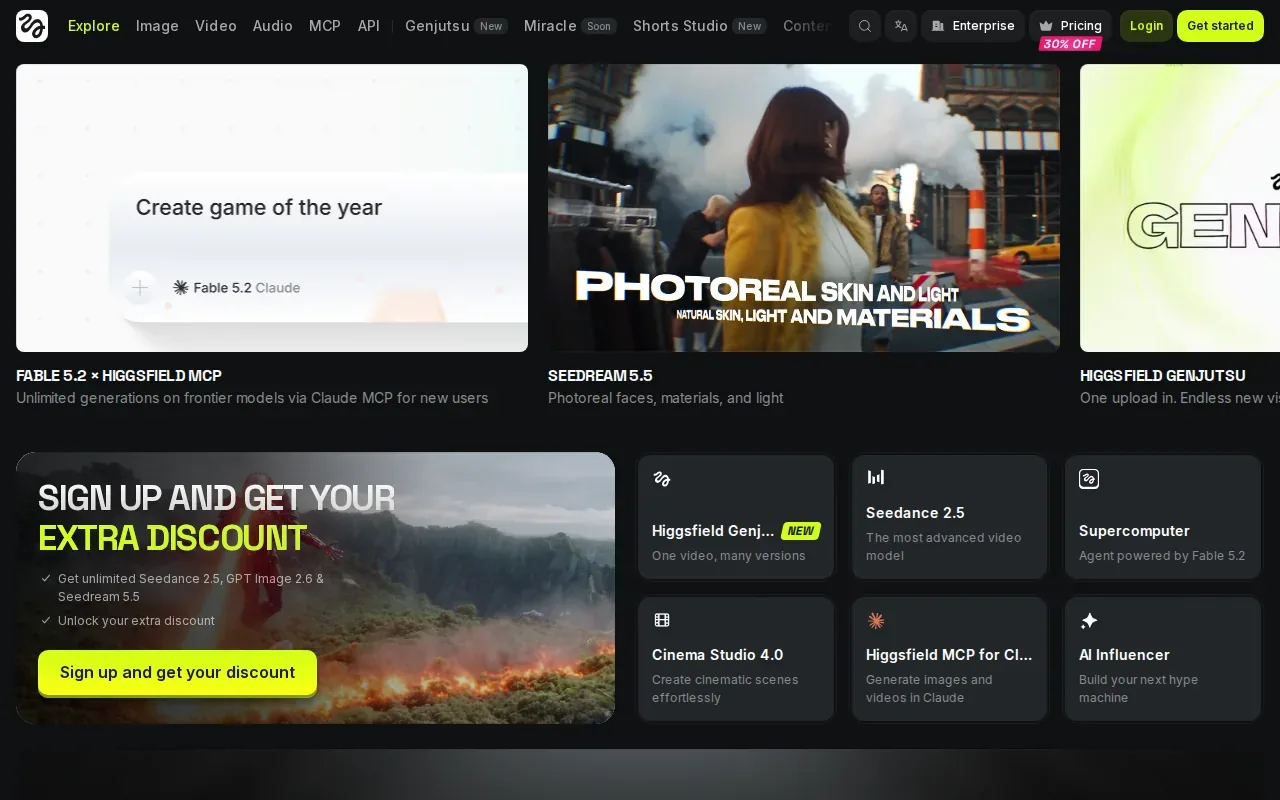
A reference can help set a direction for a new image or video. From there, the team can edit or upscale media and use the platform’s AI agent to automate creative workflows. That mix is relevant when a campaign needs both new assets and changes to existing ones, rather than one finished video alone.
Think of a team preparing a product launch. It might need still images for a campaign concept, video content for an ad, and voice content for narration. Higgsfield AI’s described tools cover those asset types, while keeping creation available on web and mobile. The team still needs to judge whether each generated asset fits the brief and can be used in the intended campaign.
The key decision is how much of the work involves creating or editing media assets versus organizing a full marketing video pipeline. Higgsfield AI is centered on creative generation and editing. If the job calls for a storyboard-led campaign plan, compare that workflow with M Studio’s approach.
Choose Higgsfield AI when the asset mix matters more than a single, fixed video format.
6. Wistia: Video marketing, lead capture, and viewing data
Wistia is a video marketing platform for businesses. It suits teams that need to publish business videos and connect viewing activity with lead capture and marketing workflows.
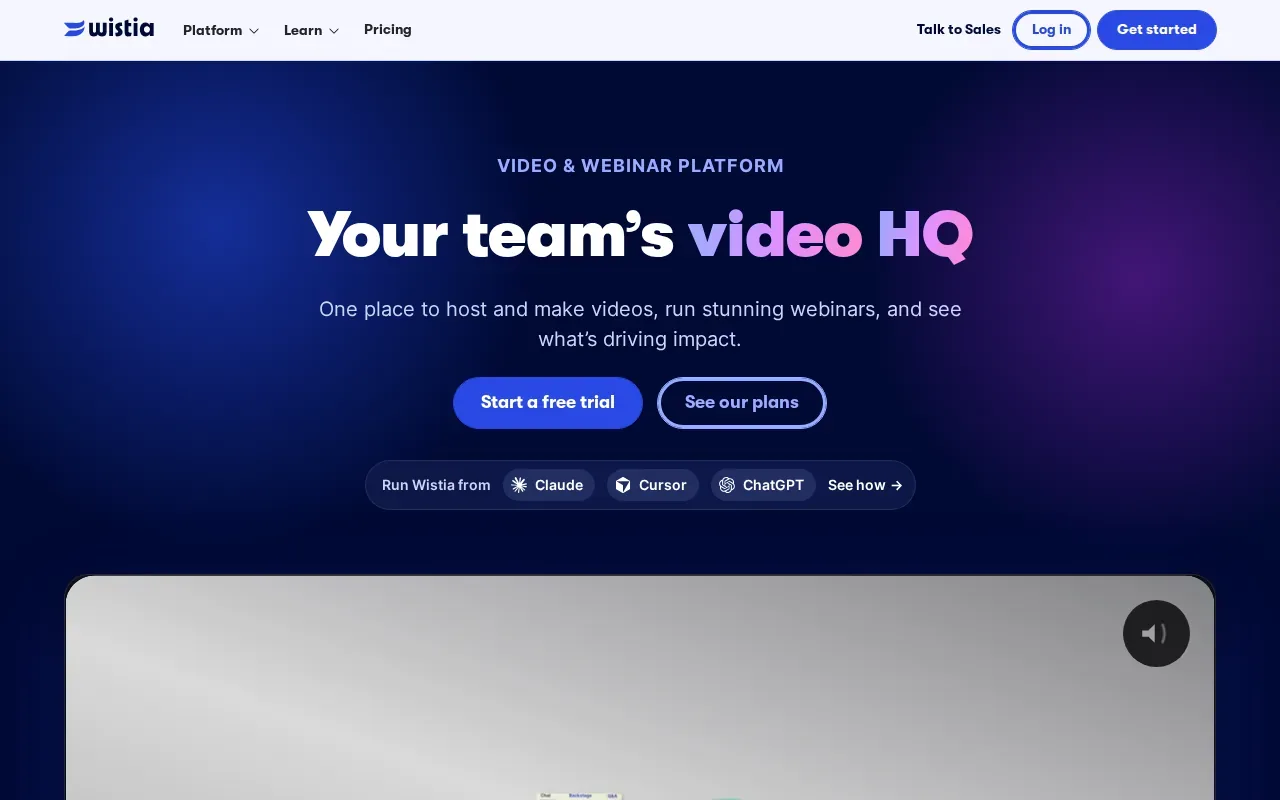
Wistia’s marketing use goes beyond making a video. The platform can generate leads and collect viewing data. When connected to a marketing automation platform, it can also trigger workflows based on video activity. That can help a team tie video viewing to follow-up rather than treating a play count as the end of the job.
For example, a team with a product demo can use viewing data to understand how people engage with the video, then connect that activity to its marketing process. The value depends on the team’s setup: the video needs a clear purpose, and the workflow needs a useful next action. A dashboard alone won’t tell a marketer what to change unless the team has a question it wants the data to answer.
Wistia belongs on the shortlist when distribution, lead capture, and viewing data are as important as the video file itself. It’s a different emphasis from tools focused mainly on generating creative assets.
If your main need is a storyboard and generated campaign footage, assess the creation workflow separately from the marketing and measurement layer.
7. Adilo: Hosting and marketing workflows in one platform
Adilo is a cloud-based video hosting and marketing platform. It fits teams that need to host videos, manage playback, capture leads, and connect viewing activity to marketing tools.
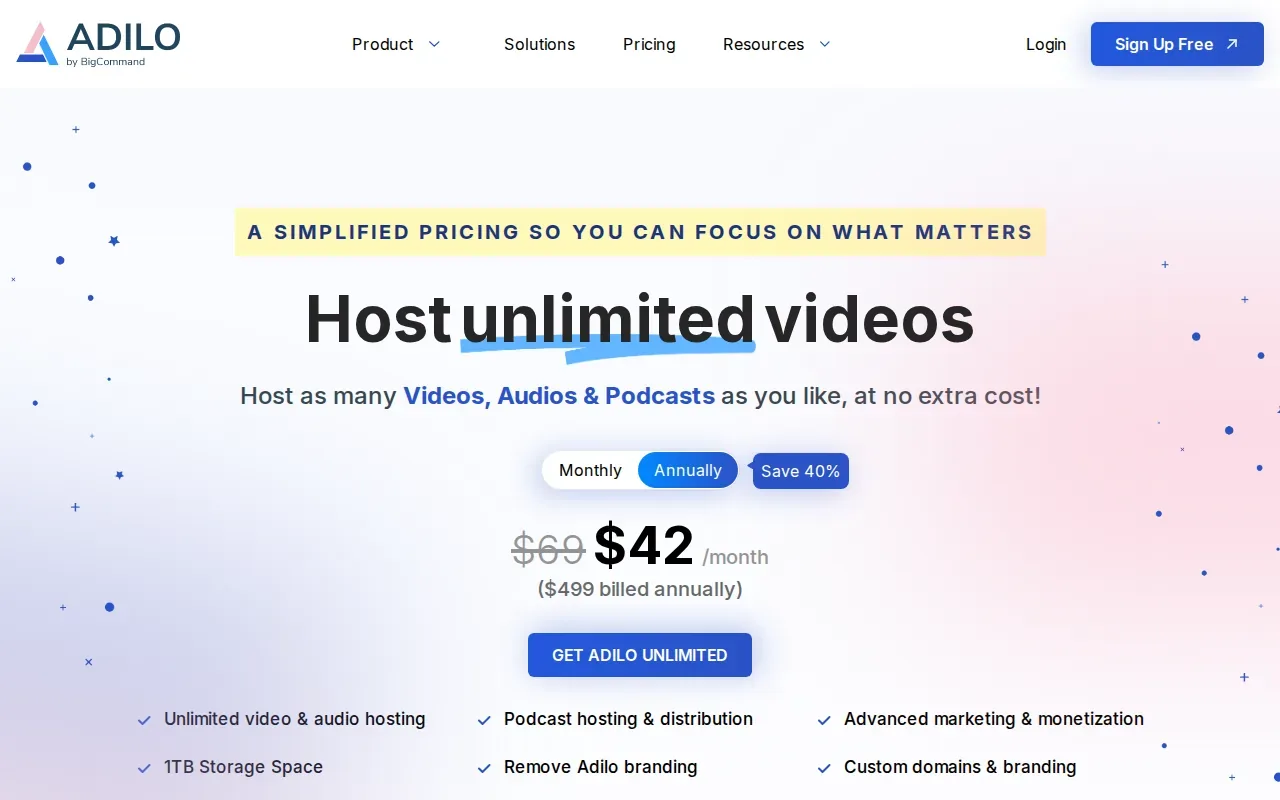
Adilo describes adaptive streaming and player settings that can be matched to a brand. It supports video embeds, hosted watch pages, and links for streaming. Teams can also add lead forms or calls to action within a video, then review collected leads and viewing activity.
Its integrations include Mailchimp. That matters for teams that already use it in their email workflows. A video can sit inside a broader process rather than living as a file that someone has to share manually after each campaign.
Adilo also describes captions and subtitles in multiple languages, along with controls for video access and security. These features can matter for training content, paid video libraries, or campaigns aimed at viewers in more than one market. Check that the hosting and access features match your team’s requirements before moving a library.
Adilo is worth a look when hosting and marketing follow-up are the center of the brief, not only video creation.
8. Topview: AI video workflows for marketing teams and studios
Topview is an AI video agent for marketing videos and short films. It’s aimed at enterprise marketing teams, agencies, creative studios, and ecommerce brands that need a connected creative workflow.
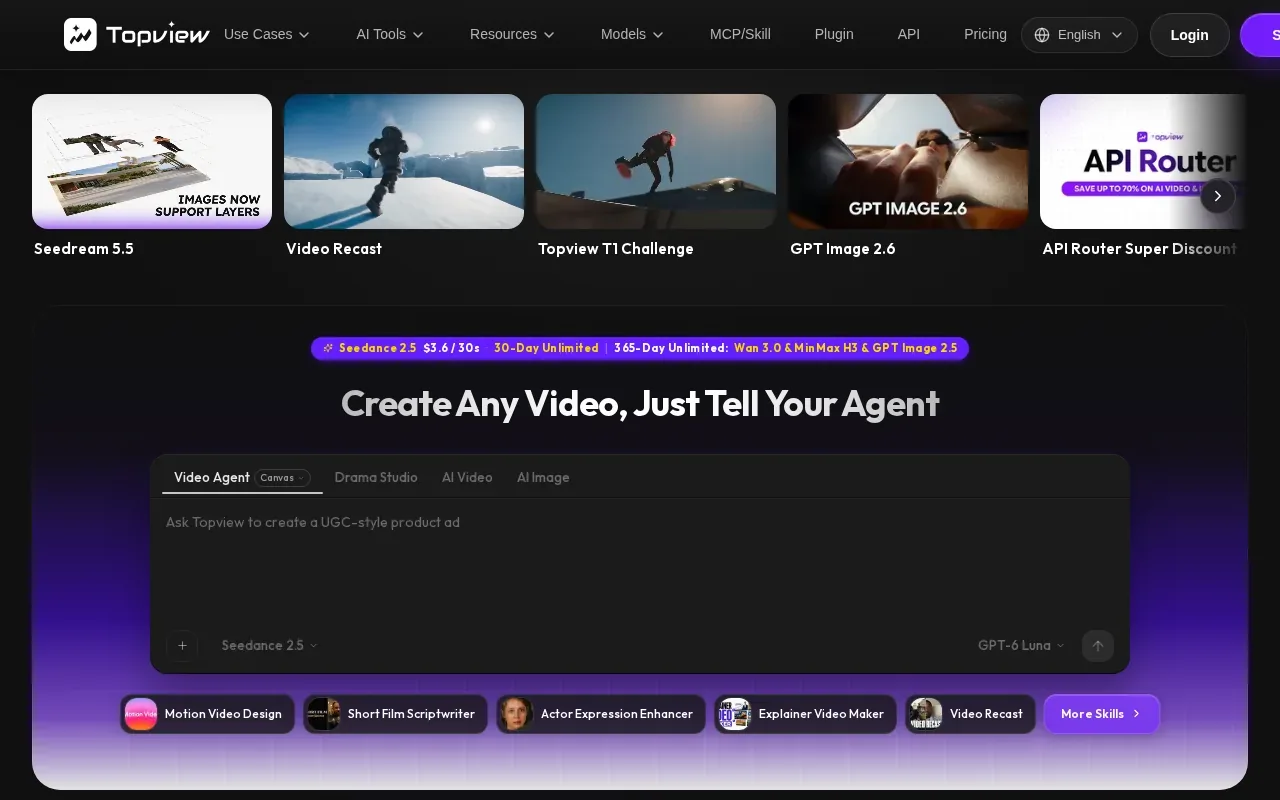
Start with an idea, script, reference video, or product URL. Topview plans scenes, selects models, generates assets, and keeps shots editable on Canvas. It also describes batch creation of short-form videos, along with automatic voiceover and captions. For a team testing campaign variations, those steps can move a brief toward several versions without making every scene from scratch.
Topview’s team features center on shared projects and organized production materials. Admins can share credits and monitor usage across members or departments. That gives a larger team a way to keep project work together while tracking how production resources are used.
The platform also describes voiceover, captions, and localization in more than 30 languages. That’s useful when the same campaign needs versions for different markets. A team should still review the translated message, the voice, and the final edit before publication; automation can prepare variants, but it can’t decide whether each version suits its audience.
Topview is a fit when you need planning, asset generation, and multi-format campaign work in one agent-driven process.
9. QuickAds: Data-backed creative for paid social
QuickAds turns a website or an idea into paid social ads and influencer videos. It’s aimed at teams that need creative for paid social and want ideas informed by ad data.
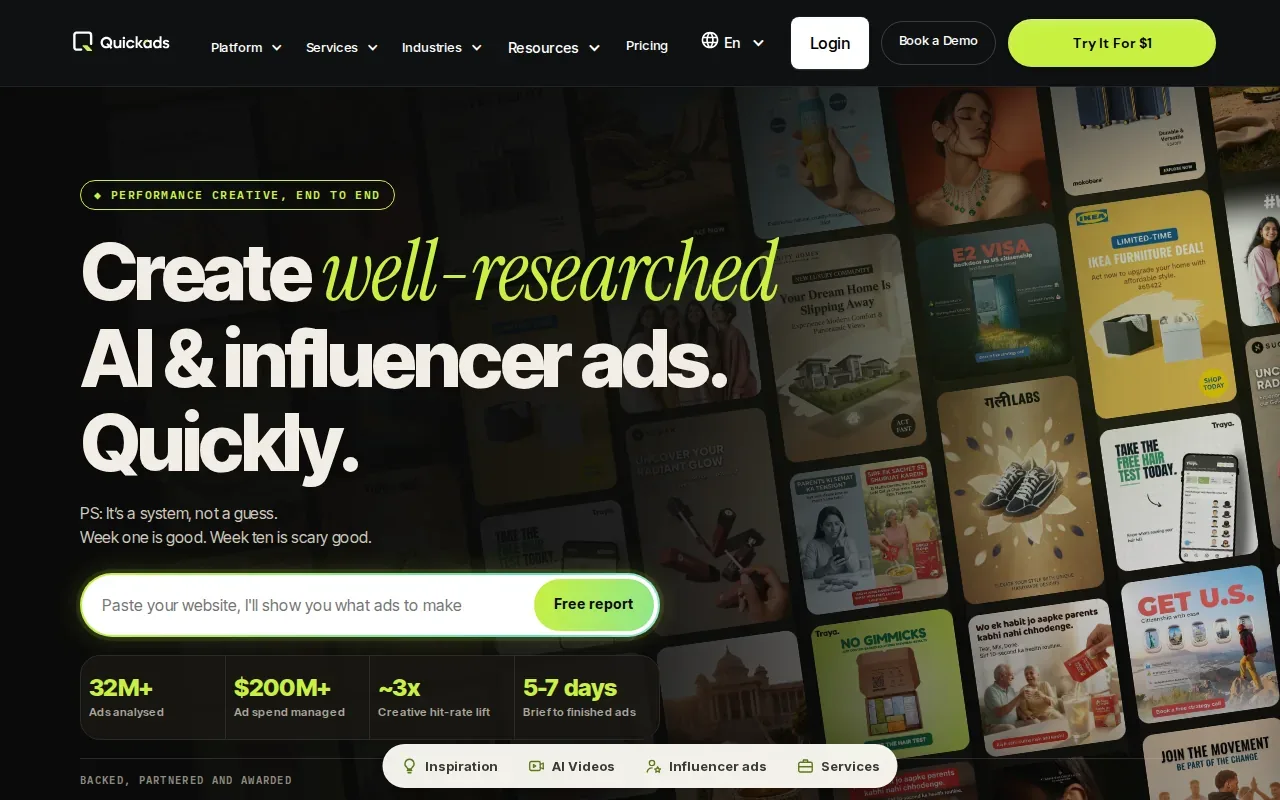
QuickAds has analyzed more than 32 million ads, and offers a production pace of 100 or more creatives a month with a five-to-seven-day turnaround. Treat those numbers as planning details to confirm for your project: campaign size, review rounds, and what counts as a finished creative all affect the handoff.
This option is distinct from a general video editor. The stated focus is paid social ads and influencer videos, with a data-backed creative starting point. That makes it relevant when a team’s immediate need is ad concepts for paid campaigns, rather than hosting a video library or editing a long interview.
The choice comes down to the work you need to hand off. Use the shortlist this way:
| Need | Option to assess | Why it fits |
|---|---|---|
| Brief-to-storyboard campaign video | M Studio | Plans shots, storyboards characters, and makes video with sound |
| AI draft plus timeline editing | invideo Editor | Combines Agent Two with manual editing |
| Editing recorded speech | Descript | Transcript-based cuts for talking-head content |
| Paid social creative ideas | QuickAds | Focuses on paid social ads and influencer videos |
QuickAds is the most relevant fit here when paid social creative is the main deliverable. If the job begins with a detailed brief and needs a planned sequence of shots, compare that need with M Studio before deciding.
Frequently asked questions
What is marketing video software?
Marketing video software helps a team make, edit, host, or measure video used to promote a business. Some tools focus on generating a video from a prompt or brief. Others work better for editing a transcript, hosting a finished video, or tying viewing activity to lead workflows. Pick based on the task your team needs to complete.
Which video software is best for marketing teams?
The best fit depends on the workflow. M Studio is suited to teams that want a brief turned into scripts, storyboards, product shots, and video. Descript focuses on transcript-based editing, while Wistia and Adilo center on hosting and marketing activity. Compare the first deliverable you need, then check how the tool supports review and publishing.
Can AI video software create a video from a brief?
Some tools can turn an idea or brief into a planned video workflow. M Studio says it can plan shots from an idea or pasted script, storyboard consistent characters, then make a video with sound. Other options in this list begin with prompts, scripts, references, or product URLs. Check whether the output is an editable project or a finished video.
Is there free marketing video software?
Some products may have free plans, while others use paid subscriptions or trials. M Studio’s listed trial costs $1 for 24 hours, then continues at the selected plan rate unless canceled. Its subscription plans start at $99 per month. Check the current terms and confirm what the trial includes before starting.
What should I check before choosing video software?
Check what the tool produces, where your team will edit it, and how you’ll review the result. If you need lead data, hosting and analytics matter. If you’re making campaign footage, shot planning and export quality may matter more. Also confirm how the tool handles collaboration, localization, access, and the formats your channels need.
Conclusion
For teams that need a campaign planned from brief through storyboard and finished video, start with M Studio. Its listed plans begin at $99 per month, and the 24-hour trial costs $1. Review the trial terms, then test one real brief to see whether its shot plan and video output fit your team’s workflow.