A strong product image can start with a plain photo, then take shape as a polished listing visual or campaign asset. An AI product image generator can speed up that work, but the right tool depends on what you need after the image is made.
Here are six options, plus M Studio, with a focus on workflow fit. Some center on product shots; others extend into ads, video, design, or broader creative tasks.
1. M Studio
M Studio is a self-serve AI platform that turns creative briefs into advertising scripts, storyboards, product shots, and videos. It suits ecommerce teams and agencies that want product imagery to connect to a campaign, rather than sit alone as a single listing photo.
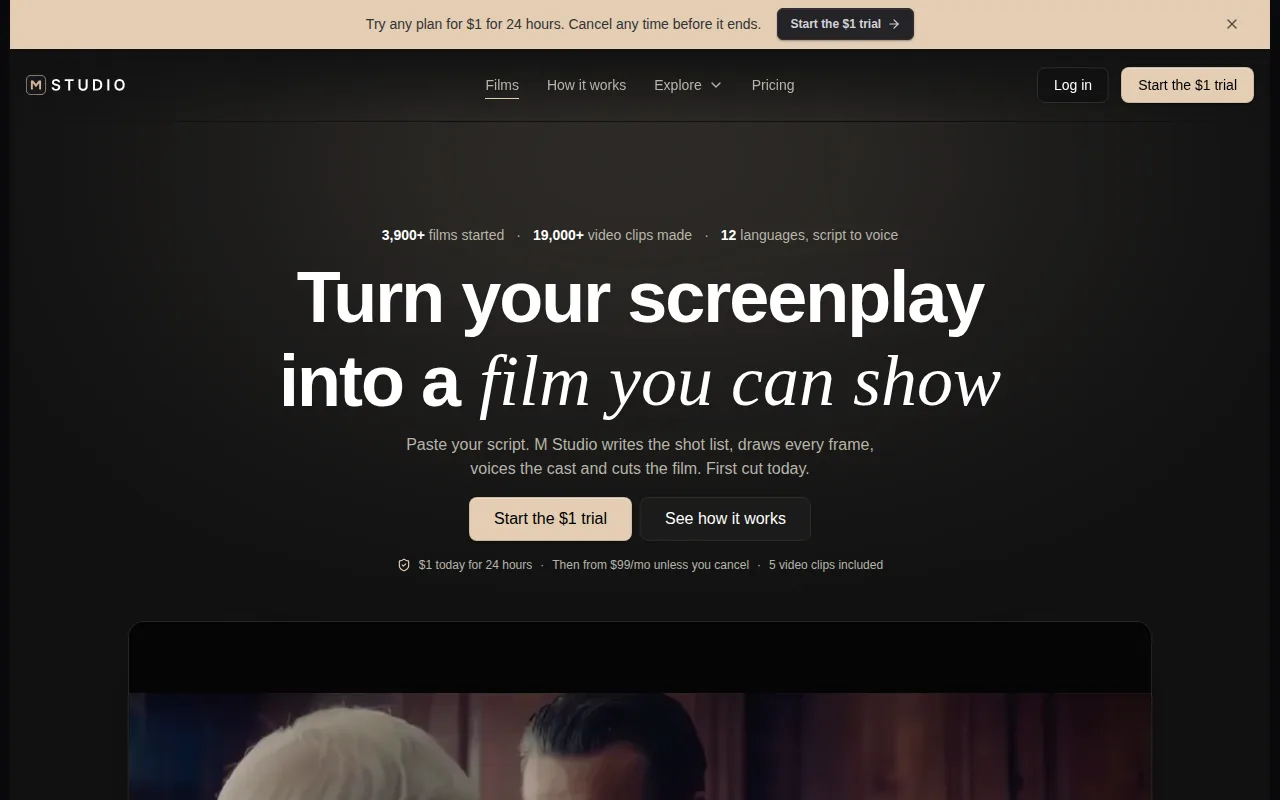
Type an idea or paste a script. M Studio plans shots, draws a storyboard with the same characters in each frame, then makes video with sound. The business also describes 4K video exports for pitch-ready campaigns. That makes it a fit when a product image is one piece of a larger pitch or ad workflow.
If you need to check which parts match your job, the M Studio features page lays out its creative tools. Plans start at $99 per month, and the site describes a $1 trial for 24 hours before the selected subscription begins unless you cancel.
For a product launch, you might start with a brief, review the planned shots, then use the resulting visuals in a campaign concept. Keep a human review in the loop for product details, claims, and brand accuracy.
2. Creatify: AI image and video ads
Creatify is aimed at making advertising assets from a product image or product link. Its image-ad workflow suits small business owners, online sellers, and social media managers who need static creative for promotions or product launches.
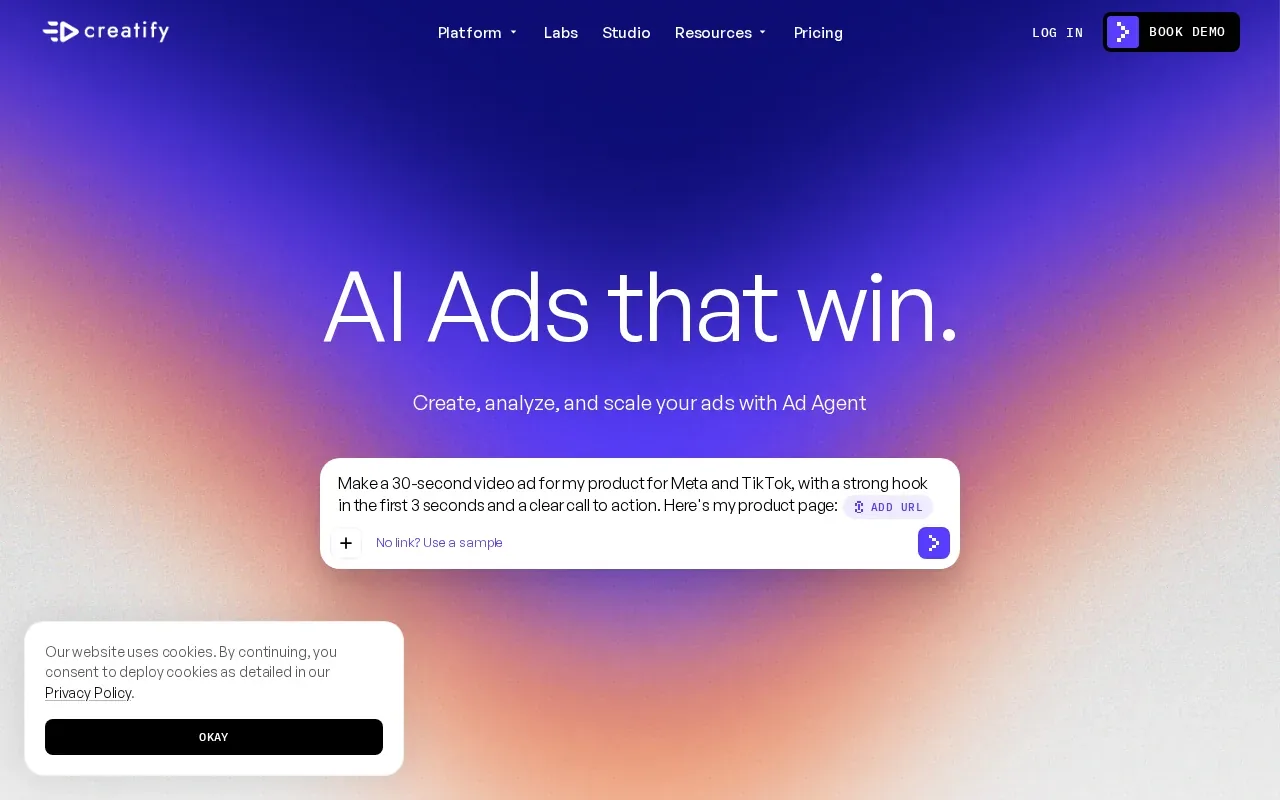
The listed process is direct: upload a product photo or paste a product link, then use the generated graphic as a ready-to-use social ad. That can reduce the time spent building each layout by hand. For a shop with several offers, the key test is whether the generated design keeps the product clear and the main message easy to read at the size you plan to run.
Creatify also describes AI image and video ads, with advertising variations generated in minutes. That broader ad focus makes it a different fit from a tool centered on product photography alone.
Try one product first. Check the crop, the product shape, and whether the text still reads on a phone screen before making a batch.
3. Higgsfield AI: image, video, and creative workflows
Higgsfield AI supports image, video, and voice content from text prompts or reference material. It may suit teams that want to move between still images and motion assets in one creative workflow.
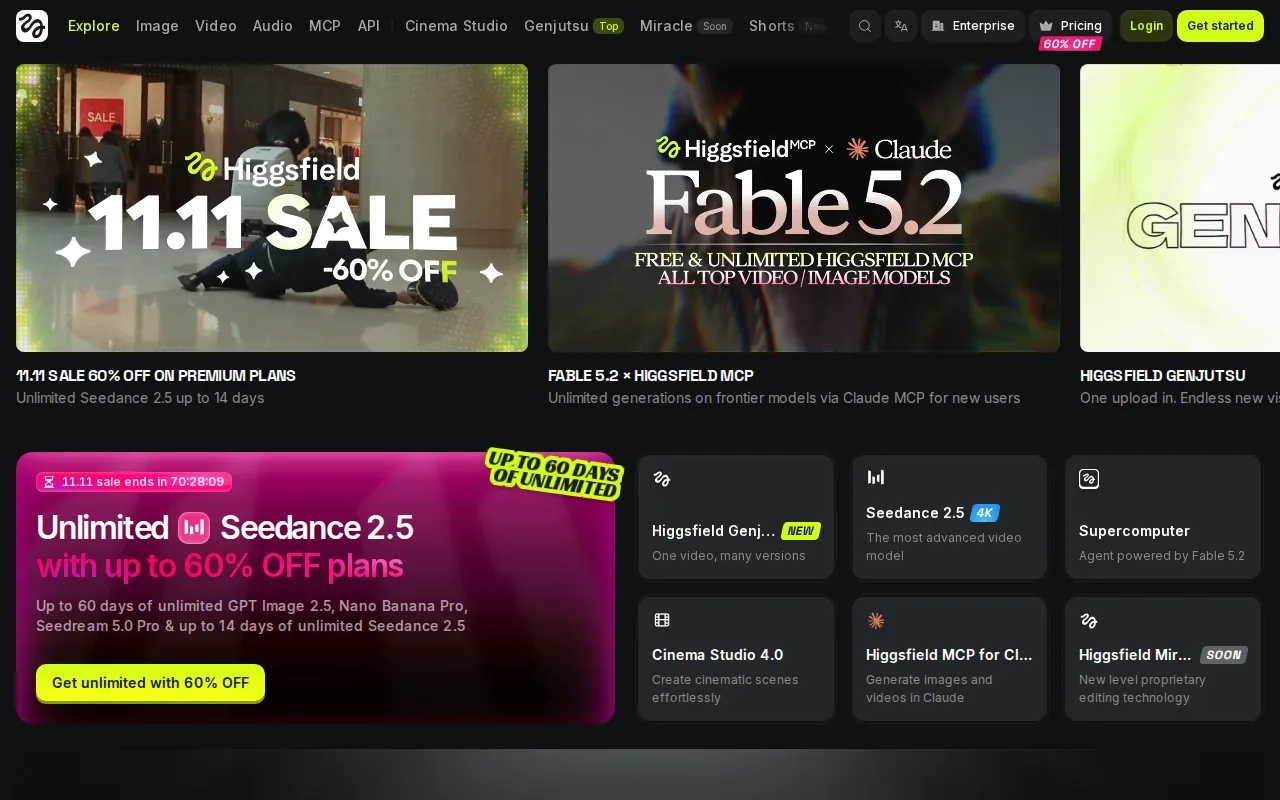
Higgsfield AI includes media editing and upscaling, plus an AI agent for creative workflow automation. Content can be made on web and mobile. For a product campaign, those functions may help when the work starts with a reference image and later needs an edited still or a video asset.
That range is useful when your brief includes more than a clean product shot. It also means you should define the output before you start: are you making a store image, a campaign visual, or a short piece of motion content? A clear target makes review easier and helps avoid polishing assets you won't use.
For image work, keep the source photo and the generated version side by side during review. That makes it easier to spot changes to shape, color, or other details customers expect to match the item they receive.
4. Flair.ai: product-focused creative design
Flair.ai is included here as a product-focused creative design option. It's worth testing when your team wants to compare a design-led approach with tools built around a wider ad or video workflow.
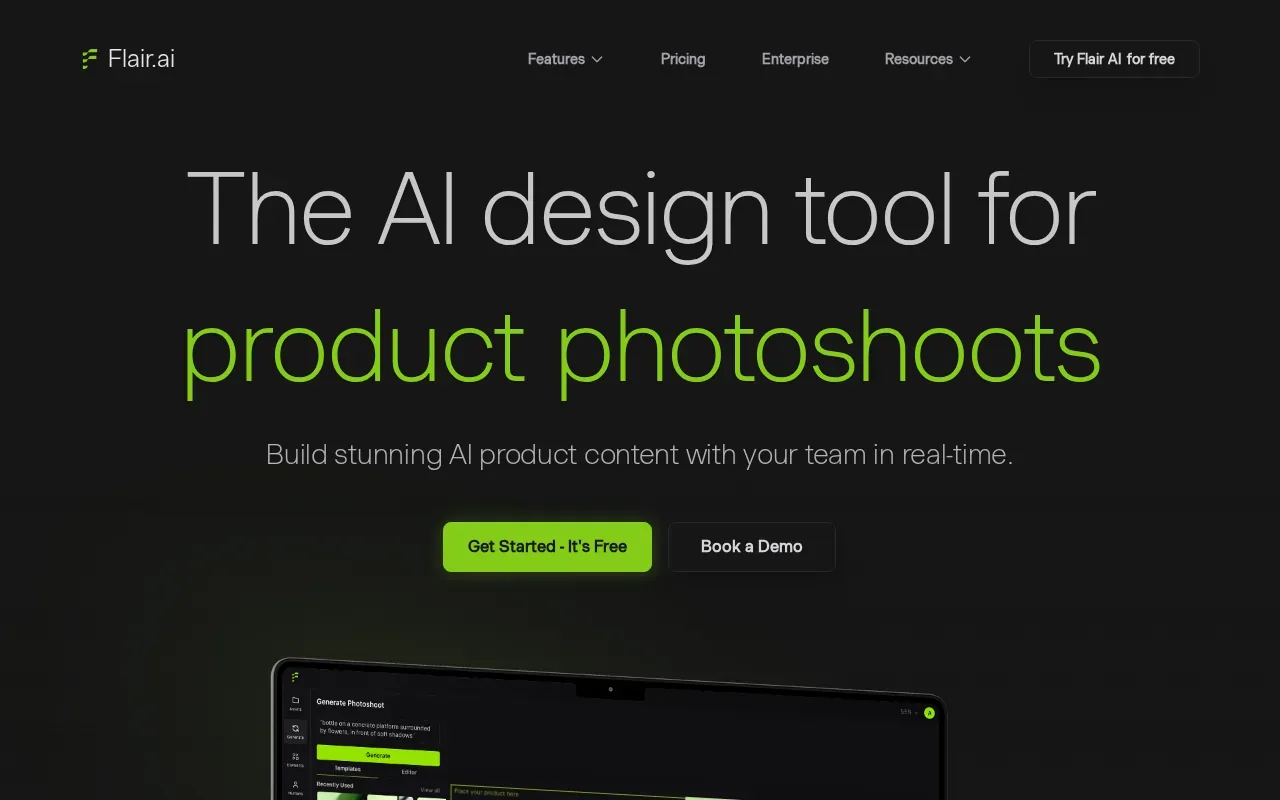
For any product visual, the review should start with the item itself. Check that the image keeps the product's form and color true to the source, then look at the setting and composition. A stylish scene doesn't help if it changes a detail a shopper relies on.
Make the test small and specific. Use one item with a clear reference photo, then judge whether the result fits the channel and brand. If you're developing a sequence of storyboard frames rather than storefront photography, M Studio's AI image generation tools are built around cinematic stills and consistent storyboard work.
That distinction matters: product imagery for a listing and a visual for a pitch can share a subject, but they don't always need the same framing or finish.
Ready to turn a brief into campaign-ready product shots and video? Try M Studio's $1 trial for 24 hours, then cancel before the subscription begins if it isn't a fit.
5. Recraft: photorealistic images and custom styles
Recraft is a text-to-image model and design platform for photorealistic images, vector generation, custom styles, and mockups. It suits teams that want product visuals alongside other design assets, such as icons or vector artwork.
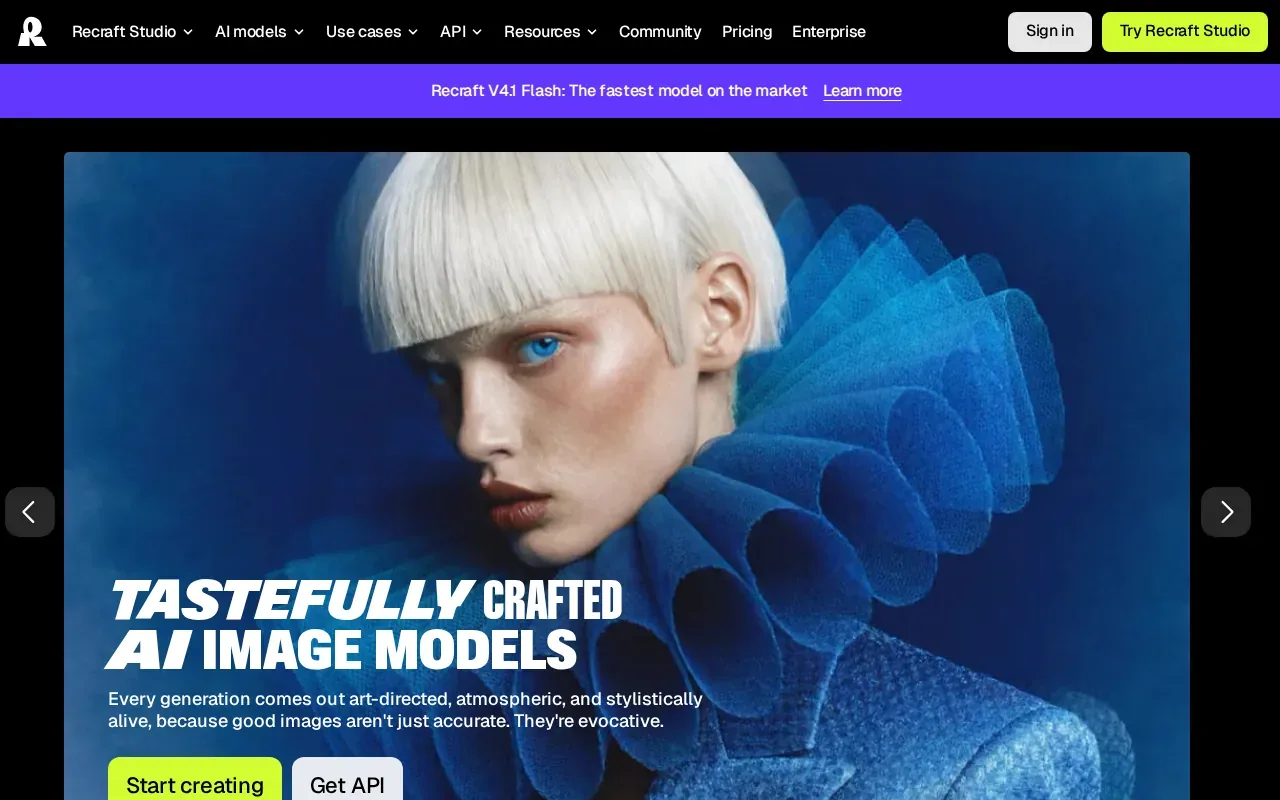
Its image tools include background removal, upscaling, retouching, and vectorization. The mockup generator can place a generated image onto apparel, packaging, ads, signage, or devices for a preview. That can help a designer check how an image concept reads in context before it moves into a finished layout.
Recraft also describes multiple results from one text prompt, with different visual directions. That's useful for early exploration, but product accuracy still calls for review against the real item. Generated text or packaging details need careful checking before anyone treats the image as a faithful product depiction.
The platform says its free plan includes up to 30 image generations per day. It also says paid plans include commercial rights, so confirm the terms for the plan and assets you intend to use.
6. Omneky: AI-powered marketing creative
Omneky is an AI ad platform that makes image, video, and avatar ads from a brand's materials. It suits marketing teams that need campaign assets and want to connect creative production with ad launch and performance review.
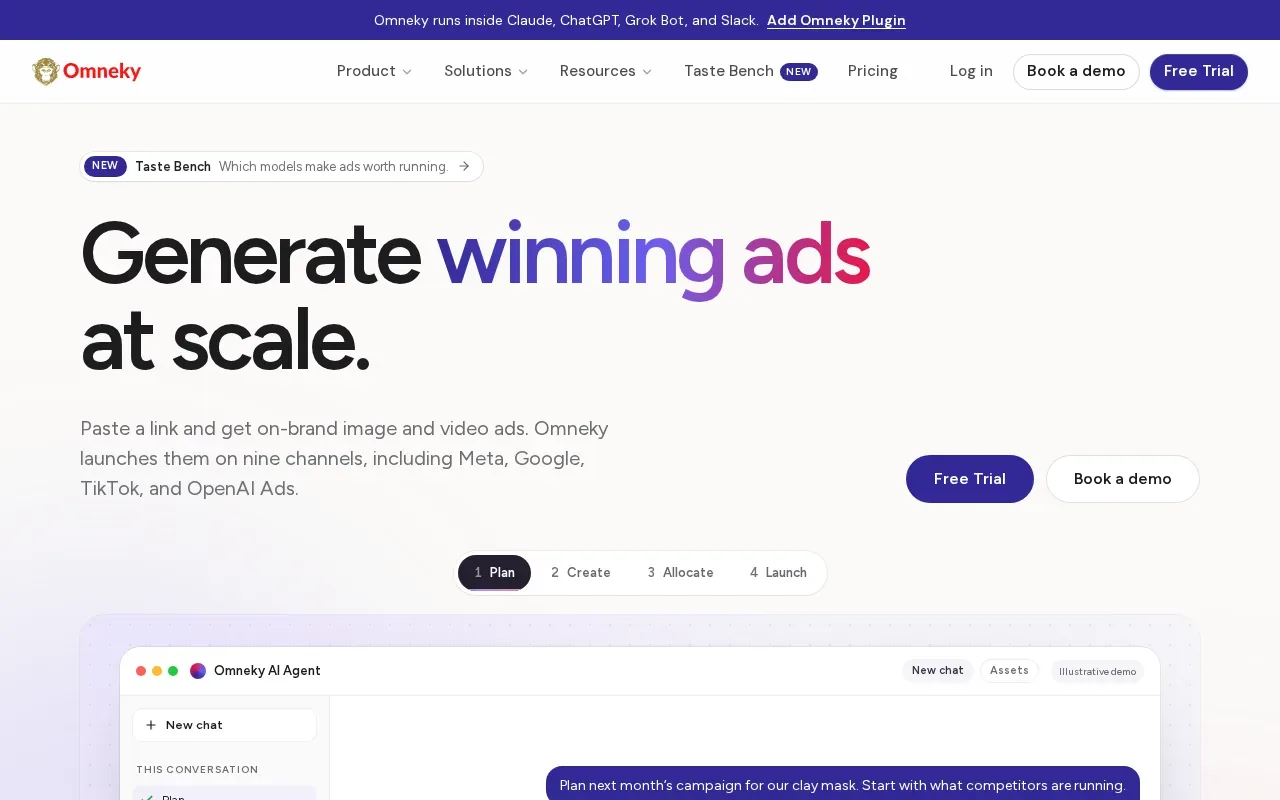
Omneky says it reads a website for brand elements such as logos, colors, fonts, and voice. Teams can make ads in different sizes, launch on nine channels, and review results from connected ad accounts. The platform also supports an API, which can return finished image and video ads from brand and product information.
Those features make it broader than a standalone product-photo workflow. If your immediate need is one listing image, a campaign system may be more than you need. If the same product needs creative in several formats, the connection between asset creation and launch may be useful.
Omneky lists plans with a seven-day free trial.
7. Runable: agent-led creative workflow automation
Runable is an AI general agent that thinks, plans, and executes end-to-end. It focuses on broad workflow execution, so consider it when the task involves coordinating several steps rather than generating one image.
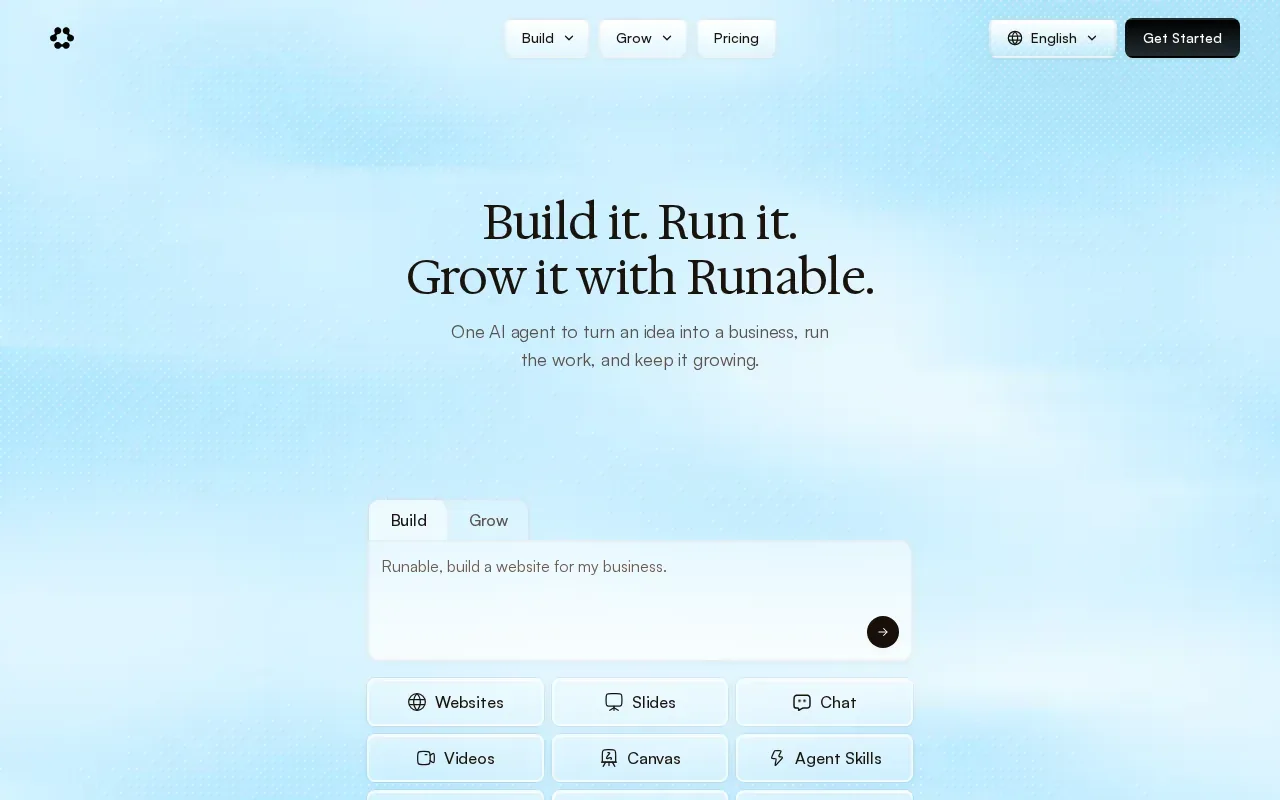
That is a different buying decision from choosing a dedicated image editor. For large campaigns, make a short list of the work you want an agent to take on, such as asset planning or draft production, then keep final product claims and visual approval with your team. Those checks matter because a workflow can move quickly and still produce an image that needs correction.
Generated images also need a handoff into the catalog and store systems where shoppers see them. A product information management system may support that handoff. Keep creative approval separate from catalog publishing so a draft doesn't become a live listing by mistake.
| Your main task | Option to assess | Why it may fit |
|---|---|---|
| Build product shots into a pitch or campaign | M Studio | Turns briefs into product shots, storyboards, and videos. |
| Make static ads from a product photo or link | Creatify | Its image-ad workflow starts with a product photo or link. |
| Connect image work with ad launch and review | Omneky | Combines ad generation with channel launch and performance review. |
| Coordinate a wider, agent-led workflow | Runable | Described as an agent for end-to-end execution. |
For M Studio teams whose next step is motion, the AI video generator page explains its image- and text-to-video workflow.
Frequently Asked Questions
What is an AI product image generator?
An AI product image generator makes or edits product-related visuals with AI. Depending on the tool, you may start with a prompt, a reference image, or a product photo. The result might be a listing image, a mockup, or an ad asset. Review every image against the real item before you publish it.
How do I use AI to make product photos?
Start with a clear product photo or a specific visual brief. Add it to a tool that supports your desired workflow, then review the generated image for product shape, color, and detail. Adjust the prompt or edit the result if needed. Export the approved version, then check its crop and legibility in the channel where it will appear.
Can AI product images go on an ecommerce store?
They can be used as store assets when the result accurately represents the item and you have the rights needed for your use. Check the product details against an approved source photo, and review the tool's commercial-use terms. Also confirm that the image fits your store's file and display requirements before publishing.
Which tool is best for product images and ads?
It depends on what you need to make. M Studio connects product shots with briefs, storyboards, and video for campaign work. Creatify focuses on static image ads from a product photo or link. Omneky connects ad creation with campaign launch and review. Test one asset in your real workflow before choosing a tool for a larger batch.
Conclusion
For ecommerce teams that need product imagery as part of a pitch or campaign, start with M Studio and test one brief from image through storyboard. Review the output against your real product, then see M Studio pricing and start the $1 trial if the workflow fits.