Glossary

Camera Angles in Film.Perspective Shapes Meaning.

Definition

Camera angles describe the vertical and horizontal position of the camera relative to the subject. By shifting the angle, filmmakers control how the audience perceives power, vulnerability, objectivity, or disorientation within a scene. Camera angle is one of the most fundamental tools of visual grammar, working alongside shot type, lens choice, and composition to create meaning. In M Studio, specifying camera angles in your prompts helps generate storyboard frames with the exact perspective you envision.

Essential Camera Angles

Eye Level

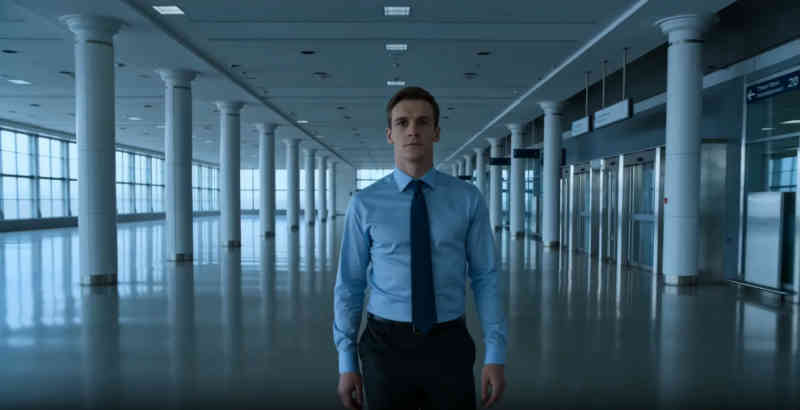
The camera sits at the subject's eye height, creating a neutral, objective perspective. This is the default angle for most dialogue scenes because it presents characters as equals to the viewer.

Low Angle

The camera looks up at the subject, making them appear larger, more powerful, or more imposing. Used to convey authority, heroism, or threat. Think of Darth Vader's introductions in Star Wars.

High Angle

The camera looks down on the subject, diminishing their presence and suggesting vulnerability, weakness, or surveillance. Common in scenes where a character feels trapped or overwhelmed.

Bird's Eye View

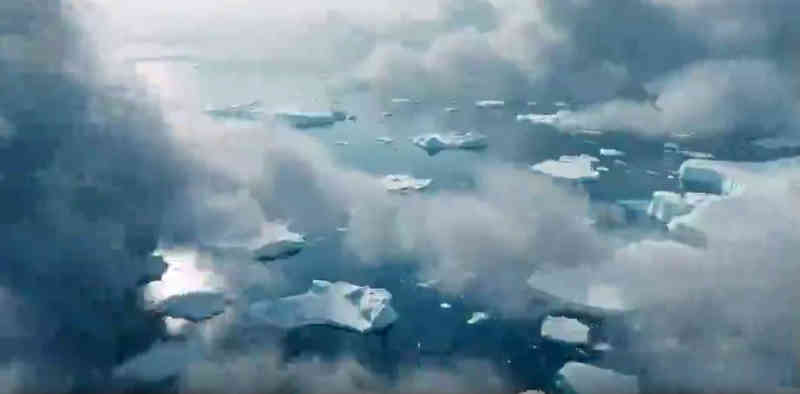
A directly overhead perspective looking straight down. Abstracts the scene into a pattern or map, often used for establishing geography, chase sequences, or creating a sense of omniscience.

Dutch Angle (Tilted)

The camera is rotated on its roll axis so the horizon appears diagonal. Communicates unease, instability, psychological tension, or a world gone wrong. Used extensively in horror and thriller genres.

Worm's Eye View

An extreme low angle from ground level looking directly up. Dramatically exaggerates the height and power of the subject, often used for imposing architecture or towering characters.

How Angles Shape Narrative

Camera angles are not just aesthetic choices; they are narrative tools. When a director shifts from an eye-level conversation to a low angle on one character, the audience instinctively reads that character as gaining power in the dynamic, even without a word of dialogue changing.

Master directors use angle changes sparingly and intentionally. In Citizen Kane, Orson Welles progressively lowers the camera as Kane's megalomania grows, literally looking up at him as he becomes more imposing and isolated. The angle tells the story that the dialogue alone cannot.

During storyboarding, marking camera angles on each panel helps the entire production team understand the intended emotional tone of every shot before arriving on set.

Combining Angles with Movement

Static angles establish a baseline perspective, but combining them with camera movement multiplies their storytelling power. A slow tilt from eye level down to a low angle during a monologue visually transfers power to the speaker in real time.

Crane shots that begin at a high angle and descend to eye level can transition from an omniscient overview to an intimate, character-level perspective within a single take. Planning these combined moves during pre-production saves significant time on set.

FAQ

Common questions about camera angles in film

What camera angle is best for interviews?

Eye level is the standard for interviews because it presents the subject neutrally and respectfully. A very slight low angle can add subtle authority, which is why many news programs position the camera just below the anchor's eye line.

When should I use a Dutch angle?

Use Dutch angles sparingly to communicate psychological instability, disorientation, or tension. Overusing them dilutes their impact. They work best in horror, thriller, and expressionist styles where visual unease serves the story.

How do camera angles affect perceived power dynamics?

Low angles make subjects appear powerful and dominant, while high angles make them appear vulnerable or diminished. Filmmakers use this principle to visually communicate character relationships and shifting power balances throughout a scene.

Ready to bring these concepts to life?

M Studio combines AI storyboarding, script generation, and video production in a single workspace.