
A script can be clear on the page and still hard to picture on screen. Script-to-storyboard tools turn scenes into frames you can review before you commit to a shoot. Here are four options, with a close look at what each one can handle.
1. M Studio
M Studio is an AI film studio for screenwriters and independent filmmakers. Paste in a screenplay or a story idea, and it plans shots, draws a storyboard with the same characters in every frame, then makes video clips with voiceover, music, and sound.
That makes M Studio a fit when you need more than still panels. Imagine a short scene where a detective finds a key in an empty diner. You can start with the script, review the planned shots, then see those shots as video clips with recurring characters. The finished film export can reach 4K.
The output can help you make an animatic, test pacing in previs, or give a producer a clearer sense of a pitch trailer. It also keeps the work in one production flow, rather than asking you to move from a script tool to a separate storyboard tool and then to a video tool. For a closer look at the storyboard stage, see M Studio’s AI storyboard generator for turning an idea or script into shots.
Plans start with a $1 trial for 24 hours. After that, the Professional plan is $99 per month, Studio is $199 per month, and Unlimited is $249 per month. The Unlimited plan includes unlimited AI video and storyboards. This is the strongest fit here if your goal is to carry a screenplay through storyboard frames and into a moving film draft.
Good script formatting still helps the system read scene breaks and dialogue cleanly. M Studio’s guide to screenplay format and scene headings can help you check the source file before you paste it in.
2. Topview: editable scene planning and generated assets
Topview is an AI scene-planning tool that turns a script or rough idea into storyboard frames. Its workspace keeps each shot editable, which gives you room to adjust the visual plan as the idea takes shape.
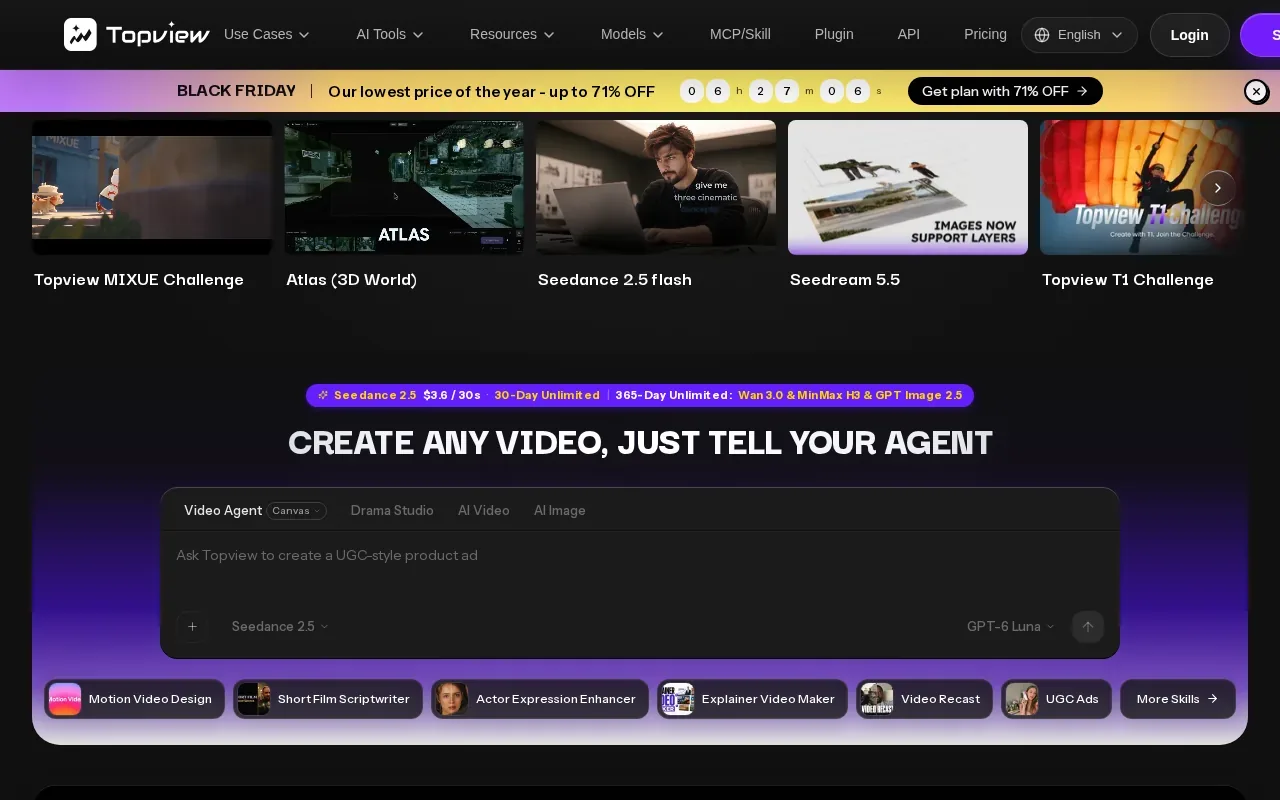
Topview suits a filmmaker who wants to explore shot types, camera movement, composition, mood, and scene continuity before production. Start with a scene from a screenplay, or a short description of what happens. The tool returns frames in sequence for review, so you can see whether the scene reads clearly as images.
Its workflow is centered on planning and revising the board. You can download frames or share the board link for review. Topview plans scenes, selects models, generates assets, and keeps every shot editable on Canvas. These options may be useful when you want to shape a visual plan before deciding how to turn it into a finished film.
Topview starts at $40 per month. A separate Topview 30s offer is described as $1,200 paid once for 30 months. Check the exact offer and terms that apply to your intended workflow before you commit. The main distinction from M Studio is the emphasis: Topview is about editable scene planning and generated assets, while M Studio’s workflow carries the script into video clips with sound.
For a short scene, try using the board to settle whether a reveal should land in a wide shot or a close-up. That decision is easier to discuss when the team can react to panels instead of a paragraph.
3. Boords: team feedback and animatic collaboration
Boords is a workspace for planning scripts, storyboards, and animatics with your team. It supports sharing work with clients, collecting feedback, tracking versions, and getting sign-off, all in one place.
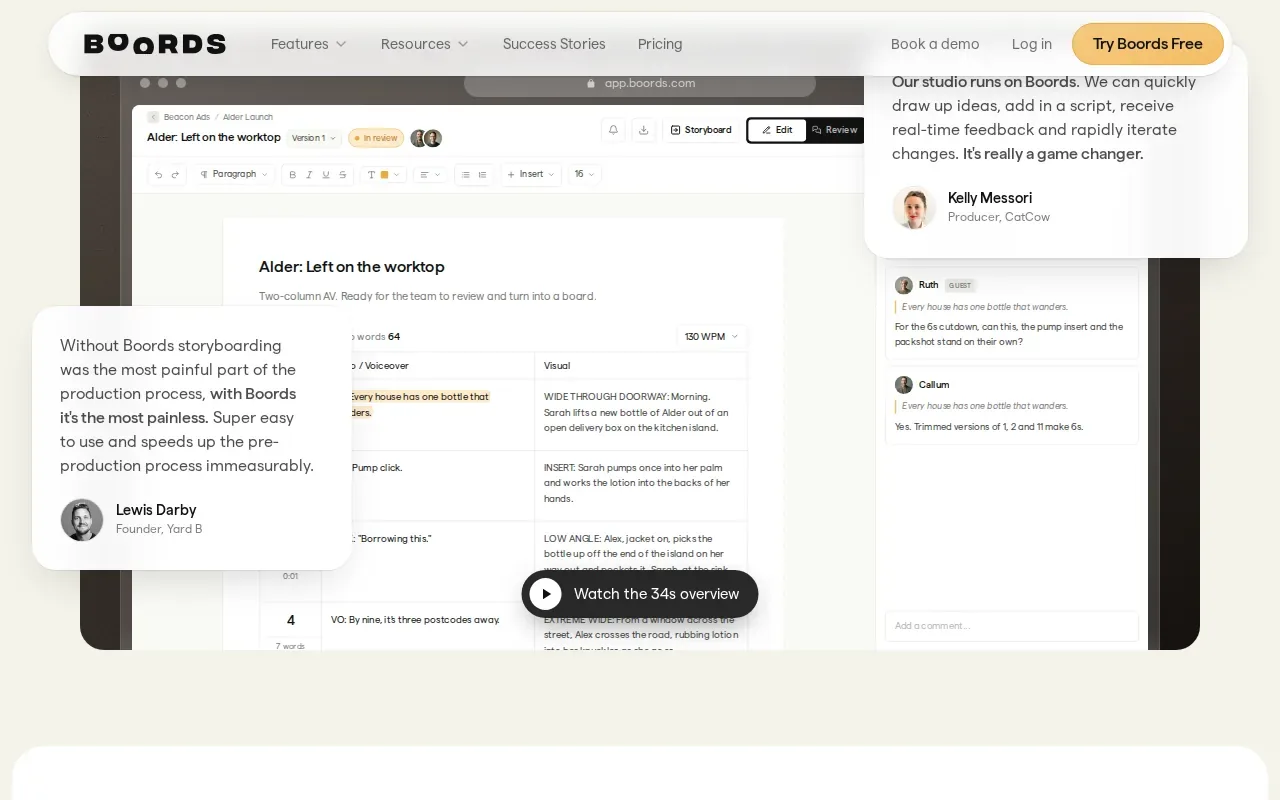
Boords can be a fit when other people need to review the board. Share work with clients, collect their feedback, keep track of versions, and use the workflow to reach sign-off. These tools can help keep a script-to-storyboard process organized when a project involves a team and client review.
To make feedback useful, decide what you want reviewers to focus on before sharing the board. For example, ask them to consider whether the storyboard communicates the scene clearly and whether the sequence supports the script. Keep the next revision focused on the feedback that matters most to the project.
Choose Boords when planning, collaboration, feedback, and approval are the priorities. Its workspace brings scripts, storyboards, and animatics together with team review and client sharing, so versions and sign-off can be handled in one place.
4. Storyboard Hero: AI storyboards with presentation-ready exports
Storyboard Hero is an AI tool for making scripts and storyboards. It includes unlimited AI images, team seats, client sharing, and PDF, PowerPoint, and MP4 exports.
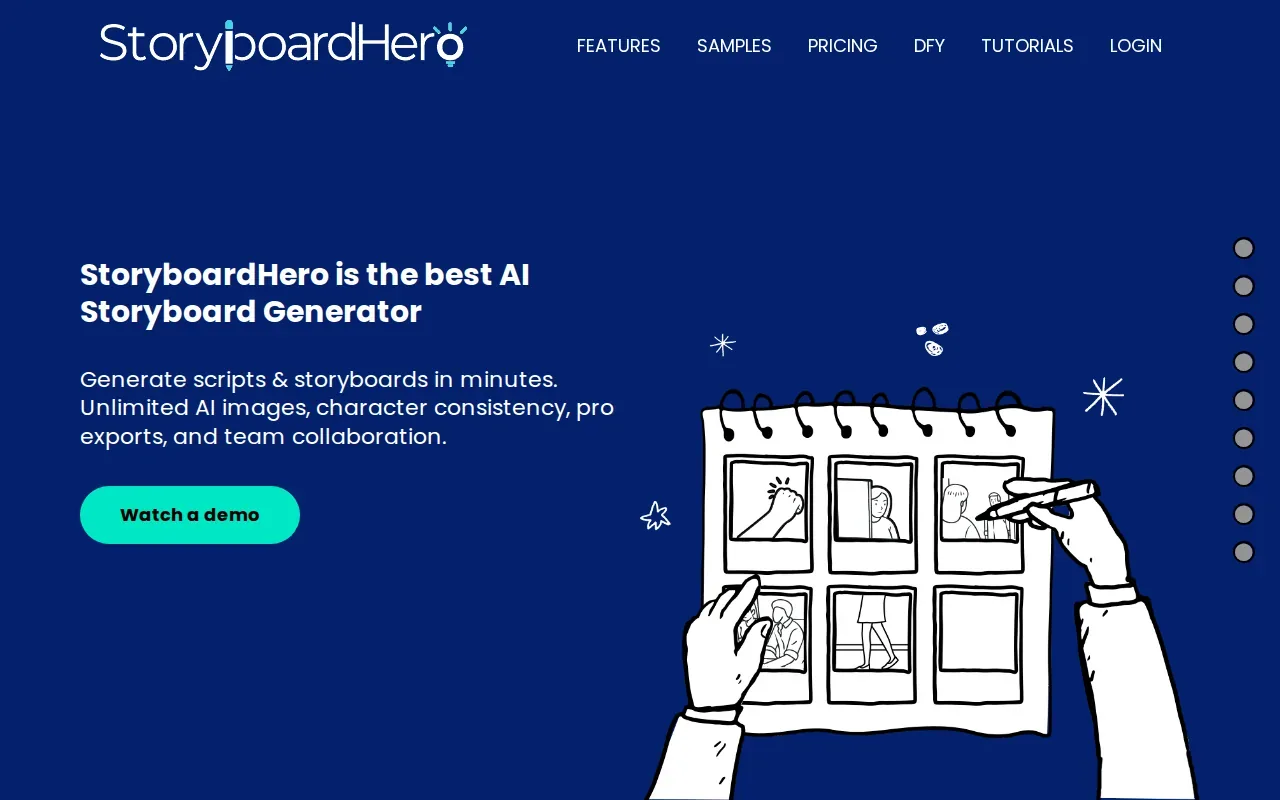
It fits a filmmaker who needs a board that is easy to present or pass to someone else. A PDF can be useful for a pitch packet or a table read. A PowerPoint export gives you slides to discuss in a meeting. An MP4 export gives people a way to watch the sequence rather than scan still frames.
Those formats make Storyboard Hero a good match for presenting a visual plan to a small group. For instance, if you have a contained short film with a few key scenes, you could use a board to show the intended progression before asking for feedback on the script. Its tools are centered on scripts, storyboards, images, exports, and sharing.
Storyboard Hero can make scripts and storyboards in minutes, with unlimited AI images. That supports iteration when you want to review alternate frames. But a storyboard export and a finished film are different deliverables. If you need recurring characters in generated video clips along with voiceover and sound, M Studio’s feature set covers that larger handoff.
Use Storyboard Hero when sharing and presentation formats are the main need. If your next decision depends on seeing moving footage, make sure your choice covers that stage too.
Compare the script-to-storyboard options
The main choice is how far you want to take the material inside one tool. A board helps people agree on the visual plan. An animatic adds timing. Generated video clips let you review motion, though they still need a human pass against the story you meant to tell.
A storyboard is a sequence of drawings or images that maps out scenes before filming. The Wikipedia definition of a storyboard describes it as a graphic organizer for displaying a sequence of events. In a film workflow, the useful question is what happens after those panels are made.
| Tool | Best fit | What the workflow covers | What to weigh |
|---|---|---|---|
| M Studio | Screenwriters who want storyboard frames and video clips | Script or idea to shots, consistent characters, clips with sound, and film export up to 4K | Starts with a $1 trial for 24 hours, then paid plans |
| Topview | Shot planning with editable frames | Script or idea to storyboard panels, with scene planning and generated assets | Starts at $40 per month; the separate 30-month offer is $1,200 paid once |
| Boords | Team and client review | Scripts, storyboards, animatics, feedback, version tracking, and sign-off | Team and client workflow |
| Storyboard Hero | Boards made for sharing and presentation | AI images with PDF, PowerPoint, and MP4 exports | Best aligned with storyboard and presentation deliverables |
For a quick script-to-storyboard test, choose one short scene with a clear turn. Check that the tool catches the scene change and the key action. Then review whether each frame supports the emotion and pacing you intended. AI can suggest a visual reading, but it cannot know which detail matters most to your story unless you guide it.
Also check the handoff. Will you share still boards with a crew? Do you need a timed animatic for a pitch? Or do you need clips you can watch with dialogue and sound? The right export is the one your next collaborator can use.
Ready to see a screenplay as a storyboard and film draft? Try M Studio with its $1, 24-hour trial.
FAQ
What does a script-to-storyboard tool do?
A script-to-storyboard tool turns written scenes into a visual sequence of frames. Depending on the tool, it may also help with shot planning, team feedback, animatic timing, or video generation. Review the frames against your script. The software can suggest what a scene might look like, but you still decide whether the framing and story beats match your intent.
Can AI make a storyboard from a screenplay?
Yes, some AI tools can turn screenplay text into storyboard frames. M Studio takes a pasted screenplay or story idea and plans shots, then draws frames with the same characters in every frame. Check the first output for missed scene breaks or actions. Revise the script or adjust the visual plan before you rely on it for a pitch or shoot.
What’s the difference between a storyboard and an animatic?
A storyboard is a set of images that shows how a scene or sequence may look. An animatic puts those images in order with timing, often with audio, so you can judge the rhythm. Boords describes making an MP4 animatic from still frames with audio you upload. Generated video clips go further by showing motion within shots.
Which tool is best for a film pitch?
The best fit depends on what you need the people in the room to judge. Storyboard Hero supports PDF, PowerPoint, and MP4 exports for presenting boards. Boords supports client feedback and sign-off. M Studio can take a screenplay through storyboard frames into video clips with sound, which may help when your pitch needs moving footage.
Conclusion
If you want to carry a screenplay from shot planning into video clips with recurring characters and sound, start with M Studio. Try a short scene first, review the frames, then see whether the clips match your intent. See M Studio plans and start the $1 trial.