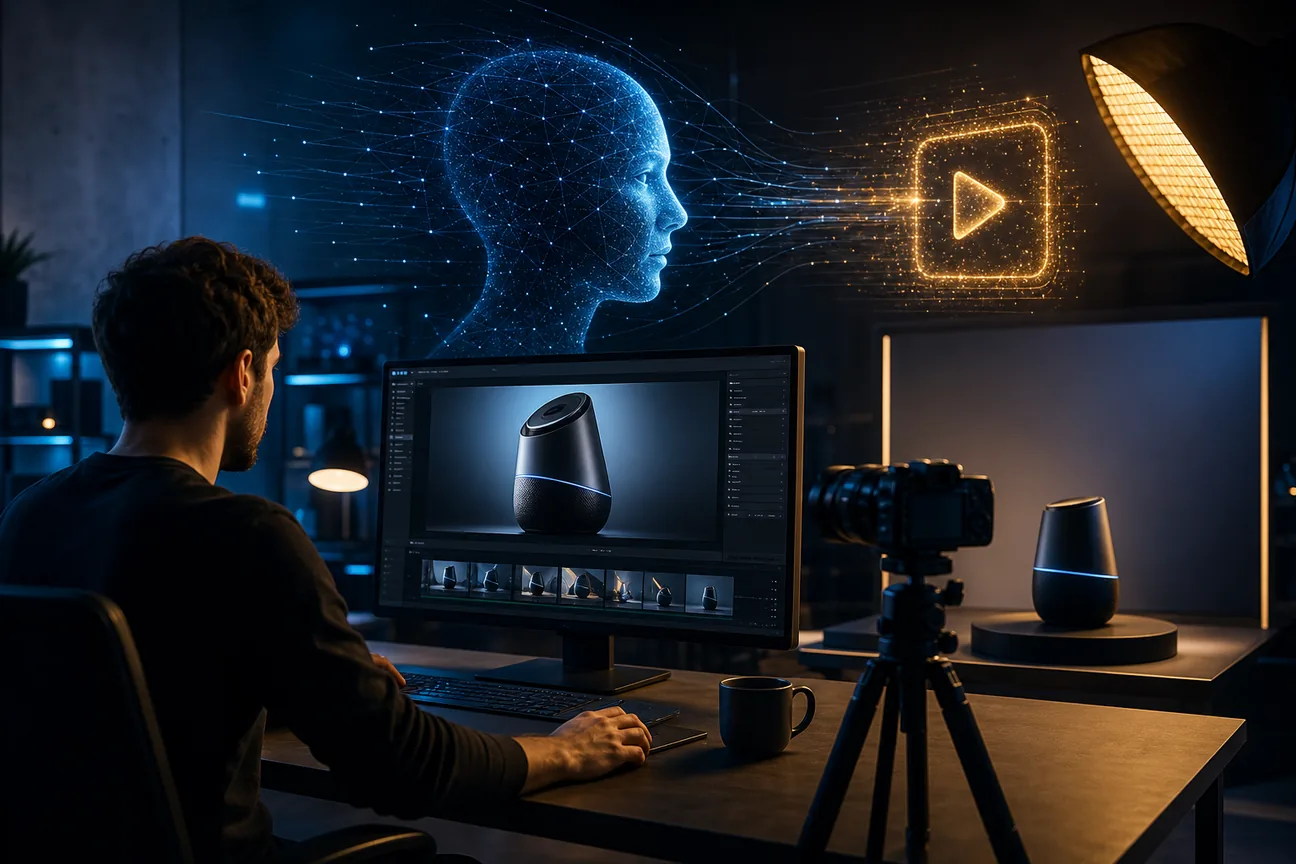
A product video can take more than a good photo. You also need a story, a shot plan, and a finished cut. An AI product video generator can bring some or all of that work into one workflow. Here are five options, starting with M Studio for teams that want to move from brief to storyboard and video.
1. M Studio
M Studio is a self-serve AI platform that turns a creative brief into advertising scripts, storyboards, product shots, and video, with 4K exports. It’s best for marketers, agencies, and creative teams that need pitch-ready campaign material rather than a single generated clip.
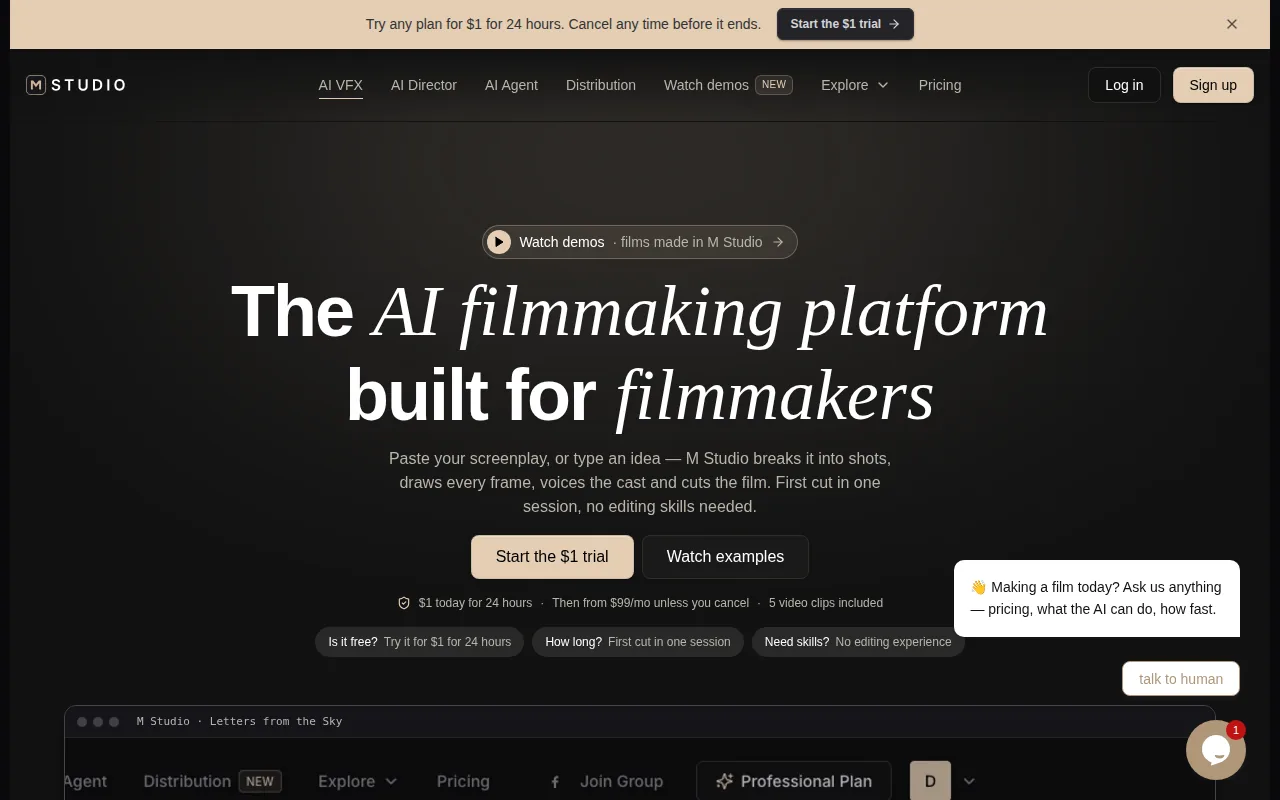
Start with an idea or paste in a script. M Studio plans the shots and builds a storyboard with the same characters in each frame, then makes a video with sound. That sequence is useful when a team needs to agree on the campaign’s visual direction before spending time on final shots. The storyboard acts as a shared plan, not just a prompt history.
For example, an agency preparing a product launch pitch can shape the script, review the shots, and render a draft in one place. That gives the team a tangible campaign concept to discuss. If the brief changes, the team can revise the creative direction before treating every generated shot as final. M Studio’s AI storyboard generator explains the idea-to-shot planning part of that workflow.
M Studio plans start at $99 per month, and its pricing page lists a $1 trial for 24 hours. Keep generation costs in mind: each generation that reaches the model is charged, including retakes and shots you discard. M Studio advises budgeting two to three attempts for shots that matter, so plan your generation budget around attempts, not only finished clips.
Choose M Studio when story planning and final video resolution matter together. If your brief only needs a speaking presenter, a more focused tool may be enough.
2. HeyGen: AI-led product demos and marketing videos
HeyGen is an AI video tool for explainer videos, marketing and sales promos, and product demos. It’s a fit for solo creators through large organizations that want a presenter-led video or need to update narration without filming a new take.
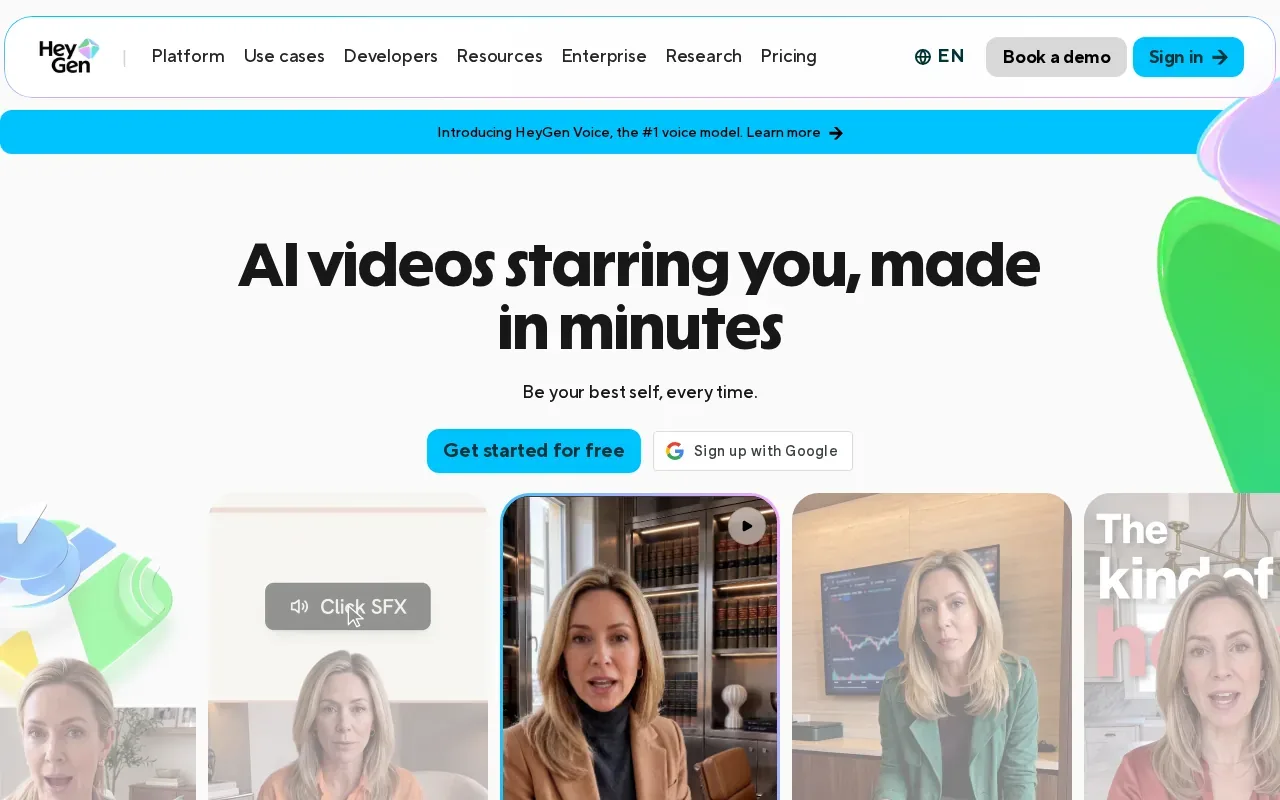
Its tools include text-to-video, AI presenter footage, voice cloning, video translation, auto captions, lip-sync, and avatar generation. That mix suits a product demo where a person needs to explain a feature while the video shows supporting screens or product images. The script can change as the product changes, which can spare a team from arranging a fresh shoot for every copy update.
A product team might use it for a short walkthrough, then revise the script after a software update. A marketing team could also make a localized version of a campaign using the video translation and lip-sync features. Those workflows have a clear strength: the presenter and spoken message stay central. They’re less suited to a campaign whose main need is a planned sequence of cinematic product shots.
Check the aspect ratio and captions against the channel where the video will run, rather than assuming one export will fit every placement.
Pick HeyGen when the video needs a clear speaking voice or language variants. For a campaign built around a shot-by-shot visual plan, M Studio puts more emphasis on the storyboard-to-video path.
3. InVideo: social ads for teams without a video editor
InVideo generates marketing videos up to 1080p. It’s best for social ads and teams that don’t have a video editor, especially when the job is to turn a short campaign idea into a video for social use.
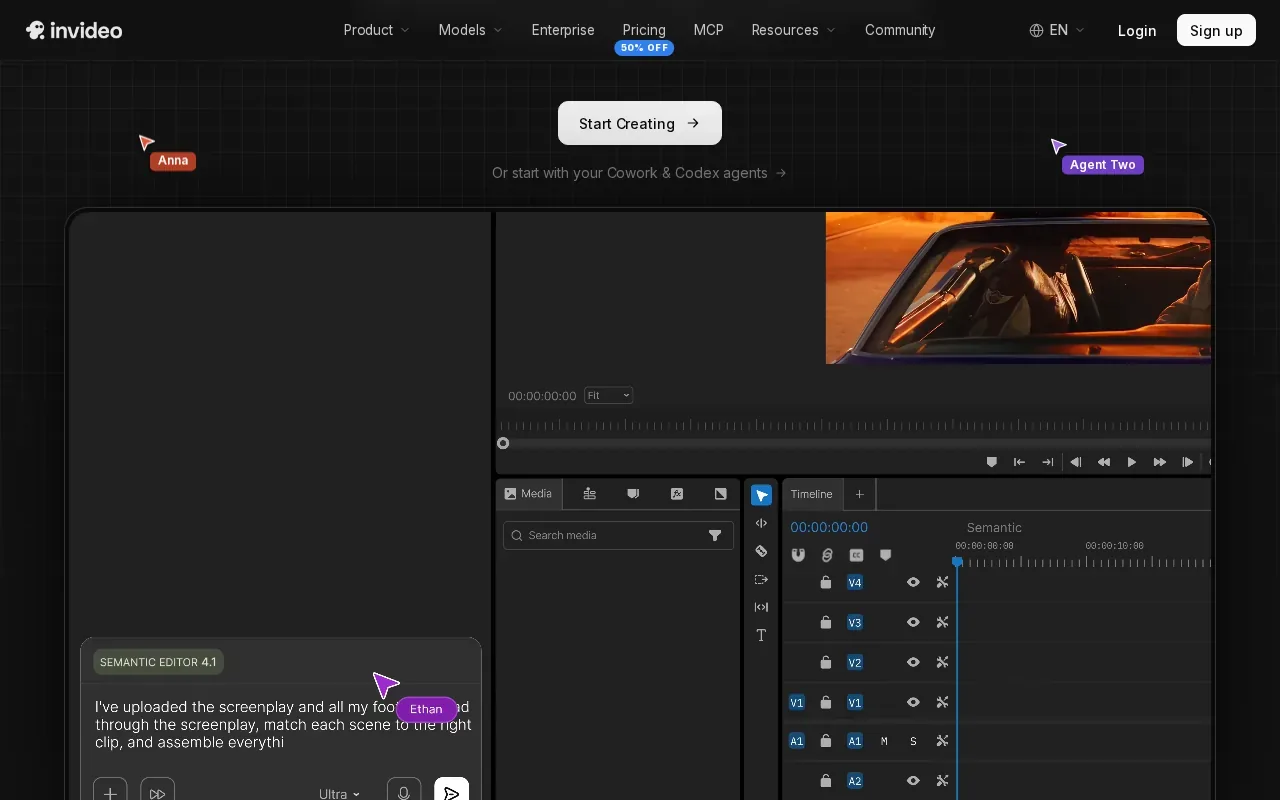
The main value is speed of assembly. Instead of building a full production pipeline, a marketer can work from the ad message and generate a finished video. That can be useful when a team needs to test a product angle or prepare a small campaign asset without handing a detailed edit to a specialist.
There’s a trade-off in that focused workflow. If you need a pre-approved sequence of shots, consistent visual direction across a campaign, or a high-resolution pitch film, confirm that the workflow matches those needs before you commit.
Think of an ad for a new kitchen tool. The team can begin with the product benefit and shape a social video around that message. Before exporting, review the opening seconds, the on-screen product details, and the final call to action. A quick generation still needs a human check for claims, brand tone, and whether the product is shown as intended.
InVideo is the straightforward pick when the assignment is a social ad and editing support is limited. For broader campaign planning, use a tool that covers the work before the render, not only the final video.
4. Synthesia: branded marketing and business videos
Synthesia generates full videos up to 1080p. It’s best for marketing and business videos that need to fit a set brand or visual style, including explainers and product demos.
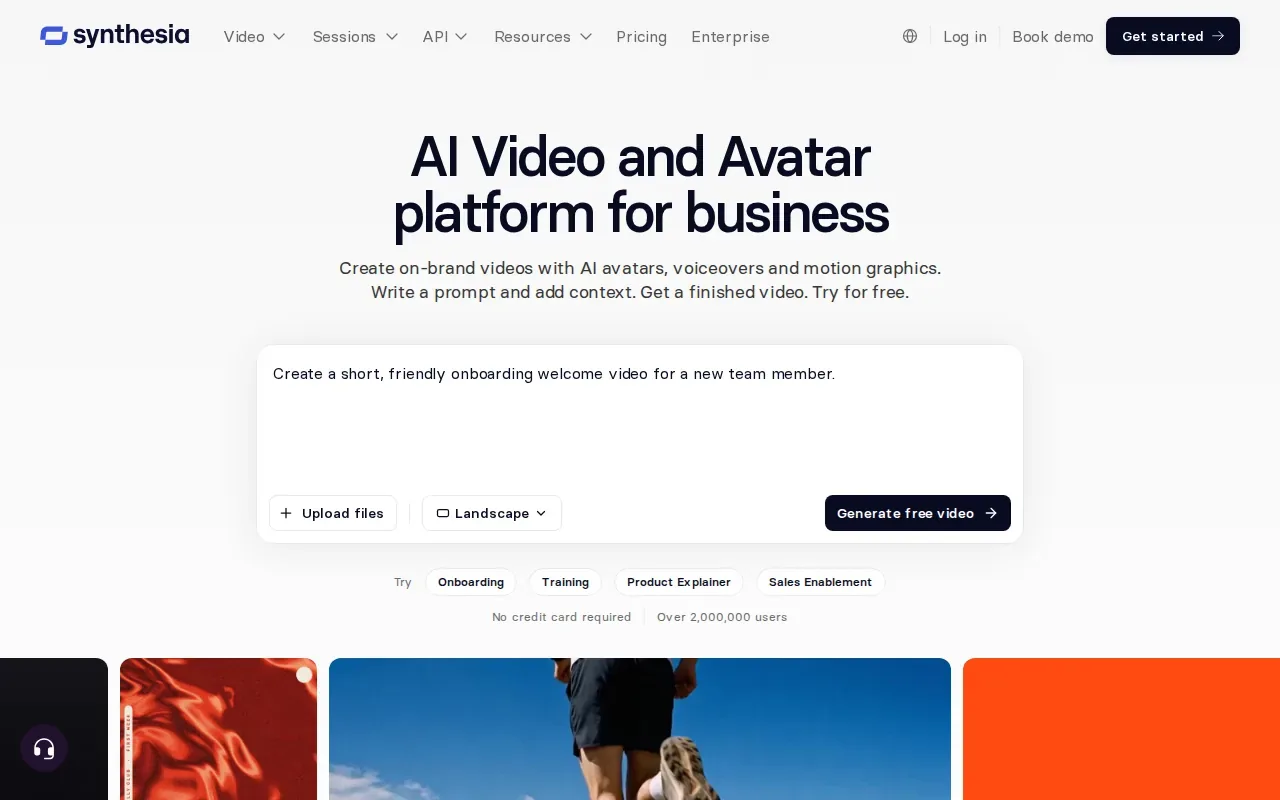
Its business video workflow can begin with a prompt, script, or document. It turns the source into editable scenes, then lets users refine the video with an AI presenter, motion graphics, and generated B-roll. That makes it a sensible fit when the source material already exists as a written brief or business document and the finished piece needs a consistent presenter-led format.
Brand consistency is a production task, not a last-minute color choice. Teams should check that the script uses approved product terms, the visuals match the intended audience, and the final export follows the brand’s style.
For example, a product marketing team could turn a product overview into a narrated explainer, then update the scene text when a feature changes. That differs from a shot-first product film, where the visual sequence carries much of the story. Synthesia is a better match when the presenter and spoken explanation do more of the work.
Choose it when branded business communication is the main job. If you’re producing a campaign pitch where a storyboard and product-shot sequence lead, compare that workflow with M Studio before deciding.
5. Higgsfield: access to multiple AI video models
Higgsfield is an AI video model aggregator that brings together a wide range of AI image and video generation models in one easy-to-use platform. It’s best for AI video projects across a wide range of work.
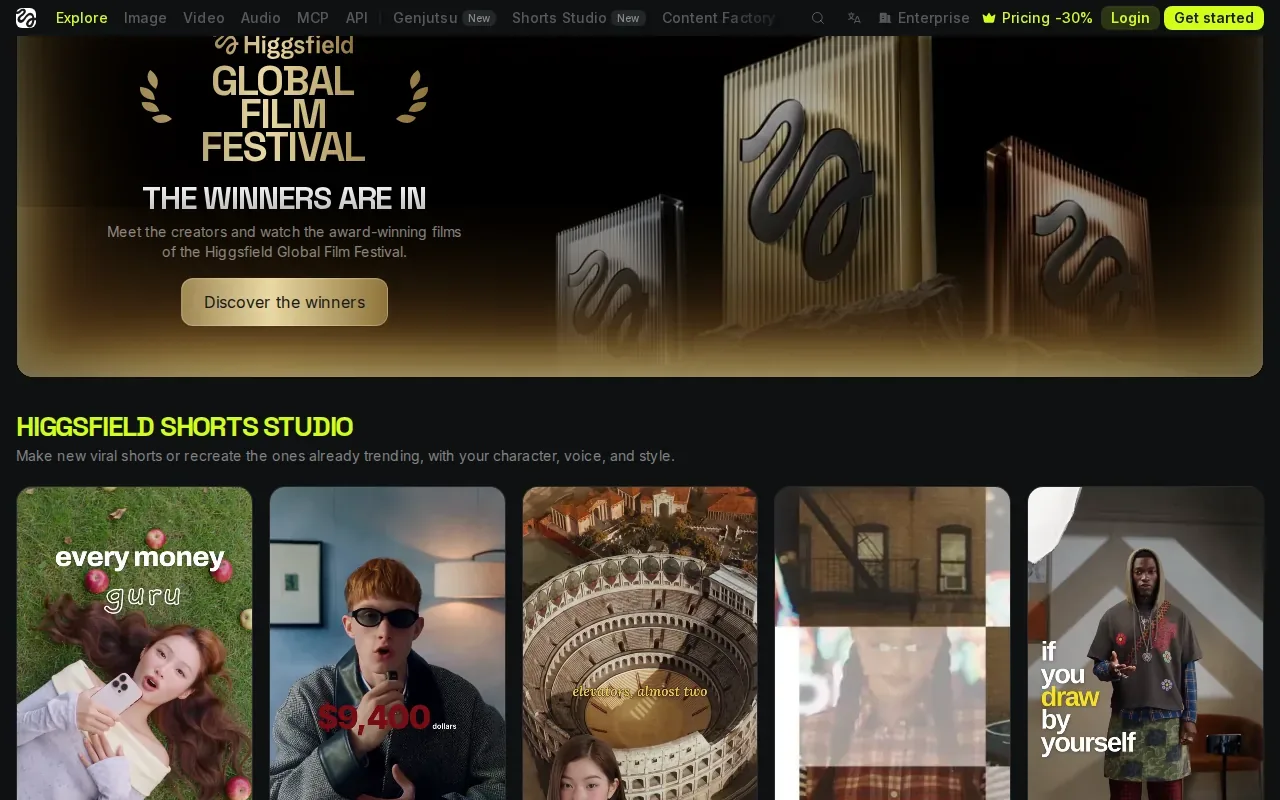
Having a range of models in one place can help when a team wants to explore different visual approaches instead of treating each model as a separate production tool.
The trade-off is that access to models is not the same thing as a complete campaign workflow. Before choosing an aggregator, decide whether your team needs the freedom to test different visual models or a guided path from brief to final video. Also check how well the chosen model fits the task. A product close-up, a branded ad, and a short film may need different visual choices.
Use this quick decision view to narrow the shortlist. It focuses on the parts of production that change the tool choice, not on a feature count.
| Tool | Best fit | Useful decision point |
|---|---|---|
| M Studio | Brief-to-video campaign work | Storyboard planning and 4K exports |
| HeyGen | Presenter-led product demos | Avatar, voice, captions, and translation tools |
| InVideo | Social ads without an editor | Marketing video output up to 1080p |
| Synthesia | Branded business videos | Full video generation up to 1080p |
| Higgsfield | Creative work across video models | Access to multiple image and video models |
If you’re weighing a full campaign workflow against model choice, M Studio’s AI video generator for image and text to video is the relevant path to inspect. And if your team is making ad variations rather than a broader film, the AI video ad generator comparison covers that narrower use case.
Frequently Asked Questions
What is an AI product video generator?
An AI product video generator uses inputs such as text or images to help make a product video. Depending on the tool, it may draft scenes, add narration or a presenter, or generate visuals. The important difference is scope: some tools focus on a single part, while others connect planning and video creation in one workflow.
Can AI make a product video from a photo?
Some tools can use product photos as a starting point for video. M Studio can make product shots as part of its wider brief-to-video process. Review the generated result closely, especially if the video needs to show the product’s shape or details accurately.
Do I need video editing skills to use these tools?
You don’t always need editing skills. InVideo is positioned for social ads and teams without a video editor, while other tools use prompts, scripts, or documents to build scenes. Still, someone should review the script and output. AI can speed up production, but it doesn’t replace checking product claims, visual details, and brand fit.
Which tool is best for a product demo?
For a presenter-led explanation, HeyGen is a strong fit because it supports AI presenters, voice tools, captions, and translation. For a demo that needs a planned visual sequence and a wider campaign workflow, M Studio is a better match. Choose based on whether the presenter or the shot plan carries the story.
How should I compare pricing and usage limits?
Compare the cost of usable final videos, not only the monthly plan. Check how generations are counted, how many revisions your process needs, and whether the output resolution fits the channel. M Studio’s site says each generation that reaches the model is charged, including retakes and discarded shots, so budget for attempts as well as finished clips.
Conclusion
For teams that need a campaign to move from brief through storyboard and into 4K video, M Studio is the clearest fit in this shortlist. Start with a real brief and test how the shots hold together before building a larger workflow. You can review M Studio’s features and try its $1, 24-hour trial to see whether the process fits your team.