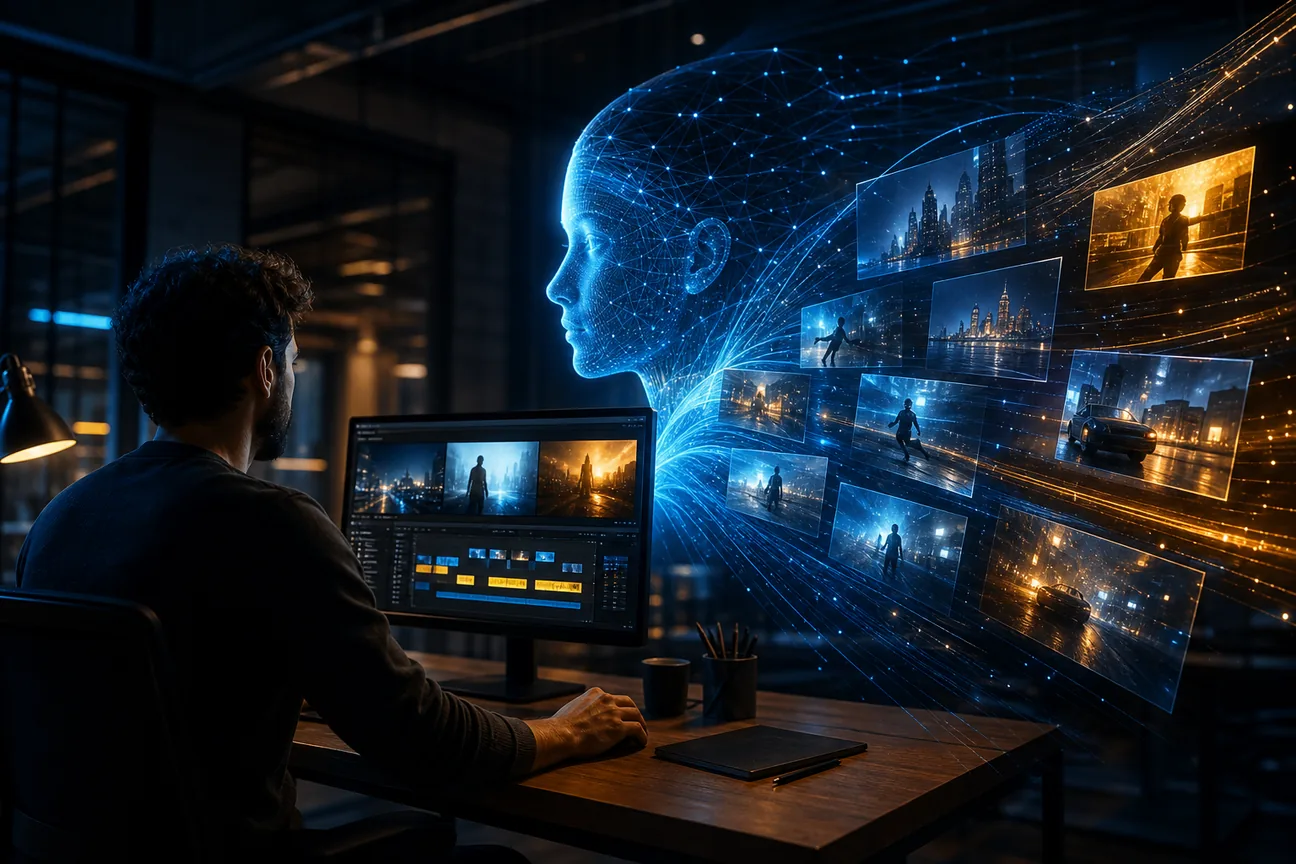
The best AI video ad generators can help you test a campaign idea without booking a shoot. But some tools focus on one talking avatar or a quick social clip, while others help plan the ad before production starts. Here are six options, with a clear look at the work each one fits.
We analyzed 54 comments and questions from Reddit, Quora and YouTube about AI video ad generators and found that 19% mentioned rapid batch video generation.
1. M Studio
M Studio is a self-serve AI platform that turns creative briefs into advertising scripts, storyboards, product shots, and videos with 4K exports. It fits marketers and agencies that need to shape a campaign from the first idea through a pitch-ready cut. Type an idea or paste a script, and M Studio plans the shots and draws a storyboard with the same characters in every frame. Its AI storyboard workflow can help the team review the shot plan before moving on to video.
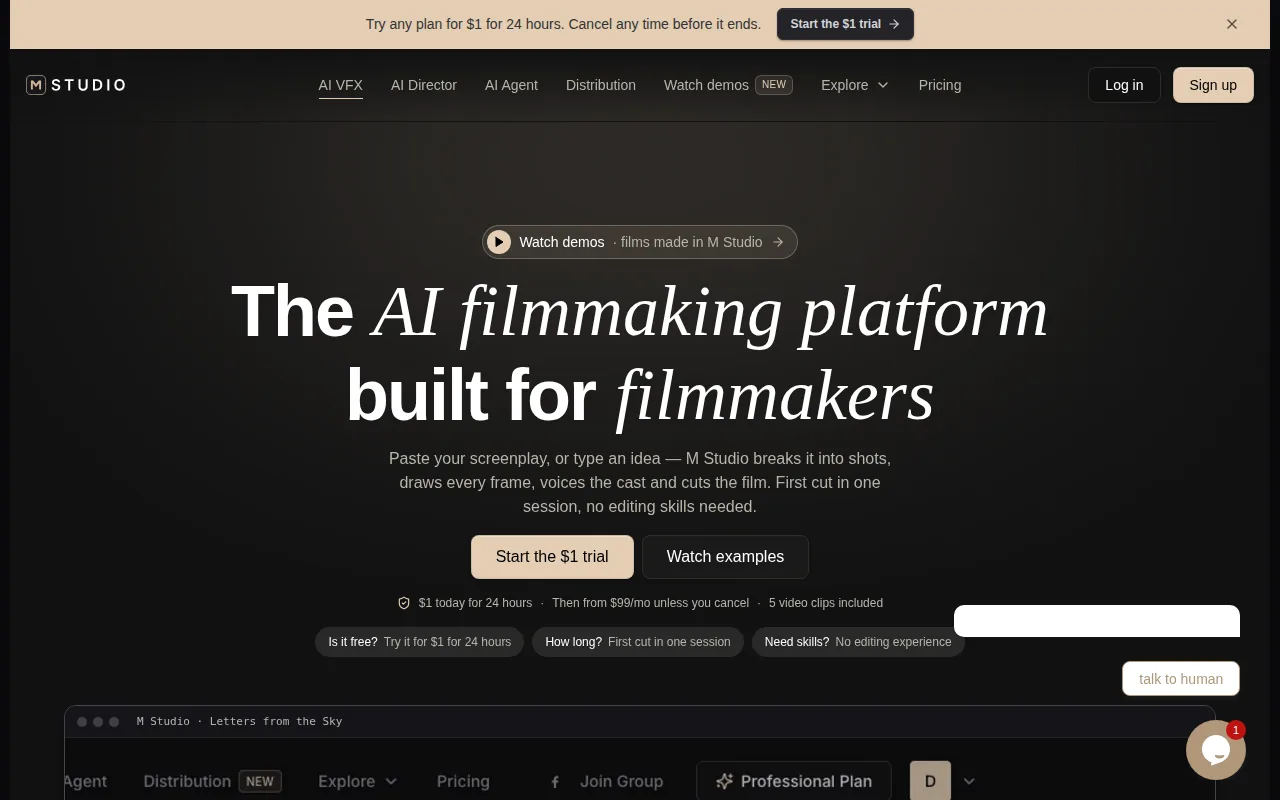
That makes it a useful choice when the brief is still taking shape. A product team can turn a launch concept into a script, review the board, then generate footage for a first cut, rather than stitching together separate planning and video steps. M Studio’s site says subscription plans start at $99 per month. It also explains that generations reaching the model are charged, including retakes and discarded shots, so budget for attempts on the shots that matter.
For agencies, the brief-to-video flow can keep early campaign work in one place. It’s a stronger fit for a planned ad or pitch than for a single talking-head clip.
2. Creatify: For testing ad hooks and AI actors
Creatify is an AI ad tool built around AI actors and ad templates. Its Starter plan is $39 per month and includes 100 credits, 300 AI actors, and more than 200 ad templates. It fits performance marketers who want to test different hooks against different faces, especially when the ad’s main job is a person presenting the offer.
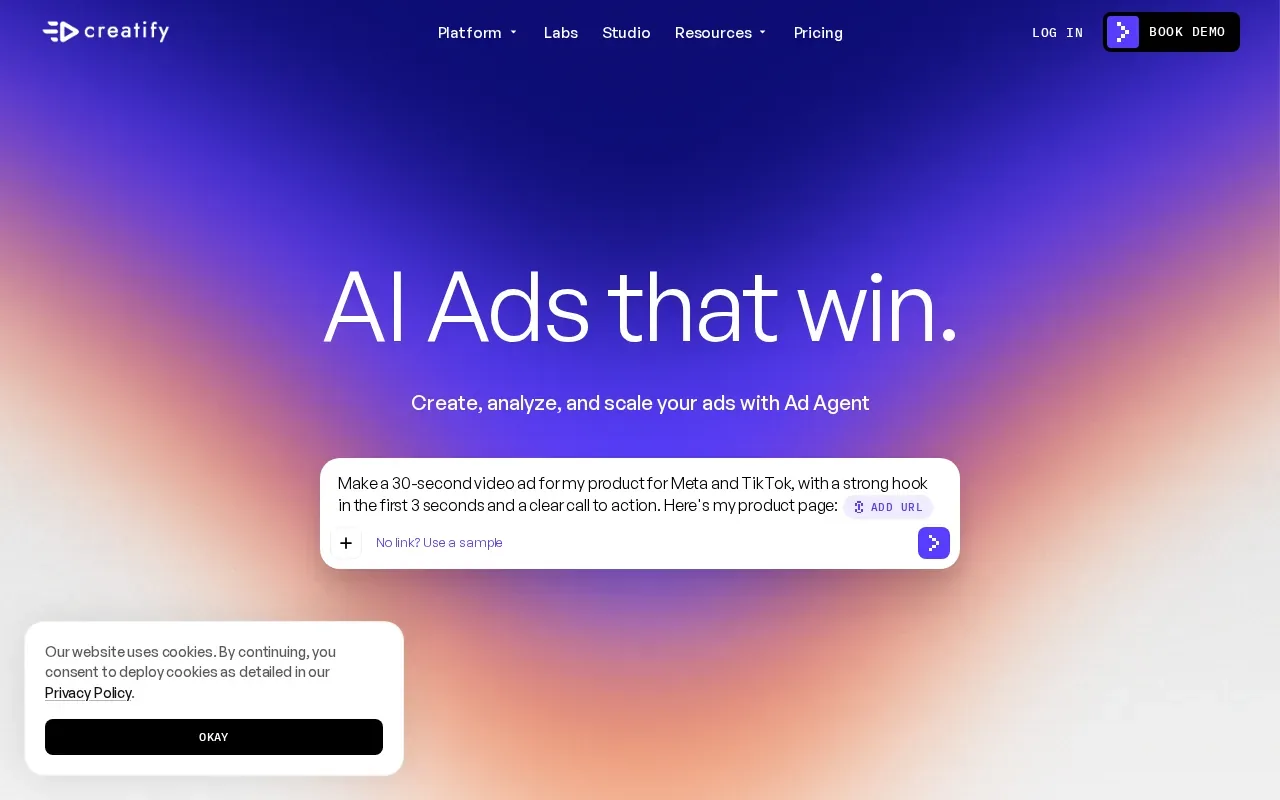
The template library gives a team a starting format, while actor options let it vary who delivers the same message. Shopify is among its integrations, which can suit ecommerce teams working from a product catalog. It also includes custom avatars and a competitor ad tracker, so the workflow can support both creative production and ad research.
Credits shape how many versions you can make, so sketch out the test before you start generating. If each version changes both the script and the actor, track those changes in your ad names; otherwise, a winning hook can be hard to separate from a winning presenter.
3. HeyGen: For avatar-led and localized ads
HeyGen makes avatar-led videos from a script, with voice synthesis and multi-language support. It suits explainer ads, founder-style messages, or a campaign that needs localized versions of one script. Its automation can generate an avatar delivering your words, swap the background, and lip-sync in multiple languages.
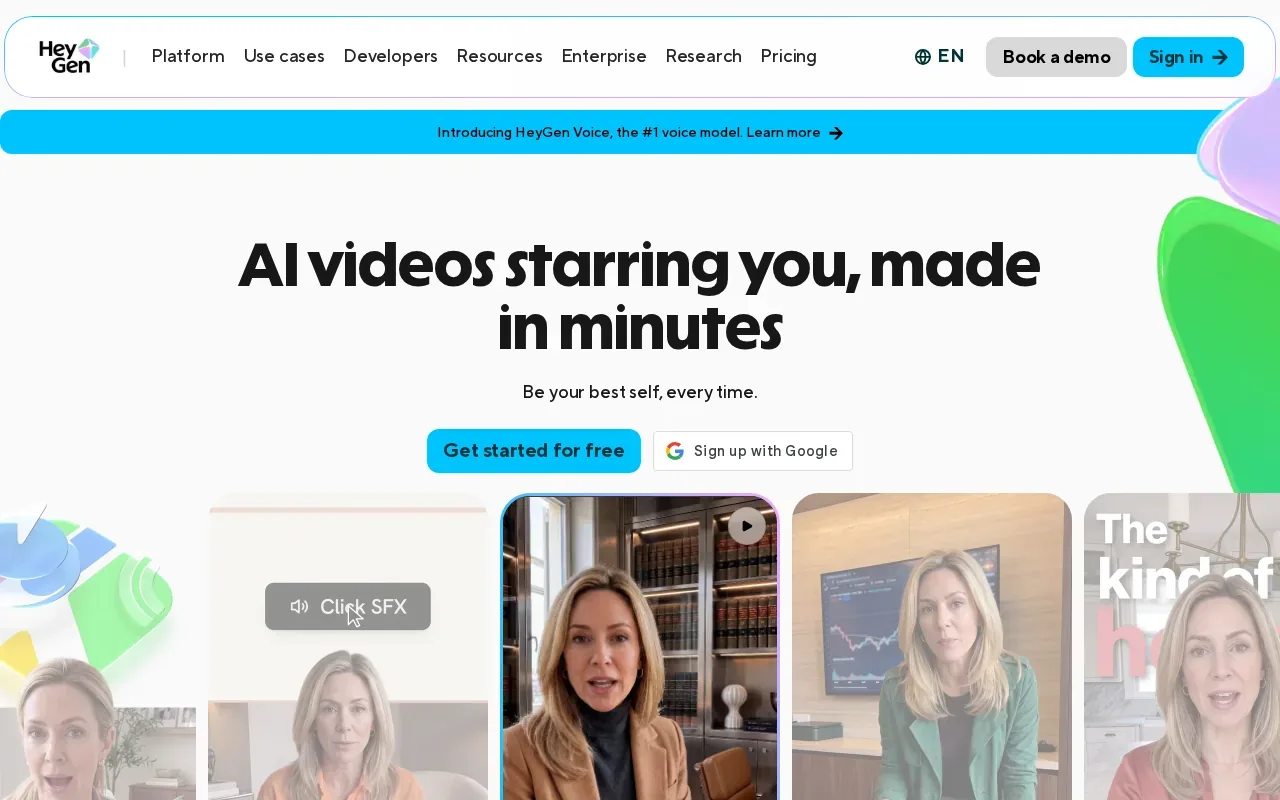
The free tier allows three videos a month. The Creator plan costs $29 per month and includes 600 credits. That gives a team a way to try the presenter format before committing to a paid workflow.
Use it when spoken explanation carries the ad: a founder introducing a feature, for example, or a short product walkthrough. But an avatar isn’t a stand-in for every kind of product shot. If the viewer needs to see a physical item in use, check that the visuals support the script rather than leaving the presenter to do all the work. For broader presenter-led projects, M Studio’s Corporate Video Production with AI page covers a related production workflow.
4. InVideo: For fast, high-volume social ads
InVideo turns a text prompt into a video by combining stock footage, AI voiceovers, text overlays, and transitions. It fits marketers who need a steady flow of simple social ads and don’t want to assemble every first draft from scratch.
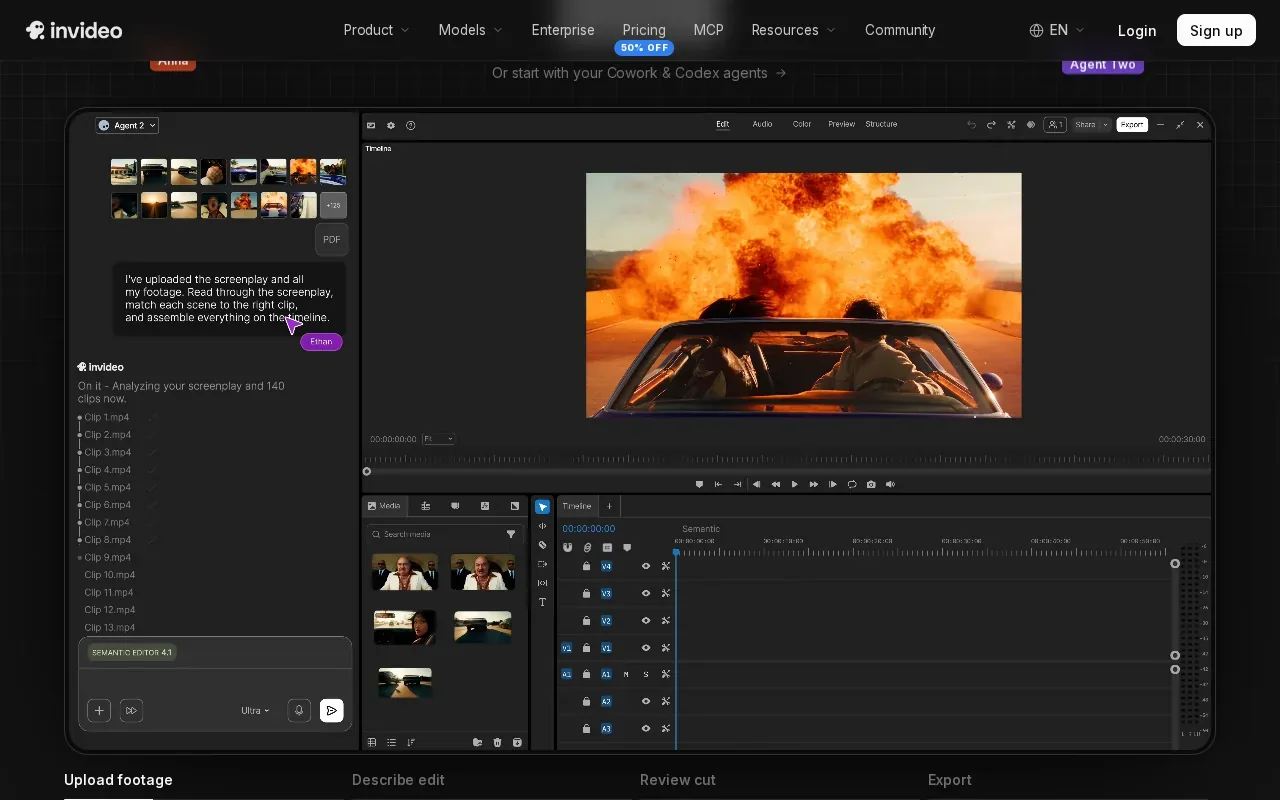
A prompt-led workflow is handy for a weekly promo, an event reminder, or a quick social cut from a campaign brief. InVideo also has a large template library, which gives you a structured starting point before you adjust the edit. Its AI-generated footage can be edited by hand, so you can swap a scene or revise the timing when the first draft misses the brief.
This is a good choice when speed and repeatable formats matter more than a shot-by-shot storyboard. Check the footage and text before publishing. A generic stock clip can make a clear offer feel disconnected from the product, especially in ecommerce ads.
5. Arcads: For UGC-style creative testing
Arcads makes UGC-style ads read by AI actors, with a library of more than 1,000 actors. It’s aimed at teams testing creator-style ads without arranging a new shoot for every script or hook.
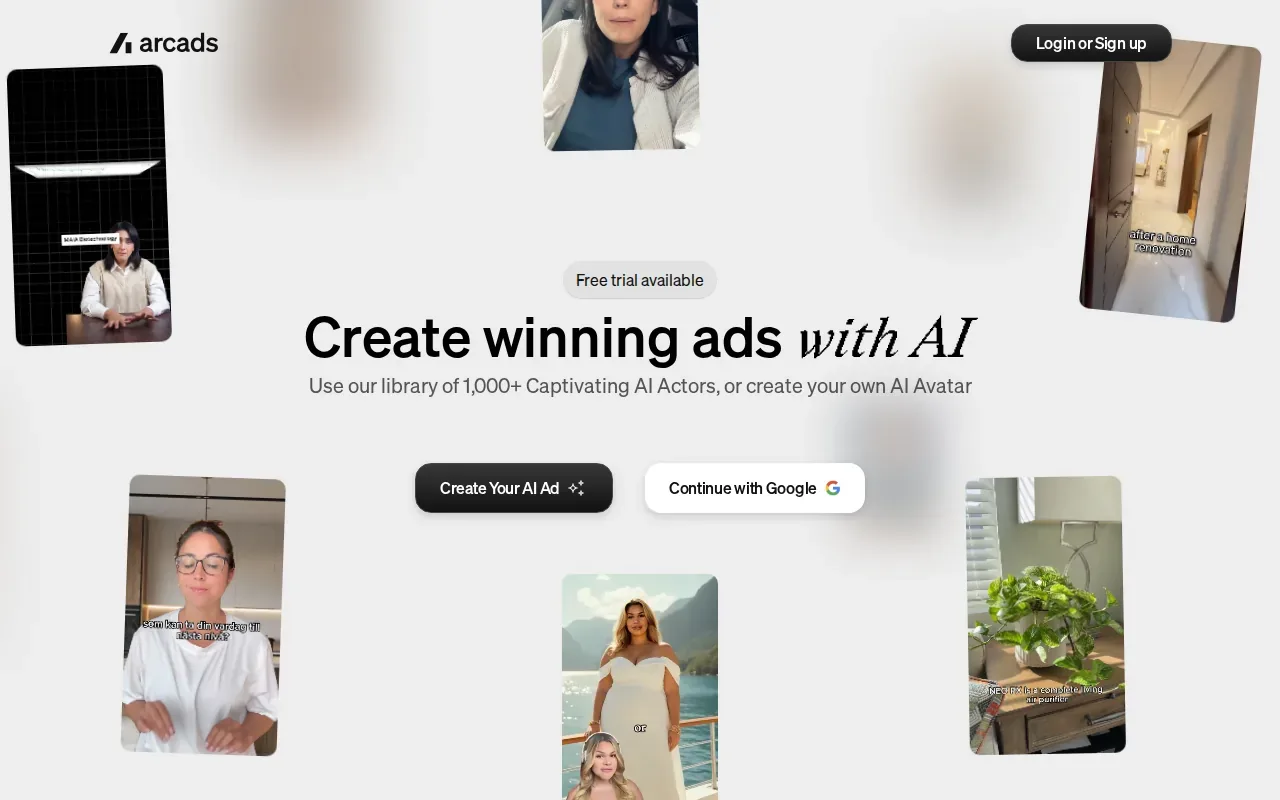
Arcads also works with third-party video models, including Seedance, Kling, and Veo. That model choice can matter when you’re testing different looks, but the core ad format remains actor-led. Start with a focused script and one clear claim, then compare versions that change one thing at a time.
Use this format when a person on screen helps explain the product or carries the opening hook. If your ad depends on a precise product detail, inspect the generated result closely before it goes live. The actor should support the message, not distract from an unclear or altered product view.
6. AI UGC Ad Generator by Magic Hour: For TikTok and Reels creative
AI UGC Ad Generator by Magic Hour is built for TikTok and Reels creative. The workflow starts with an actor, an opening shot, and a script, making it a fit for short, direct-to-camera ads or quick hook tests.
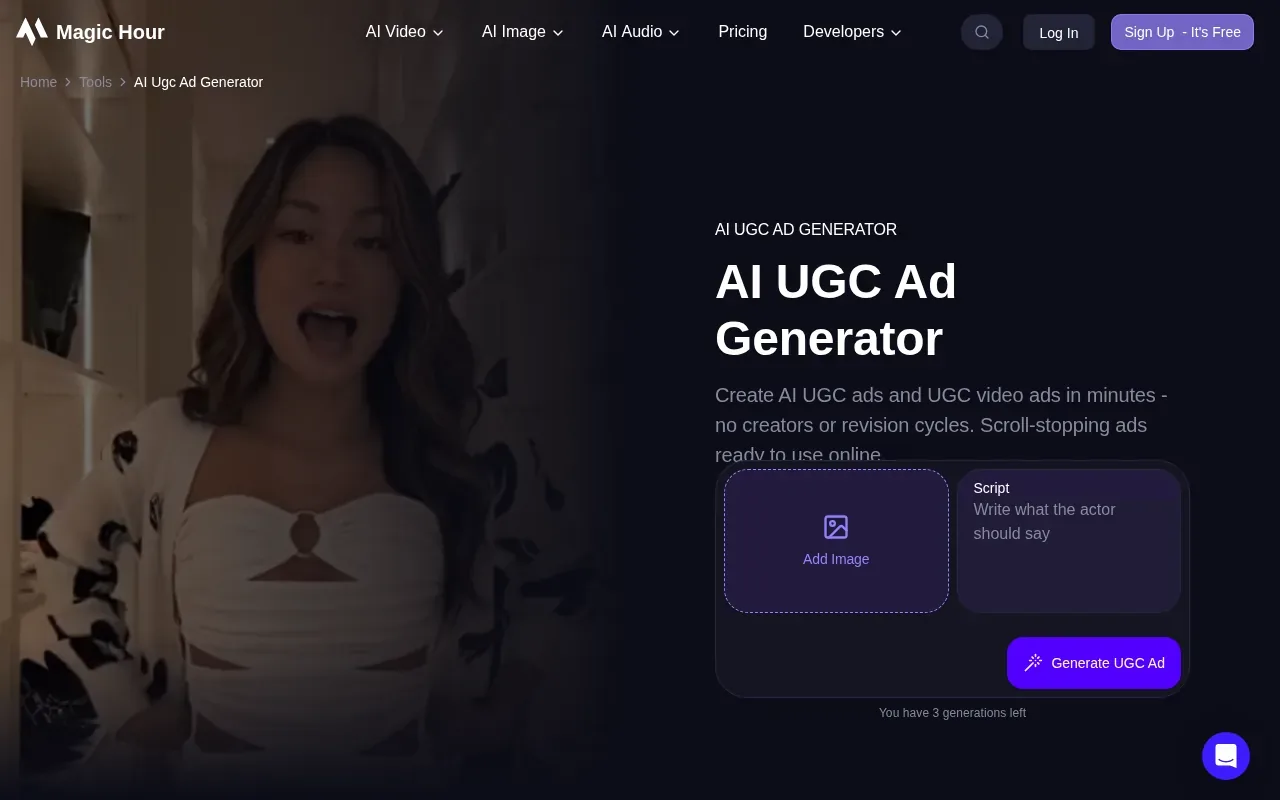
The full tool has more than 90 AI actors, and you can set the pose, background, and product in the first frame. Then add dialogue and generate the ad. This gives you control over the opening image, which is useful when the first seconds need to show a product or set a clear scene.
Magic Hour says language support varies by model, so preview each localized version before publishing. It also notes that changing the script or opening shot means generating a new video. That’s worth keeping in mind when you plan several variations for a campaign.
Compare the Best AI Video Ad Generators
Choose based on the first job you need the tool to do: plan the campaign, put a presenter on screen, or assemble a short social video. M Studio is the broadest fit here when you need a brief to become a script, storyboard, product visuals, and a 4K video. The M Studio workflow is designed to connect those stages.
| Tool | Best fit | Useful starting point |
|---|---|---|
| M Studio | Brief-led ad and pitch production | Creative brief or script |
| Creatify | Testing hooks with AI actors | Actor and ad templates |
| HeyGen | Explainer and localized presenter ads | Script for an avatar |
| InVideo | High-volume simple social ads | Text prompt |
| Arcads | UGC-style creative tests | Actor-led script |
| AI UGC Ad Generator by Magic Hour | TikTok and Reels creative | Actor, opening shot, and script |
For a quick first ad, keep the process small:
- Write one clear offer and one audience for the ad.
- Draft a short script, then decide whether the product, a presenter, or a scene should lead.
- Generate a first version in the tool that matches that format.
- Review product details, voice, captions, and the opening seconds before export.
- Run the ad, then compare results using the campaign goal, such as click-through rate or cost per acquisition.
Don’t assume a generator publishes straight into your ad account. Integration details vary, and direct links to ad platforms are not a given. Treat the video as a draft until your team checks placement, claims, product accuracy, and the rights that apply to its inputs and outputs.
Ready to turn a brief into a pitch-ready ad?
Use a real product reference where accuracy matters. For AI actors, get consent before using a person’s likeness or voice, and avoid presenting generated dialogue as a real customer’s testimonial. Those checks take less time than pulling an ad after launch.
Frequently Asked Questions
What is the best AI video ad generator for marketers?
M Studio is a strong fit when you need to turn a brief into an ad script, storyboard, product shots, and video. Creatify suits hook testing with AI actors, while HeyGen fits presenter-led explainers and localized scripts. The right choice depends on what the ad needs to show first and how much planning you want inside the tool.
Are AI video ad generators free?
Some have free access or a free tier, but the limits differ. HeyGen allows three videos a month on its free tier. Before relying on any free plan for a campaign, check export limits, commercial-use terms, and the cost of retakes. A free draft may help test an idea even if it isn’t the final ad.
Can AI video ad generators make ads for TikTok and Reels?
Yes. AI UGC Ad Generator by Magic Hour is built for TikTok and Reels creative, and several tools here can make short-form social ads. Review the aspect ratio, opening shot, captions, and product details before export. The generator’s preview is a draft, not proof that the ad is ready for every placement.
What are the limits of AI-generated video ads?
AI-generated footage can get product details or visual continuity wrong, so check each shot against the real item and approved campaign claims. An avatar may also feel like the wrong voice for a brand. Use generated versions to test ideas, but review accuracy, permissions, and ad-platform rules before you publish.
Conclusion
If your team needs a campaign planned as well as rendered, start with M Studio. It connects the brief to scripts, storyboards, product shots, and 4K video. See the M Studio options for agencies and try a short campaign brief as your first project.