Storyboard examples are the fastest way to learn storyboarding. You don't understand shot framing, visual pacing, or camera-movement notation by reading about them — you understand by seeing how a director or storyboard artist drew out a scene that worked. This post collects examples across genres — feature film, commercial, music video, documentary, short film, animation — and explains what makes each one useful.
Every storyboard answers three questions: what does the camera see, what is the character doing, and how does this shot connect to the next. The examples below are organized by genre so you can find the closest match to what you're trying to make, and each one calls out the decisions worth copying.
Feature film storyboard examples
Feature-film boards tend to be detailed. The stakes are high, the crew is large, and the shot count runs into the hundreds. Directors who board heavily — Hitchcock, Spielberg, Fincher, Nolan — do it because it compresses months of production planning into something the whole team can review in an afternoon.
Example 1 — classic Hitchcock shower-scene style
Alfred Hitchcock's boards for Psycho's shower scene are the textbook example for a reason: 78 panels for 45 seconds of screen time. Each panel shows a specific cut, a specific angle, a specific piece of the visual rhythm he wanted. The boards let him shoot the scene quickly because there was no ambiguity about what shot came next.
What to copy: When you have a scene where editing rhythm IS the storytelling (fight scenes, tension sequences, reveals), board every cut. One panel per shot.
Example 2 — Spielberg-style blocking boards
Steven Spielberg's boards tend to be simpler than Hitchcock's but emphasize camera movement and character blocking. Arrows on characters show where they'll walk. Arrows on frames show where the camera will push or pan.
What to copy: Use arrows. If your storyboard doesn't show which direction the subject is moving or which direction the camera is traveling, you've lost a key piece of information.
Example 3 — Fincher's single-frame-per-shot precision
David Fincher boards in a very specific style: one frame per shot, tight composition, minimal annotation, extensive shot lists attached. The storyboard is a visual index into a heavily pre-planned shoot.
What to copy: If you're a precision director, don't waste panels on establishing action. One panel per final shot, and let the shot list carry the technical detail.
Commercial / ad storyboard examples
Commercial storyboards are the opposite of feature-film boards in one key way: they're made primarily to show the client, not just the crew. They often look more polished because they double as a pitch deck.
Example 4 — 30-second product commercial
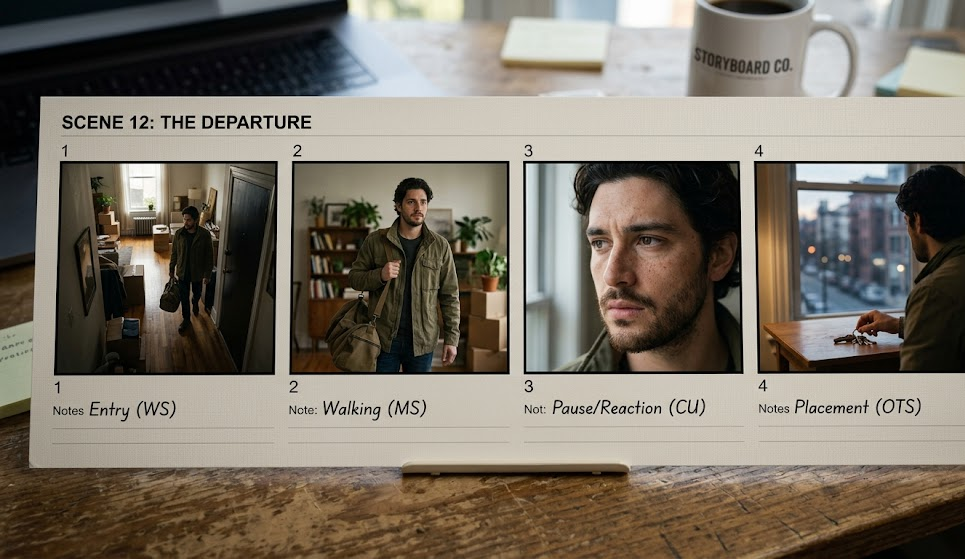
A typical 30-second commercial storyboard has 10–20 panels. Each panel shows a key beat: the problem setup, the product reveal, the before/after, the tag-line moment. Camera notes are brief (MCU, CU, wide) and the emphasis is on visual clarity of the idea.
What to copy: For client-facing boards, polish matters. Use consistent character drawings, label each panel with a shot number, and include a short caption describing the action. The client isn't going to look at a raw thumbnail board and get excited.
Example 5 — 15-second social ad
Social spots run even shorter and hit faster. Boards are often just 6–8 panels covering a hook, development, payoff, and call-to-action. The first panel has to stop the thumb.
What to copy: Panel 1 is the most important panel on the board. Design for the scroll — strong composition, clear subject, tension or humor in the opening frame.
Example 6 — long-form branded content
A 2-minute branded doc spot might have 40–60 panels, often with a narrative arc closer to a short film than a traditional ad. Boards frequently include location photos as reference behind the drawings.
What to copy: When boarding for a shoot, drop in location references behind your character sketches. It forces you to design for the real space instead of the space in your head.
Music video storyboard examples
Music videos give you three to four minutes, a fixed audio track, and a license to do almost anything visually. Boards here are looser — often a mood board plus rough sketches of key setups.
Example 7 — performance-driven music video
Performance videos (artist singing on stage, in a room, in a location) board the variations rather than every beat. Four or five panels might cover "artist wide," "artist medium," "artist close-up," "band wide," "crowd cutaways." The editor picks the order later.
What to copy: For performance content, don't board a cut-by-cut sequence. Board the setups you want to have available.
Example 8 — concept-driven music video
Narrative or concept music videos (where a story happens alongside the song) board more traditionally — key beats of the story, timed to the song. If the drop hits at 1:42, the boards show exactly what the cut looks like at 1:42.
What to copy: Mark your timing on the board itself. "0:00", "0:30", "1:42" written under the panels tells the editor where these shots belong.
Example 9 — lyric video
Lyric videos board typography treatments more than camera moves. Each panel is a layout: where do the words appear, how do they animate, what color, what size.
What to copy: Typography is visual. Board it.
Documentary and explainer storyboard examples
Documentary boards are usually simpler — talking heads, b-roll cutaways, and archival reference. Explainer-video boards are more like commercial boards, focused on clarity.
Example 10 — interview-based documentary
Talking-head docs board the b-roll, not the interview. The interview is whatever the subject says; the storyboard determines what the audience sees while the subject is talking. 10–20 panels cover 5 minutes of finished video.
What to copy: Board the visuals, not the audio. Leave space in your storyboard for "INTERVIEW – B-ROLL ROLL: [topic]" blocks where you'll cut away.
Example 11 — explainer video / SaaS walkthrough
Explainer videos board like a slide deck. Each panel is a concept, a screen, or a diagram. Motion notes are light — fade in, fade out, slide left.
What to copy: Use rectangles for screens, circles for characters, arrows for motion. Explainer boards are less about artistic skill and more about clarity of the sequence.
Short film storyboard examples
Short films range from 1 minute to 15 minutes and can use any of the above styles. Indie-film boards are often the rough end — pencil sketches on printer paper, maybe photographed and shared as a PDF. Students, film festivals, and proof-of-concept pieces live here.
Example 12 — 3-minute indie short
A typical 3-minute short might have 30–60 panels. Boards are usually pencil sketches, sometimes AI-generated frames. The director is the storyboard artist. Priority: clarity over polish.
What to copy: Don't let "I can't draw" stop you. Stick figures with clear composition beat beautiful drawings with unclear intent.
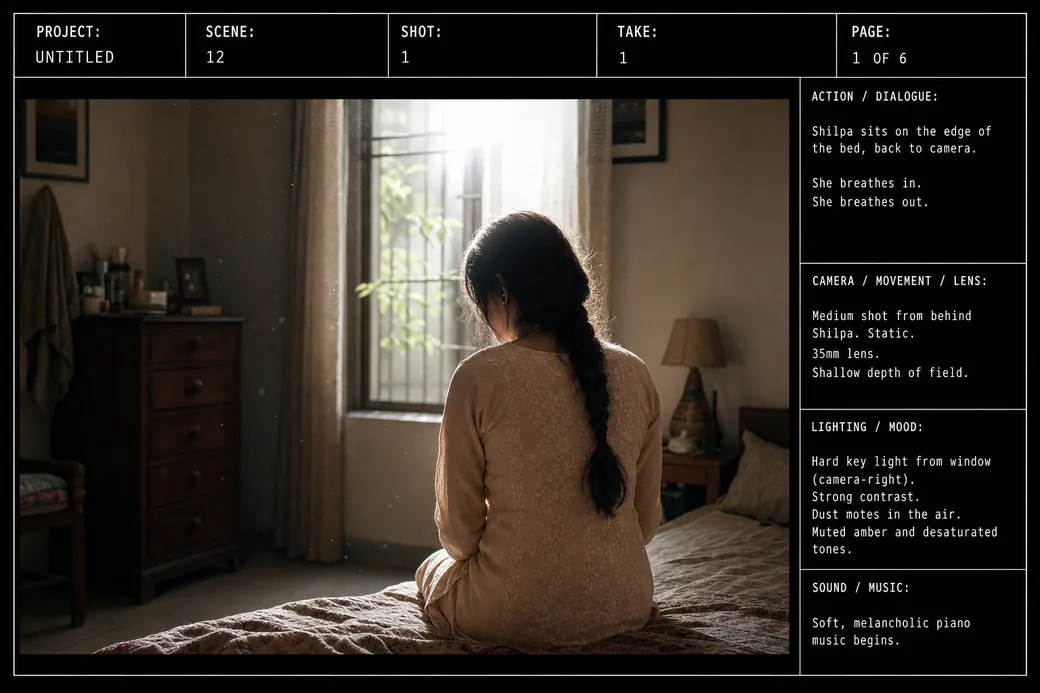
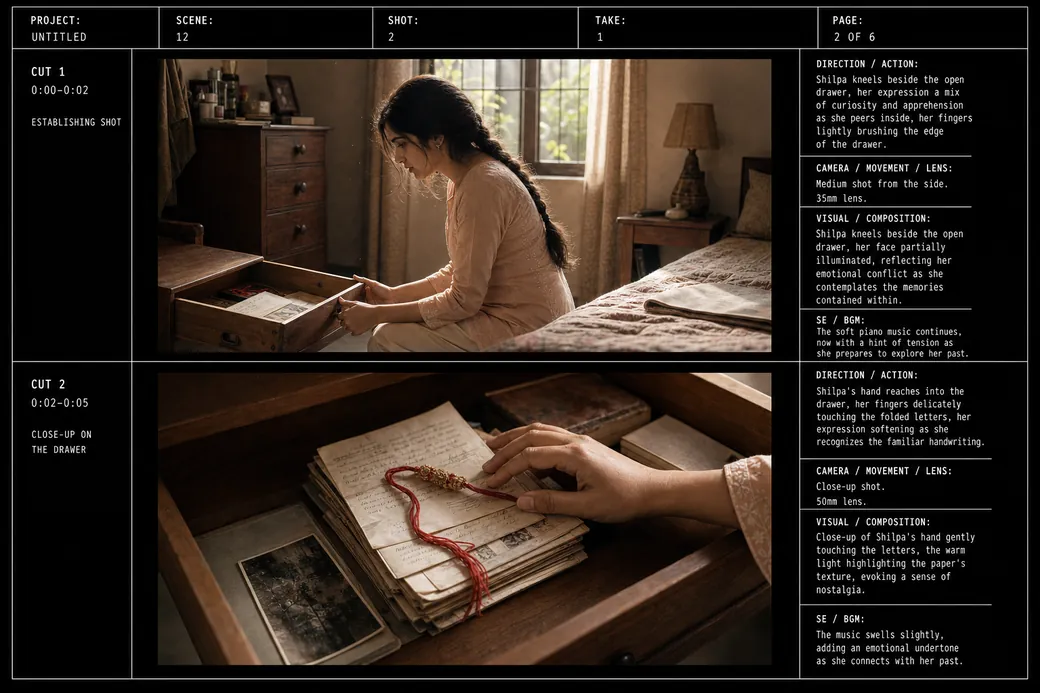
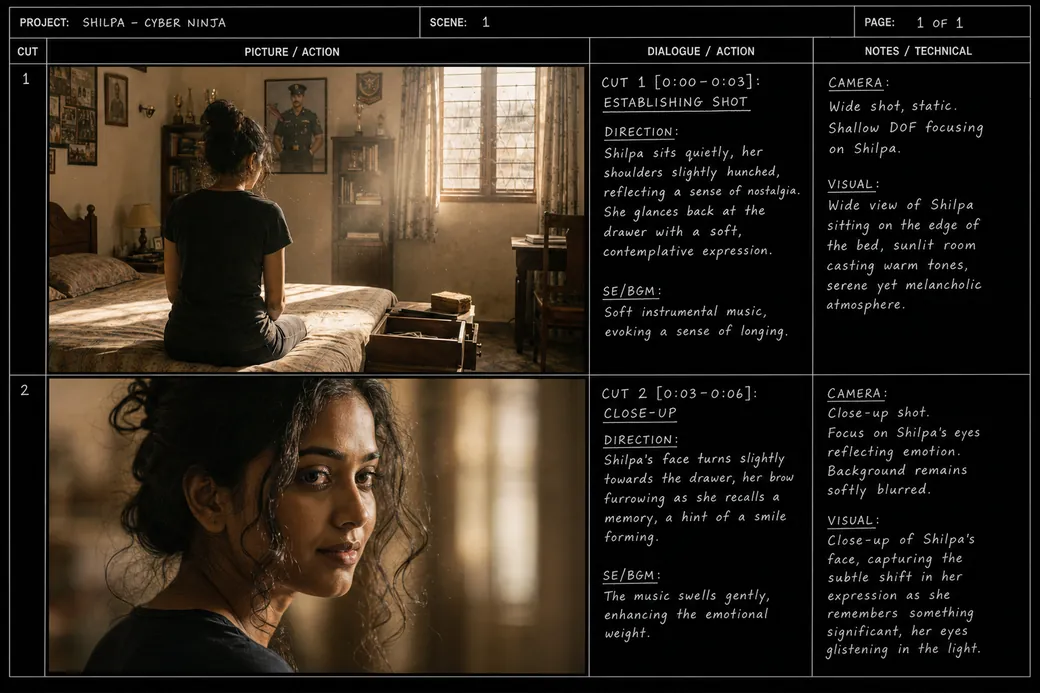
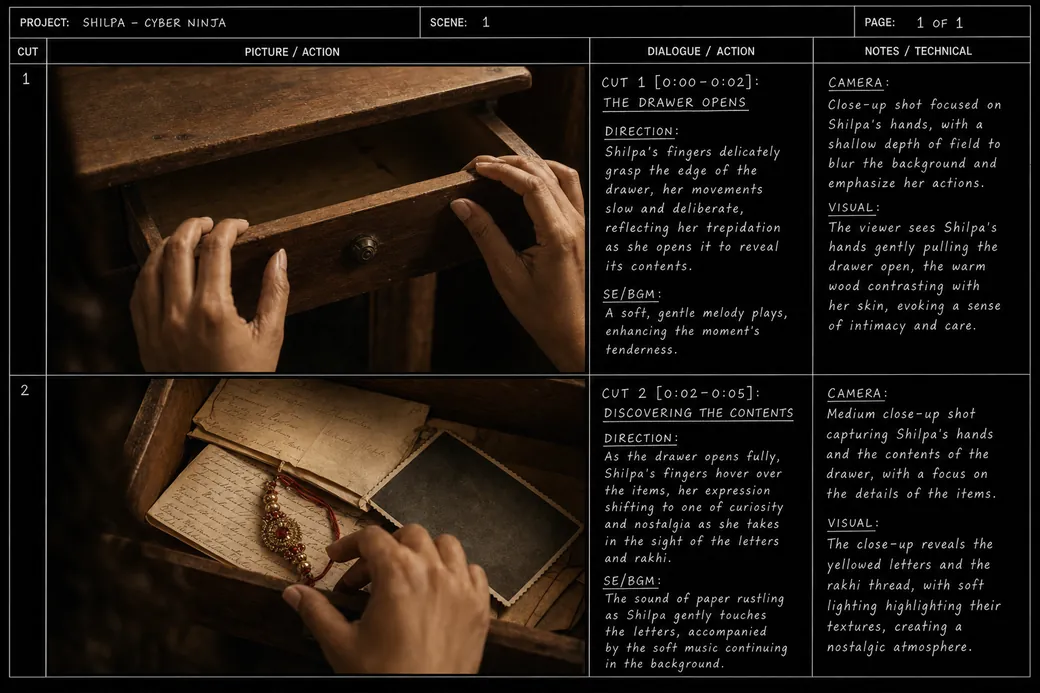
Example 13 — AI-generated indie short film boards
A newer category: filmmakers generating boards with AI image tools. The workflow is: write a scene, prompt the AI with character descriptions + shot details, generate a frame, iterate, save. The output is a polished-looking board in minutes instead of hours.
What to copy: If you're using AI, lock character references before generating the board. Consistency is where AI tools fall apart — and it's the difference between "feels like the same film" and "feels like a slide show."
Animation storyboard examples
Animation boards are the most complex. Pixar, DreamWorks, and Studio Ghibli use storyboards as a primary design document — not just for framing but for performance beats, timing, and character expression.
Example 14 — 2D animation / TV series
TV animation boards are tight: usually 6–12 panels per minute of screen time. Each panel shows a specific action — a head turn, a reach, a reaction. Timing is noted in frames or seconds.
What to copy: For animation, board the beats, not the shots. A 3-second shot in animation might have 5–8 panels showing the character's expression changing.
Example 15 — feature animation
Feature animation boards (Pixar-style) are the gold standard. Each sequence has hundreds of panels. They're used as animatics — cut to temp audio, screened, revised, re-boarded, screened again. The whole film exists in storyboard form before a single scene is animated.
What to copy: Treat your board as an iterative draft. Screen it, revise it, rescreen it. Every pass finds problems that would cost weeks to fix later.
Example 16 — stop-motion / claymation
Stop-motion boards double as planning for puppet rigging, set construction, and camera rigs. They often include multiple views of the same setup — front, side, top — because the physical set has to be built to match.
What to copy: For anything with a physical build (stop-motion, miniatures, practical effects), board in multiple angles per key setup.
AI-generated storyboard examples
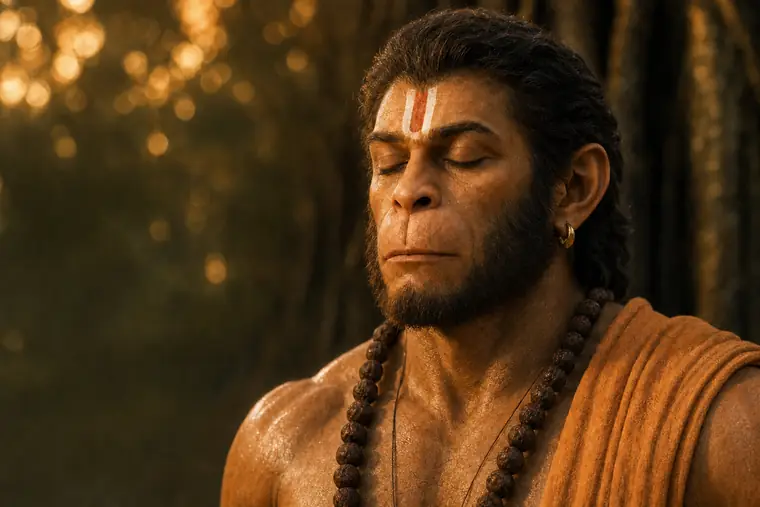
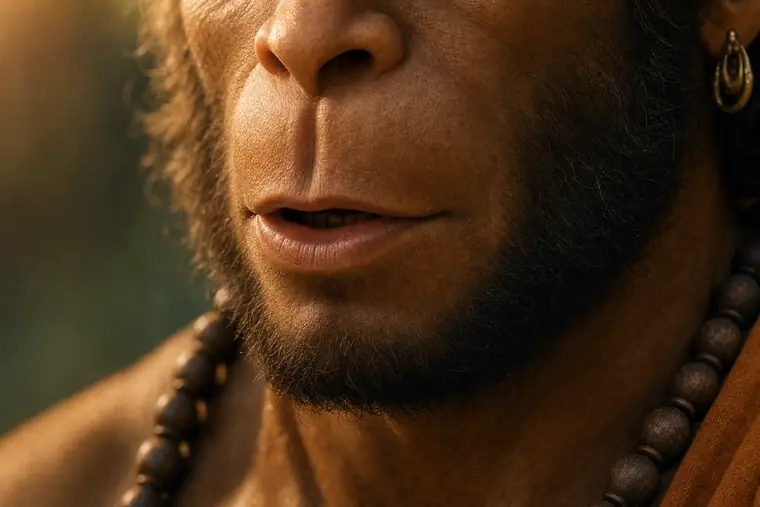
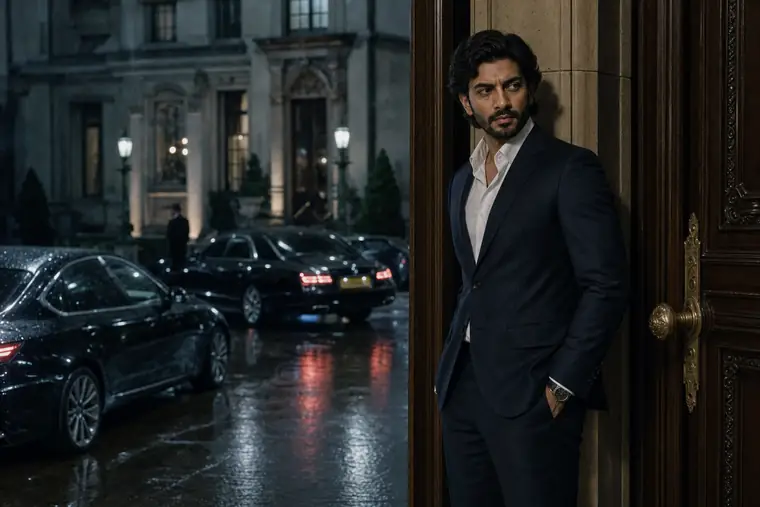
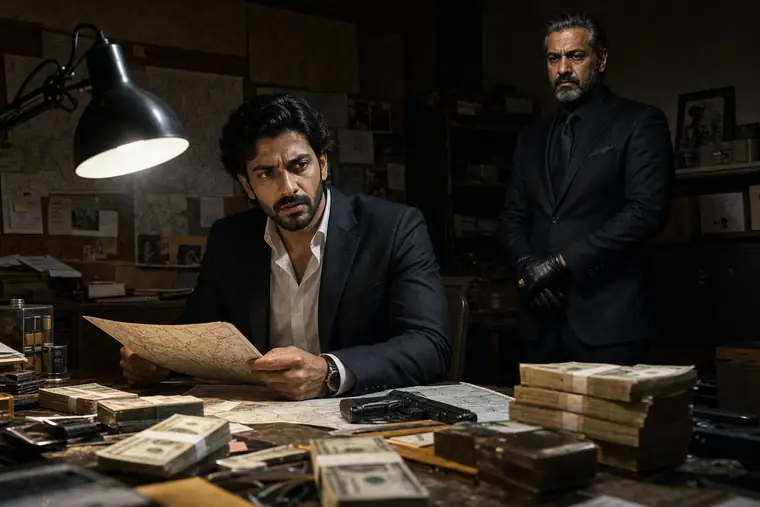
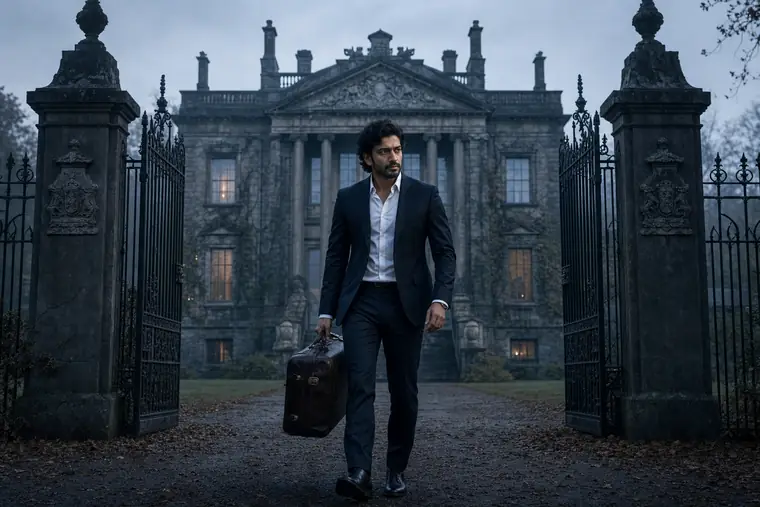
The newest category. Tools like mstudio let you paste a script and get rendered storyboard frames with consistent characters, cinematic framing, and shot descriptions already attached. The examples look more polished than hand-drawn boards but follow the same logic: one panel per shot, clear camera intent, character and world consistency across the sequence.
Example 17 — script-to-board workflow
You paste a scene description like "Anna confronts Ray in the diner, 2am. Wide establishing, two medium shots of the confrontation, close-ups on the key reactions." The AI generates five frames, character-consistent, styled like film stills. You iterate on specific frames, lock the ones that work, and push the approved sequence forward into motion.
What to copy: Even with AI, the key decisions are the director's. Describe the intent of each shot, not just the subject. "Medium shot, low angle, Anna dominating the frame" produces a different image than "Anna talking to Ray."
Example 18 — character-consistent sequence
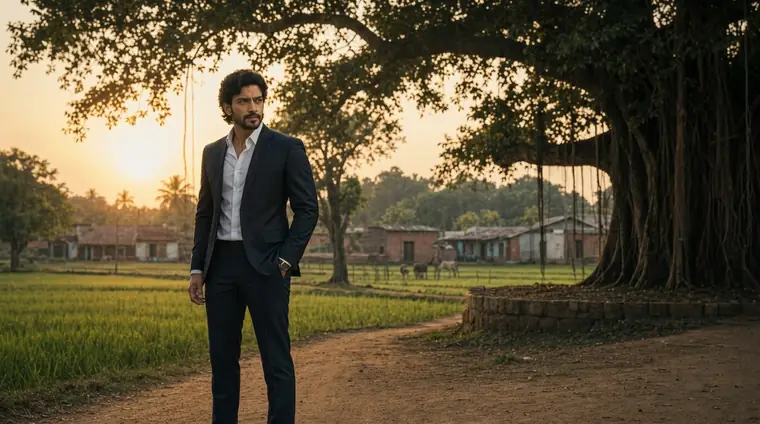
One of the breakthroughs in AI storyboarding is maintaining character appearance across 40+ frames. Generate portraits of each character at the start, lock them as references, and every subsequent frame uses those references. The result reads as one film instead of a slide show of different people.
What to copy: If your AI tool supports character references, use them before generating the full board. Skipping this step creates visual drift that kills the board.
What makes a storyboard example useful to study
Not every board you see online is worth copying. The best examples share these traits:
- Clear shot grammar. You can tell what's close, what's wide, where the camera is.
- Directional arrows. Subject movement and camera movement both annotated.
- One panel per shot. If a panel shows multiple shots, the communication breaks down.
- Timing notes. Even rough — "2 seconds," "beat," "on the drop" — helps downstream.
- Character consistency. If characters look different panel-to-panel, the board fails at its basic job of representing a single film.
If the example you're looking at has those five traits, the storyboard artist understood their job. If it doesn't, skip it.
Resources to pull more examples
- Boords — publishes a gallery of community storyboards across genres
- StudioBinder's blog — breakdowns of specific famous boards (Get Out, Skyfall, Parasite)
- The /r/storyboarding subreddit — student and pro boards with feedback
- Pixar Artist Showcase — high-level animation boards from feature production
- mstudio's demo gallery — AI-generated storyboard sequences across genres to study and remix
Turn an example into your own storyboard
The fastest way to move from studying examples to making your own:
- Pick the genre closest to what you're making.
- Find 3 examples in that genre you like.
- Identify what each one does right — shot types, timing, pacing.
- Apply those decisions to your own scene, one panel at a time.
- Run through the result and compare it to your reference boards. Does yours communicate as clearly?
If you want to skip the drawing entirely, paste your script into mstudio and get a first-draft AI storyboard in minutes. Iterate on the frames that don't work, keep the ones that do, and export for review.
FAQs
Where can I find free storyboard examples to study? Boords, StudioBinder, Reddit's /r/storyboarding, and the published artbooks for major animated films (Pixar Storytelling, The Art of Soul, Storyboard Pro for Beginners) are the strongest sources. Most are free to view online; the artbooks are worth the money if you're serious.
What's the difference between a rough board and a presentation board? Rough boards are for the crew — usually pencil, sometimes barely legible, prioritizing speed over polish. Presentation boards are for clients and execs — cleaner line work, sometimes color, usually with captions. Most productions use both: rough during pre-pro, presentation for the client sign-off.
How detailed should my storyboard examples be? Detailed enough that a stranger could look at your board and understand the shot. That's the only test that matters. If someone asks "what's happening here" and you have to explain, the panel failed.
How many panels should a storyboard have? One panel per final shot, minimum. For rhythmic sequences (fights, reveals, musical beats), more panels — one per cut. A 3-minute short film typically has 30–60 panels. A 30-second commercial typically has 10–20.
Can I use AI-generated storyboard examples in my portfolio? You can, but be honest about the workflow. AI-generated boards are a legitimate tool — directors and storyboard artists are increasingly using them — but presenting AI output as hand-drawn work will catch up to you. Show the workflow alongside the output.
Where's the best storyboard example for a beginner? A 30-second commercial. The shot count is low, the story is simple, the visual language is conventional. Harder forms (feature film, 2-minute music video with a concept) demand more experience.
Related reading
- How to Create a Storyboard with AI — the step-by-step tutorial
- How to Make an Animatic — take a storyboard to the next step
- What is an Animatic? — the definition
- mStudio AI Storyboard Generator — the AI-native tool these workflows run on
- Best Storyboard Software 2026 — tools to produce the boards
Updated April 2026. Examples pulled from publicly published storyboards, community galleries, and AI-native workflows.