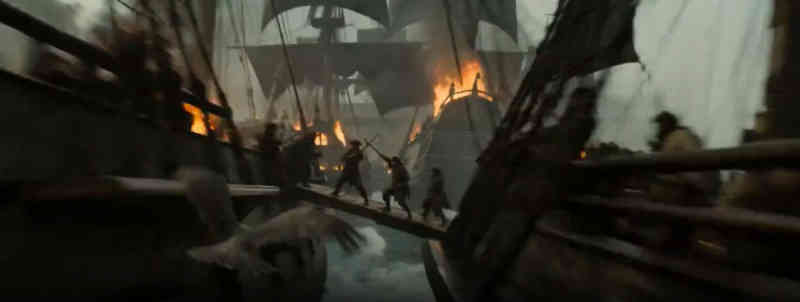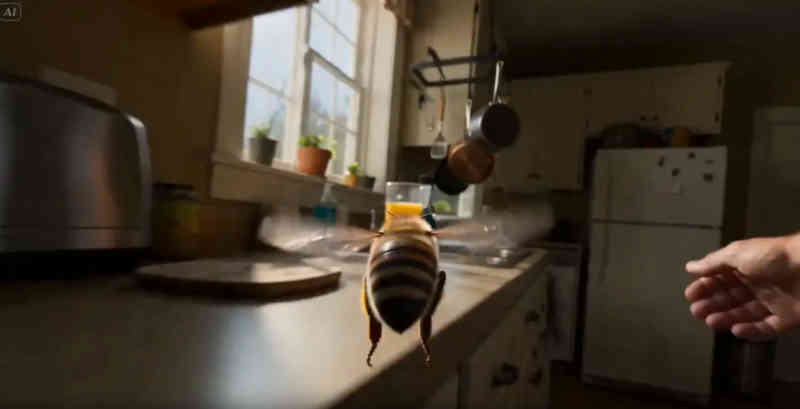
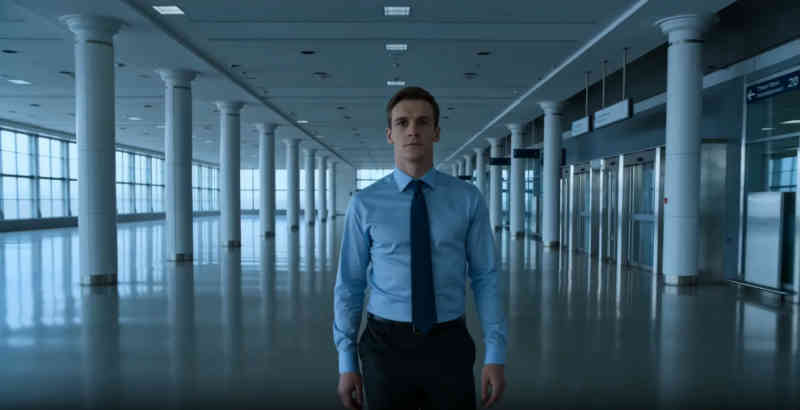
Search "AI movie generator" and you'll get a wall of tools that all do the same thing: you type a prompt, get back a 5-to-15-second video clip, and feel vaguely impressed. Then you wonder what to do with it.
That's the problem. Most of what gets marketed as an "AI movie generator" is actually an AI clip generator. It can produce a shot. It cannot produce a film.
This piece is about the difference — and what it actually takes to go from a blank prompt to a finished movie using AI tools in 2026.
What the term "AI movie generator" actually covers
In practice, searches for "AI movie generator" land on three different categories of tools:
Clip generators like Runway Gen-3, Kling 3.0, Pika 2.2, and Sora 2 produce short video segments from text or image prompts. The upper limit right now is around 15-20 seconds per generation. These are genuinely impressive for what they are.
Template-based makers like Invideo, Synthesia, and HeyGen string together clips, stock footage, and AI avatars using preset formats. They're designed for product demos and explainers, not original films.
Production platforms like mstudio.ai treat clip generation as one step in a larger pipeline. They let you orchestrate multiple AI models, arrange scenes on a timeline, add audio, and export something that runs longer than a TikTok.
If you're looking to make an actual short film or narrative video — not a 15-second demo — you need that third category.
The problem with 30 AI clips
Here's the workflow most people don't talk about: You spend an afternoon generating clips in Runway or Kling. You get 30 usable shots. Now what?
The traditional answer is After Effects or Premiere. Download each clip as an MP4, drag them into a timeline, manually sync them, layer in music from Epidemic Sound, find sound effects, export at the right codec. For someone comfortable with NLEs, this takes hours. For a filmmaker who learned their craft on AI tools, it requires an entirely different skillset.
mstudio.ai was built specifically for this gap. It handles the production layer — the part between "I have clips" and "I have a movie" — without requiring you to touch Premiere or After Effects.
The workflow looks more like this: Generate scenes within mstudio using whichever AI models you prefer (Kling, Runway, WAN, Pika — mstudio connects to them). Arrange those scenes on a timeline. Add BGM and sound effects from the built-in library. Export. Full films, not clips.
How AI movie generation actually works in 2026
AI video models have improved significantly since 2023, but their fundamental limitation hasn't changed: they generate short clips, not narratives. Coherence over time is still the hard problem.
The practical workflow for AI filmmakers in 2026 involves three phases:
Pre-production: Script or outline your story into scenes. Think in shots. Each AI generation is one shot, so you need to know what shot you're asking for before you prompt.
Generation: Create each shot using whichever model fits the style. Kling handles realistic motion well. Pika is strong on stylized visuals. Runway Gen-3 Alpha gives you more control over camera movement. Sora 2 produces longer clips at higher fidelity but requires access.
Production: This is where mstudio.ai operates. Import your shots, sequence them, handle scene transitions, sync audio. The production tools include a multi-track timeline, BGM/SFX library, and export options for various formats.
The generation step gets most of the attention. The production step is where films actually get made.
Comparing the main AI movie generator tools
Here's a direct comparison of what the top tools actually do, so you can figure out where each fits:
Runway Gen-3 Alpha
Strong camera control, good motion quality, up to 10 seconds per clip. Excellent for precise shots where you need a specific camera move. Expensive at scale. No production/editing layer — you get clips and that's it.
Kling 3.0
The best realism-to-cost ratio right now. 5-10 second clips, strong character consistency within a shot. Less control over camera than Runway. Also no editing layer.
Pika 2.2
Good for stylized or animation-adjacent work. Faster generation times than Runway. Still clip-only output.
LTX Studio
Has a storyboard-to-video pipeline and some scene management features. Good for structured narrative content. Fewer integrations than mstudio.ai for mixing models.
mstudio.ai
Not a clip generator itself — it sits above the generators. You bring clips from Runway, Kling, Pika, or generate directly within the platform. The value is the production layer: timeline, multi-scene management, audio tools, and export. If you're making anything longer than 60 seconds, this is where the actual work happens. Pricing is here.
The cleanest mental model: clip generators are cameras, mstudio.ai is the editing suite.
A practical workflow for a 3-minute AI short film
To make this concrete, here's roughly how a 3-minute short film gets made using AI tools:
Start with a script broken into scenes. A 3-minute film needs roughly 30-40 shots at 4-6 seconds each. Write a one-line description for each shot — not a creative brief, just a clear prompt: "Medium shot, woman at a desk, morning light, looking at camera, slight concern."
Generate each shot. Use Kling for dialogue-adjacent shots where character expression matters. Use Runway for establishing shots where camera movement needs to be precise. Budget about 2-3 attempts per shot for quality control. This is the time-intensive part.
Bring everything into mstudio.ai. Arrange scenes in order. The timeline interface is designed for AI-native filmmakers rather than traditional NLE users — it assumes your building blocks are AI-generated clips, not recorded footage. Add BGM from the audio library. Sync SFX to key moments. Review the assembled film.
Export and share. The whole process, for a filmmaker with some AI generation experience, runs 6-12 hours for a 3-minute film. A year ago, the equivalent would have taken a week and required significant post-production skill.
What to expect from AI video quality in 2026
The honest version: AI-generated video is recognizable as AI-generated video. The motion artifacts are less frequent than they were 18 months ago, but character consistency across shots is still imperfect, and anything involving hands or close facial detail requires multiple regenerations.
For stylized content, experimental film, and narrative shorts where some visual distinctiveness is acceptable, this is workable. For anything trying to match broadcast production quality, you'll hit walls.
The use cases where AI movie generation genuinely shines right now: short narrative films, concept visualizations, music videos, branded content, and anything where an unconventional visual style is an asset rather than a flaw. The AI music video workflow is a particularly good fit.
Getting started
If you're new to AI filmmaking, the fastest path to a finished short film right now is:
- Outline your story in scenes before you open any tool
- Generate clips in Kling or Runway for each scene
- Use mstudio.ai to assemble and finish the film
The clip generation step is where most tutorials focus. The production step is where most AI filmmakers get stuck. mstudio.ai exists to solve the second problem.
Ready to go from clips to a finished film?
mstudio.ai handles the full production pipeline — timeline, audio, export — so you can focus on the creative work.
See pricing →