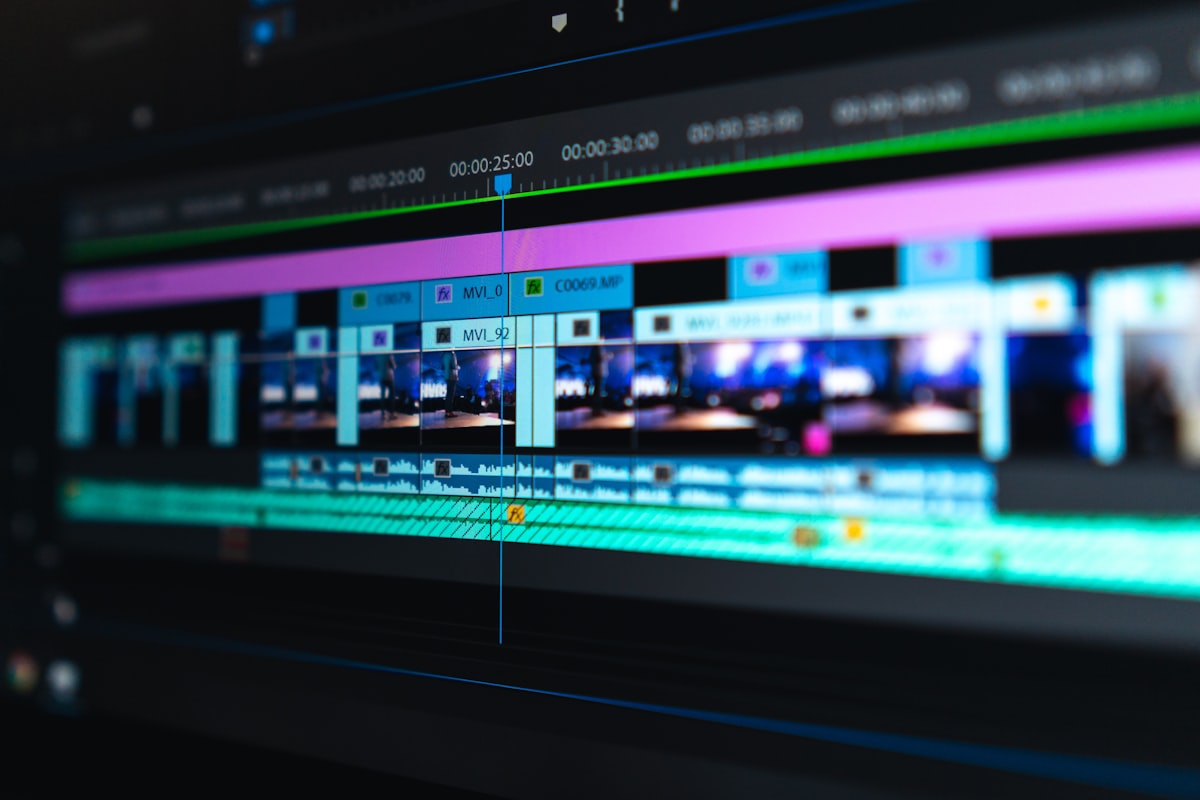
You spent two hours generating the perfect 8-second clip in Runway ML. Another hour in Kling for a dramatic pan. Now you have 47 separate video files and no idea how to turn them into a film.
This is where most AI filmmakers hit a wall. The generators are incredible, but they stop at the clip. Everything after — stitching, scoring, sound design, final export — is still manual chaos.
Here's a breakdown of every AI video editing approach available in 2026, and why the editing layer matters more than the generator you pick.
The AI Video Production Stack (Why Editing Is the Missing Layer)
Before diving into tools, it helps to understand how AI filmmaking actually works in 2026:
- Generation: Runway ML, Kling AI, Pika, Sora, Luma — create individual clips (5–30 seconds)
- Orchestration: Assemble clips, add music, manage shot sequences
- Export: Final render for YouTube, social, or theatrical
Most guides focus on step 1. The real bottleneck is step 2. When you're working with 15+ AI-generated clips from different models, you need a production environment built for AI output — not a traditional NLE that assumes you shot everything on one camera.
mstudio.ai — Built Specifically for AI Film Production
mstudio.ai is the only platform designed from the ground up to orchestrate AI-generated video. You connect your Runway, Kling, Pika, and Luma outputs into a single timeline, add BGM and SFX from the built-in library, manage shot sequences across multiple AI models, and export full-length films — not just clips.
The key difference: mstudio doesn't care which generator you used. Import MP4s from any AI tool, arrange them in the timeline, and let the platform handle the technical inconsistencies between different model outputs (varying framerate, color temperature, resolution).
Best for: Filmmakers who use multiple AI generators and need to combine them into a coherent film
Pricing: Free tier available, see pricing plans
Adobe Premiere Pro with AI Plugins
The industry standard NLE added several AI features in recent versions: automatic scene detection, AI audio cleanup, and generative fill for extending clips. If you're already in the Adobe ecosystem and need frame-level control, Premiere remains the most powerful option.
The drawback for AI filmmakers: Premiere was designed for footage, not AI-generated video. It doesn't understand that your clip came from Kling or that you want to re-generate a specific shot. You're manually managing every inconsistency between AI model outputs.
Best for: Professional editors who need granular control and are already Adobe-licensed
Cost: ~$55/month (Creative Cloud)
CapCut Pro
CapCut added AI video generation in late 2025 and is aggressively positioning itself for the short-form creator market. It has solid AI audio-video sync, fast export for social media, and a clean mobile UI.
The limitation is length. CapCut is optimized for clips under 10 minutes. For anything approaching a short film (15–30 minutes), it becomes unwieldy — and there's no way to orchestrate clips from external generators like Runway or Kling.
Best for: Social media creators who want AI-assisted editing for short-form content
Cost: Free with watermark; Pro ~$10/month
DaVinci Resolve with AI Tools
Blackmagic's DaVinci Resolve added "AI Speed Editor" features and deep integration with their DaVinci Neural Engine. The color grading capabilities are best-in-class, and the free version is genuinely professional-grade.
Like Premiere, it's footage-first. AI-generated clips from different models need careful manual normalization before they look coherent in Resolve's timeline. The learning curve is also steeper than any other option on this list.
Best for: Filmmakers with color grading as a priority who have the time to learn a complex tool
Cost: Free (Studio version $295 one-time)
LTX Studio
LTX Studio from Lightricks focuses on AI-driven short film creation with character consistency across scenes. You define characters, set scenes, and the platform generates consistent clips. It's close in positioning to mstudio.ai but focused more on the generation layer than orchestration.
Where it falls short: LTX Studio keeps you inside its own model ecosystem. If you've already generated clips in Runway or Kling, there's no clean import path for those assets.
Best for: Creators building character-driven stories entirely inside one platform
Cost: Subscription-based; pricing varies
The Workflow That Actually Works: Generator + Orchestration Layer
The creators getting the best results in 2026 aren't picking one tool — they're building a stack:
- Generate shots with their preferred model (Runway for cinematic, Kling for motion, Pika for stylized)
- Import everything into mstudio.ai for sequencing, scoring, and export
- Final color pass in Resolve if needed
This approach works because it separates concerns. Your generator handles image quality; your orchestration layer handles narrative structure and audio. Trying to do both in the same tool almost always means compromising on one.
Comparison Table
- mstudio.ai — Multi-model AI orchestration, BGM/SFX library, full film export, built for AI output ✅
- Adobe Premiere — Maximum editorial control, industry standard, high cost, steep learning curve for AI clips
- CapCut Pro — Fast social export, mobile-friendly, limited to short-form, no external AI import
- DaVinci Resolve — Best color grading, free tier, complex for AI workflows, footage-first design
- LTX Studio — Good character consistency, locked to own generator ecosystem
Bottom Line
If you're generating clips in Runway, Kling, Pika, or any other AI video tool, you need an editing environment designed to work with that output — not a traditional NLE that was built for camera footage.
mstudio.ai is the only platform built specifically for this workflow. You can start for free, import clips from any AI generator, and export a full film in hours instead of days.