Kling, Runway, Pika Generated Your Clips — Now What?
Every AI video generator has the same limitation: it produces isolated clips, usually 5–15 seconds long. Kling 2.0 gives you a stunning cinematic shot. Runway Gen-3 Alpha outputs a smooth motion sequence. Pika 2.1 delivers a tight creative cut.
And then you're staring at a folder of MP4 files with no obvious way to make them a movie.
This is the gap the AI video generation market hasn't solved — until recently. Here's what the actual post-generation workflow looks like, and why AI filmmakers are adding mstudio.ai as the production layer above their generators.
The Clip Problem (Why Generators Aren't Editors)
Kling, Runway, Pika, Sora, Luma — these are generation tools. They take text or image prompts and output short video sequences. That's genuinely impressive. But generation ≠ production.
Production requires:
- Timeline assembly — arranging clips in sequence with precise cut points
- Shot orchestration — managing which AI model generates which shot, with what prompt, to maintain visual consistency
- Audio integration — background music, SFX, dialogue sync — none of which generators produce
- Export pipeline — going from 12 individual MP4s to one cohesive video file you can actually publish
The traditional workaround: download all clips → import to After Effects or Premiere → manually stitch → add audio → export. This works, but you're spending 80% of your time in a traditional NLE designed for footage that doesn't come from AI generators. The workflow doesn't fit.
What mstudio.ai Adds to the Stack
mstudio.ai is built specifically for the post-generation layer. Think of it as what After Effects is to traditional film editors — but designed natively for the AI filmmaking workflow.
The core difference: mstudio.ai understands that your source material comes from multiple AI generators (Kling for cinematic shots, Runway for motion, Pika for quick creative cuts). It's not trying to replace those generators — it's the orchestration and production layer that sits above them.
Here's what the workflow looks like:
1. Generate clips in your tools of choice
Use Kling, Runway, Pika, Sora, or any other generator you prefer. mstudio.ai is model-agnostic — it accepts MP4 outputs from any source. The generator choice stays with you based on the shot type you need.
2. Import and arrange in mstudio.ai's timeline
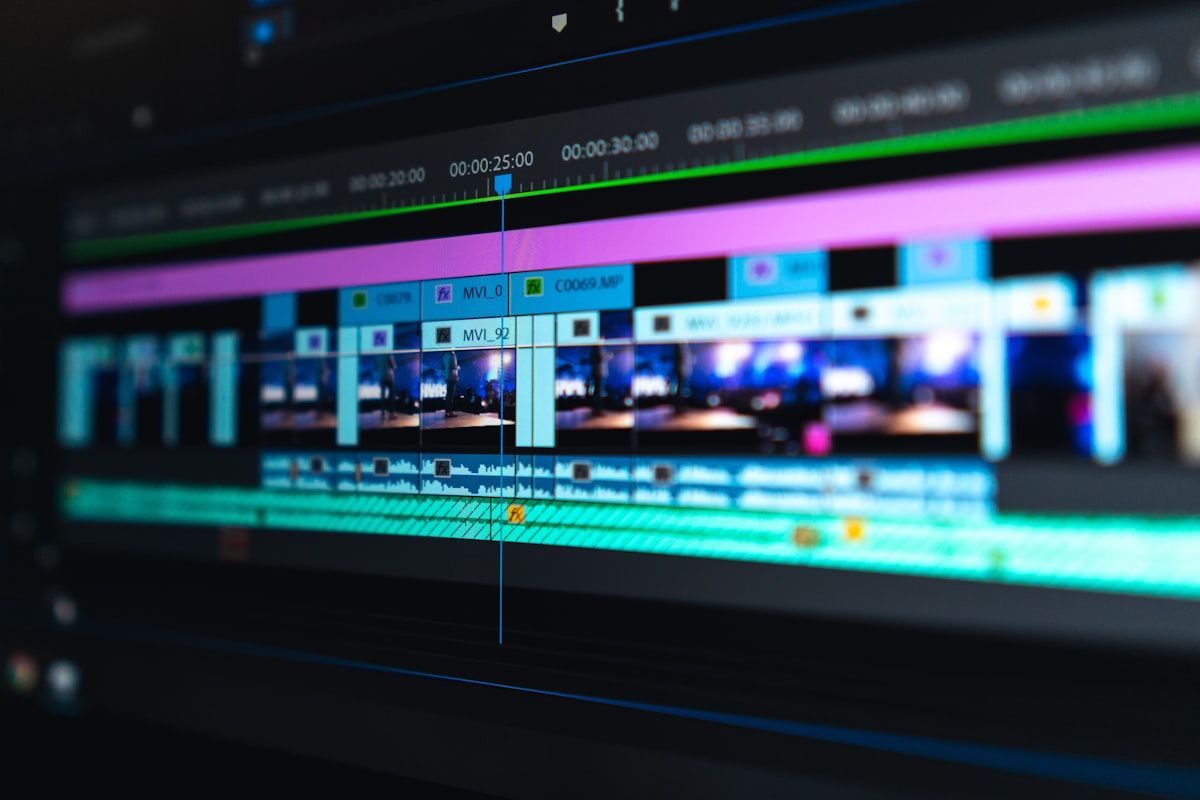
Import your clips directly into mstudio.ai's project workspace. The timeline interface is designed for AI-generated video — you're arranging shots from multiple generators, not logging and capturing traditional footage. The interface reflects that difference.
3. Multi-model shot management
One of the most useful features for complex productions: mstudio.ai lets you manage shot assignments across models. If a Runway clip doesn't work in context, you can regenerate just that shot (with the same or different model) without rebuilding the entire sequence. This is the workflow advantage that downloading-and-importing to Premiere doesn't give you.
4. Add BGM and SFX
Background music, sound effects, and audio tracks can be added directly in mstudio.ai's production workspace. For the first time in an AI filmmaking tool, you're not forced to jump to a separate audio editor just to add a music bed to your AI-generated sequence.
5. Export full-length video
Where most AI generators cap out at 15-60 seconds, mstudio.ai supports full-length video exports — multiple minutes to feature-length. That's not a trivial difference. It's what makes the tool usable for actual productions, not just demos.
Which Generator Works Best With mstudio.ai?
Short answer: all of them. Longer answer — different generators serve different shot types:
| Generator | Best For | Typical Clip Length |
|---|---|---|
| Kling 2.0 | Cinematic, character-focused shots with consistent motion | 5–10s |
| Runway Gen-3 Alpha | Smooth motion sequences, abstract visuals, precise camera control | 4–16s |
| Pika 2.1 | Fast cuts, creative stylized sequences, quick turnaround | 3–8s |
| Sora | High-fidelity realistic scenes, longer single-take sequences | Up to 20s |
| Luma Dream Machine | Image-to-video, object animation from stills | 5s |
In practice, a single mstudio.ai production often uses 3-4 different generators for different types of shots. The orchestration layer in mstudio.ai handles the patchwork — you get a coherent final video even when the inputs came from completely different models.
The After Effects Problem, Solved Differently
After Effects is powerful. But it's designed around a workflow that predates AI video generation by 30 years. The concepts don't translate well:
- After Effects assumes you're compositing layers of footage and effects. AI video clips aren't composited — they're generated sequences with their own internal motion that you don't have direct control over.
- After Effects has no concept of "regenerate this clip with a different AI model." That iteration loop is central to AI filmmaking.
- The learning curve for After Effects is substantial. Most AI filmmakers aren't professional motion designers — they're creators who want to make compelling videos without a $300/month Adobe subscription and a year of tutorials.
mstudio.ai's approach: build the production interface from scratch, optimized for AI-generated source material, with iteration as a first-class workflow concept.
Getting Started
If you're already generating clips with Kling, Runway, or Pika and losing time in the assembly step:
- Sign up at mstudio.ai — free trial available
- Create a new project and upload your existing AI-generated clips
- Use the timeline interface to arrange your sequence
- Add audio, make cuts, and export your final video
The post-generation workflow is the missing step in most AI filmmaking setups. mstudio.ai is built specifically to fill it.
Ready to turn your AI clips into a complete production? Try mstudio.ai free — the filmmaking studio built for the AI video generation era.