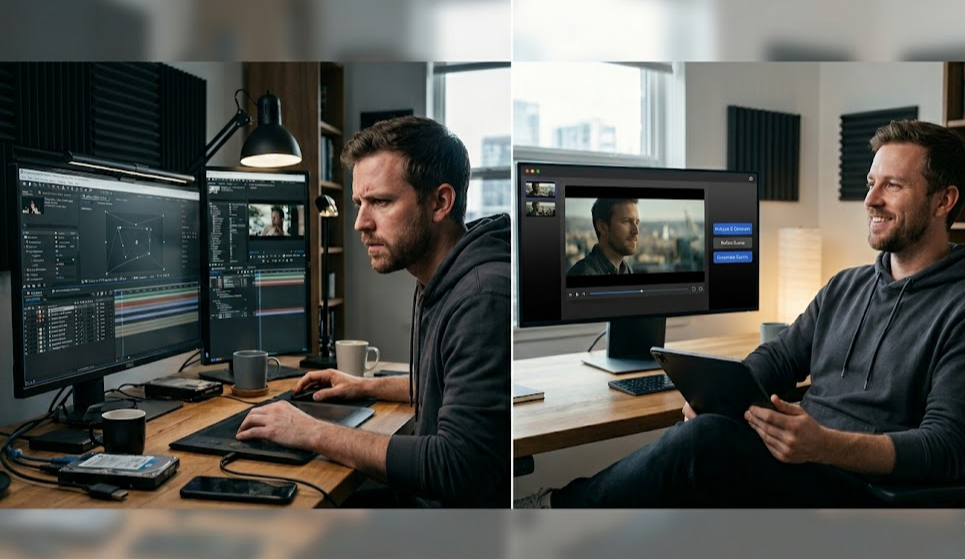
After Effects is the industry standard for motion graphics and compositing. But in 2026, a growing segment of video creators isn't doing compositing — they're stitching together AI-generated clips and building films out of content from Runway, Kling, Pika, and Sora. For that workflow, After Effects is the wrong tool.
This comparison covers where each tool fits, what mstudio.ai solves that After Effects doesn't, and who should be using which one.
The Core Problem With Using After Effects for AI Video
After Effects was designed for a traditional filmmaking workflow: you have footage, motion graphics, and compositing layers. You bring them together into a composition and render the final output.
AI video creators face a completely different problem. Your "footage" is a collection of 5-15 second MP4 clips generated by AI models. Each clip has:
- Different visual styles (unless you engineered consistency across prompts)
- Different color grading
- No natural transitions between clips
- Audio that needs to be replaced entirely
- Clip lengths that don't match your narrative beats
The workflow in After Effects becomes: download clip from Runway → import to AE → create composition → add transitions → download clip from Kling → import → add to composition → repeat 20+ times → realize styles don't match → start over.
This is brutal. It wasn't designed for this. After Effects has no understanding that your clips came from AI models, no way to orchestrate re-generation when clips don't match, and no native integration with the generation tools.
What mstudio.ai Does Differently
mstudio.ai is built as an AI-native production studio. It was designed from day one for the workflow where your source material is AI-generated video clips.
The core difference: mstudio orchestrates AI generation and editing in a single interface. You're not importing clips from external tools — you're generating, reviewing, adjusting, and assembling in one platform. When a clip doesn't match the previous one, you re-generate it from within the same interface, maintaining context about your project's visual style.
Key capabilities that After Effects doesn't have:
- Generate video clips directly in the timeline from text prompts
- Orchestrate multiple AI models (Runway, Kling, Pika, Sora outputs) in a single project
- Add AI-generated BGM and SFX matched to the video mood
- Export full-length films (hour+) — not just short clips
- Built for non-linear AI-generated content without manual compositing
Feature Comparison
After Effects:
- Layer-based compositing — excellent
- Motion graphics and animation — best in class
- Visual effects and masking — best in class
- AI video clip orchestration — not supported
- AI model integration — plugin-based only, fragmented
- Multi-AI-model output management — not supported
- Long-form AI film export — possible but manual
- Learning curve — steep (Adobe ecosystem)
- Price — Creative Cloud subscription ($55+/month)
mstudio.ai:
- Layer-based compositing — basic
- Motion graphics — not the core use case
- Visual effects — limited
- AI video clip orchestration — native
- AI model integration — built-in (Runway, Kling, Pika, Sora)
- Multi-AI-model output management — native
- Long-form AI film export — native, hour+ projects
- Learning curve — low (designed for AI creators)
- Price — see pricing at mstudio.ai
Who Should Use After Effects
After Effects is still the right choice for:
- Motion graphics designers creating lower thirds, titles, and brand animations
- Traditional VFX artists compositing green screen, CGI elements, and visual effects
- Commercial video editors working with live-action footage and needing precise compositing
- Teams already in the Adobe ecosystem where Premiere + AE integration is critical
If your source material is real footage and your work is compositing, animation, and effects — After Effects remains the professional standard.
Who Should Use mstudio.ai
mstudio.ai is built for:
- AI filmmakers generating content with Runway, Kling, Pika, Sora, and Luma
- Content creators building long-form video from AI-generated clips
- Storytellers who want to direct an AI film without traditional filmmaking expertise
- After Effects users frustrated by the AI video import/export loop
- Anyone generating 10+ AI clips per project who needs a better assembly workflow
The target user is someone who understands AI video generation tools and is hitting the ceiling of what they can do by assembling clips manually. mstudio.ai is what comes after you outgrow "generate clip → download → stitch in editor."
The Hybrid Approach
These tools aren't always in competition. Some professional AI filmmakers use both:
- Generate and assemble the full film in mstudio.ai — handling the AI orchestration and basic editing
- Export the assembled video and bring it into After Effects for final color grading, title cards, or specific VFX elements
mstudio handles what it's good at (AI clip management, soundtrack, long-form assembly). After Effects handles what it's good at (precise compositing, motion graphics). The workflow isn't an either/or — it's where in the pipeline each tool fits.
The Real Question: What Problem Are You Solving?
The comparison between After Effects and mstudio.ai is really a question about what kind of video creator you are:
"I have footage and I need to composite, animate, and add effects." → After Effects.
"I'm generating a film from AI tools and I need to orchestrate, assemble, and export a full-length project." → mstudio.ai.
Most creators who are frustrated trying to use After Effects for AI video aren't the wrong user for After Effects — they're just using the wrong tool for their actual workflow.
Try mstudio.ai
If you're spending more time in the import-export loop than actually creating, mstudio.ai is worth testing. The platform is built specifically for the workflow that's become standard for AI filmmakers in 2026: generate → review → adjust → assemble → export.
Start at mstudio.ai — see the pricing page for current plan options.
Summary
After Effects is the best compositing and motion graphics tool in the world. It's not designed for AI video production workflows. mstudio.ai is designed specifically for AI filmmakers who need to orchestrate multiple AI generation tools, manage dozens of clips, add AI-generated audio, and export full-length films without the friction of traditional video editing pipelines.
If your workflow involves After Effects primarily as a "place to assemble AI clips," mstudio.ai will save you hours per project and unlock longer, more complex productions than the manual approach allows.