An AI director is a filmmaking tool that reads a script or scene description and proposes directorial choices: how to break the scene into shots, what coverage to gather, how each setup should be framed and composed, and what the sequence should look like as a whole. It works as a pre-production collaborator — generating shot suggestions, visual direction, and reference imagery that a filmmaker can accept, revise, or discard — rather than as a replacement for the human director who makes the final creative call. The term emerged as AI models became capable of applying cinematographic grammar (establishing shots, coverage, cutaways, shot sizes) instead of just producing isolated images. M Studio's AI director works this way: paste a script, and it proposes a shot-by-shot breakdown with framing and visual direction that you edit and approve frame by frame.
What Is an AI Director?A Pre-Production Collaborator, Not a Replacement.
An AI director is a filmmaking tool that reads a script or scene description and proposes directorial choices: how to break the scene into shots, what coverage to gather, how each setup should be framed and composed, and what the sequence should look like as a whole.
In practice
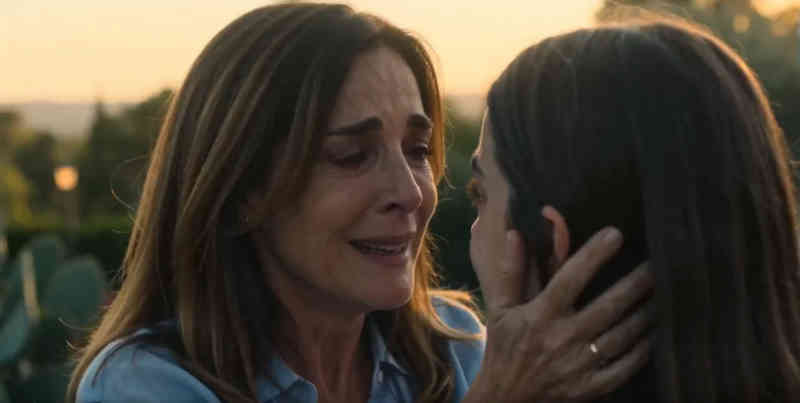
How “AI Director” shows up on screen
Visual samples from M Studio.
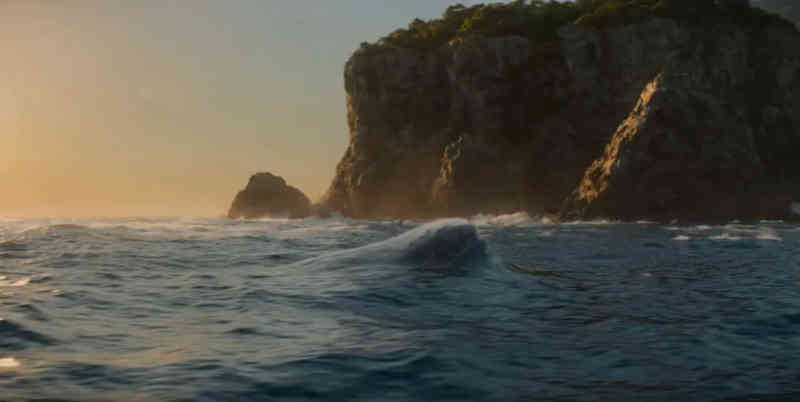
Script → board
From script to screen in six steps
Studio builds a film shot by shot, and you direct every frame — this is the whole path, start to finish.
- 01
Create a project
Start from a one-line brief, or import a screenplay PDF and build straight from the pages you already wrote.
- 02
Add your script
Scenes, action and dialogue laid out shot by shot — editable line by line before anything renders.
- 03
Add your characters
Add each character once with a reference image so the same face carries across every shot in the film.
- 04
Build the storyboard
Your script breaks into frames on a canvas. Reorder, reframe and re-prompt any shot until the board reads right.
- 05
Generate the video
Turn approved frames into motion one shot at a time, then layer voiceover, music and sound effects.
- 06
Export the cut
Take the finished sequence out as an mp4, mov or webm, ready for the edit or the pitch.
There is no length cap in the editor. Because films are assembled shot by shot, how long a piece can run comes down to how many clips your plan includes — not a limit in the tool.
FAQ
Common questions about ai director
No. Directing is a job of judgment, taste, and leadership: deciding what a scene means, which convention to break, how to get a performance, and what to do when the plan meets reality on set. An AI director automates the executional bottleneck around those decisions — first-pass shot breakdowns, coverage suggestions, reference imagery — but every one of its outputs is a proposal that a human accepts or overrides. The tool moves faster; the point of view still has to come from the filmmaker.
Today an AI director can break a script or scene into a structured shot list, suggest coverage and framing for each beat, generate storyboard frames with consistent characters, extend key frames into motion clips, and assemble the result into a timed animatic with scratch voiceover, music, and sound effects. What it cannot do: direct performances, make on-set decisions, or produce technical camera data such as lens specs and camera positions for crew execution.
A storyboard generator renders the shots you describe. An AI director works one level up: it proposes the shots themselves — the breakdown of a scene into coverage, the order, the framing — before anything is rendered. In practice the two are bundled: the AI director's breakdown becomes the input to storyboard generation, and in tools like M Studio both happen in the same project.
Related Terms
Explore related concepts
Pre-Visualization (Previs)
Pre-visualization (previs) is the process of creating rough 3D animated versions of scenes before production begins, allowing directors and cinematographers to plan camera placement, blocking, timing, and visual effects integration.
Read definitionWhat Is an Animatic?
An animatic is a preliminary version of a film or animation created by sequencing storyboard panels on a timeline with rough timing, soundtrack, and sometimes limited motion.
Read definitionWhat Is a Storyboard?
A storyboard is a sequence of illustrations or images arranged in order to pre-visualize a motion picture, animation, motion graphic, or interactive media sequence.
Read definitionDirector's Vision
A director's vision is the unified creative concept that guides all artistic decisions in a film or video production, from visual style and tone to performance approach and thematic emphasis.
Read definitionShot List
A shot list is a detailed document that catalogs every camera setup needed to shoot a scene, including shot number, description, shot type, camera angle, lens, movement, and any special requirements.
Read definitionM Studio Features
Put this into practice

From Learning to Creating
Ready to bring these concepts to life?
M Studio combines AI storyboarding, script generation, and video production in a single workspace.
Plans from $27/mo100% refund within 24hCancel anytime