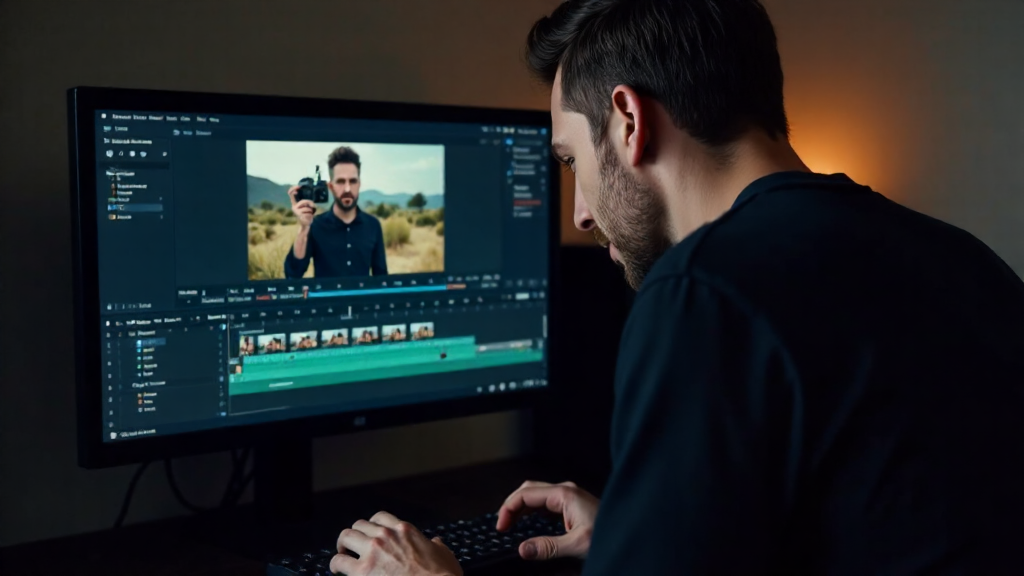
Free After Effects Alternative: The Ultimate Guide for Budget-Conscious Video Editors
If you're searching for a free After Effects alternative, you've probably felt the sticker shock—Adobe's industry-standard motion graphics software costs $22.99 per month for the single app, or $54.99/month for the full Creative Cloud suite. That's nearly $660 per year just for one tool.
The good news? There are excellent alternatives that won't drain your budget. Whether you're an indie filmmaker, a student, or a freelance video editor, this guide covers the best free and low-cost options that deliver professional results without the premium price tag.
Here's what we'll cover:
- Top free After Effects alternatives and their key features
- Honest comparison of pricing, capabilities, and limitations
- Which option works best for different use cases
- How mstudio.ai offers flexible pay-as-you-go pricing
Why Look for an After Effects Alternative?
After Effects is undeniably powerful—it's the backbone of Hollywood visual effects, motion graphics for broadcast, and complex compositing workflows. But for many creators, the cost outweighs the features they actually need.
The real costs add up quickly:
- Adobe After Effects (Single App): $22.99/month = $275.88/year
- Adobe Creative Cloud (Full Suite): $54.99/month = $659.88/year
- Annual commitment required for any discount
For freelancers just starting, students on tight budgets, or small teams who need motion graphics occasionally, these prices don't make sense. That's where alternatives come in.
Top Free After Effects Alternatives in 2026
1. DaVinci Resolve – Best Overall Free Option
DaVinci Resolve from Blackmagic Design is the most capable free After Effects alternative on the market. Originally a color grading tool used in Hollywood, it has evolved into a full-featured NLE (non-linear editor) with compositing, motion graphics, and visual effects capabilities.
Key Features:
- Fusion compositing module (similar to After Effects compositions)
- Professional color grading tools
- Multi-user collaboration
- Advanced keying and tracking
- Fairlight audio post-production
The Catch: The free version is incredibly robust, but some advanced features (like noise reduction, 3D tools, and team collaboration) require the $295 Studio version. For most users, the free version covers 90% of what After Effects does.
2. HitFilm Express – Best for VFX Enthusiasts
HitFilm Express markets itself as "the world's first free VFX editor." It's a solid choice if visual effects are your primary focus rather than traditional motion graphics.
Key Features:
- 200+ visual effects and compositing presets
- 3D particle simulator
- Advanced keying tools
- Unlimited timeline tracks
The Catch: The free version includes most core features, but you'll need to purchase add-ons for advanced VFX packs. The interface is also less intuitive than competitors.
3. Motion – macOS Only (But Powerful)
Motion is Apple's motion graphics software, available for $49.99 (one-time purchase) from the Mac App Store. While not "free," it's a one-time cost that beats Adobe's subscription model.
Key Features:
- Real-time motion graphics creation
- Seamless integration with Final Cut Pro
- 800+ royalty-free generator effects
- Professional keyframing and behaviors
The Catch: Mac only. Doesn't export to After Effects project files. Limited third-party integration.
4. Blender – Best for 3D Motion Graphics
Blender is the gold standard for free, open-source 3D animation. It's far more than an After Effects alternative—it's a complete 3D creation suite used by professionals worldwide.
Key Features:
- Complete 3D modeling, animation, and rendering
- Video sequence editor
- Compositing nodes
- Active community and extensive tutorials
- Free forever—no hidden costs
The Catch: Steep learning curve. Workflow is fundamentally different from After Effects (layer-based vs. node-based). Export times can be long for complex renders.
Comparing the Top Alternatives
| Software | Cost | Best For | Learning Curve | Export Quality |
|---|---|---|---|---|
| DaVinci Resolve | Free / $295 one-time | Video editors needing VFX | Medium | Professional |
| HitFilm Express | Free / Add-ons extra | VFX-heavy projects | Medium-High | Good |
| Motion | $49.99 one-time | Mac + Final Cut users | Low-Medium | Professional |
| Blender | Free forever | 3D animation + VFX | High | Professional |
| mstudio.ai | Pay-as-you-go | AI-enhanced editing | Low | High |
mstudio.ai: The Smart Alternative for Modern Creators
While free options exist, they come with trade-offs—limited features, steep learning curves, or workflows that don't match professional production standards. That's where mstudio.ai changes the equation.
Why mstudio.ai makes sense:
- Pay-as-you-go pricing: No monthly subscription. Pay only when you use it. Perfect for occasional projects or growing businesses.
- AI-enhanced workflow: Speed up repetitive tasks with intelligent automation—auto-tracking, smart cropping, AI-powered effects suggestions.
- Browser-based: Access your projects anywhere. No expensive hardware requirements.
- Professional output: Export in 4K, with support for all standard formats and aspect ratios.
Cost comparison:
- Adobe After Effects: $22.99/month = $275.88/year (minimum)
- mstudio.ai: Pay per project—typically $10-30 per video for most creators
If you produce 10 videos per month, Adobe costs $275.88+. With mstudio.ai's pay-as-you-go model, you could spend significantly less—or more importantly, scale your costs with your actual usage.
Who Should Choose mstudio.ai?
- Freelancers and agencies billing clients hourly
- Small businesses with sporadic video needs
- Creators who want AI assistance without subscription lock-in
- Anyone tired of Adobe's annual price increases
How to Choose the Right Alternative
Not sure which option fits your workflow? Here's a quick decision guide:
Choose DaVinci Resolve if:
- You need professional-grade color correction
- You're comfortable with a more complex interface
- You edit video AND need motion graphics
Choose Blender if:
- 3D animation is your primary focus
- You have time to invest in learning
- You want absolutely zero costs forever
Choose HitFilm Express if:
- Visual effects are more important than motion graphics
- You're on Windows and want free VFX tools
Choose mstudio.ai if:
- You want AI-powered features without the learning curve
- You prefer paying for what you use
- Browser-based convenience matters to you
Frequently Asked Questions
Is there a truly free alternative to After Effects?
Yes, DaVinci Resolve is the most capable free alternative. It includes a full compositing module (Fusion), color grading, and professional editing tools—all completely free. The only limitation is some advanced features require the $295 Studio version.
Can free alternatives export 4K video?
Yes, most free alternatives support 4K export. DaVinci Resolve, HitFilm Express, and Blender all export in 4K resolution. However, export speed depends on your computer's hardware.
What's the best After Effects alternative for beginners?
For beginners, mstudio.ai offers the gentlest learning curve with AI assistance to help along the way. If you want something more traditional, DaVinci Resolve has excellent tutorials, though the interface takes time to learn.
Why is After Effects so expensive?
Adobe uses a subscription model that provides continuous updates, cloud storage, and integration with other Adobe apps. However, this means you pay indefinitely rather than owning software outright. Many users find alternatives provide 80-90% of the functionality at a fraction of the cost.
Can I switch from After Effects to a free alternative?
Yes, but expect a learning curve. Project files aren't directly compatible—you'll need to recreate compositions in your new software. DaVinci Resolve has the most similar timeline-based workflow to After Effects.
Key Takeaways
- DaVinci Resolve is the best free After Effects alternative for video editors who need VFX capabilities
- Blender is ideal for 3D-focused creators willing to invest learning time
- mstudio.ai offers AI-enhanced editing with flexible pay-as-you-go pricing—ideal for modern creators
- Free doesn't always mean limited—DaVinci Resolve and Blender rival professional paid software
- Choose based on your specific needs: VFX, 3D, color, or AI assistance
Ready to Make the Switch?
Finding the right After Effects alternative comes down to understanding your workflow, budget, and long-term goals. Whether you choose a completely free solution or a flexible pay-as-you-go platform like mstudio.ai, you have options.
Start exploring today:
- Download DaVinci Resolve at blackmagicdesign.com
- Try mstudio.ai's free tier at mstudio.ai
- Download Blender at blender.org
The best software is the one that fits your budget AND helps you create your best work.